


屏幕截图
关于此应用
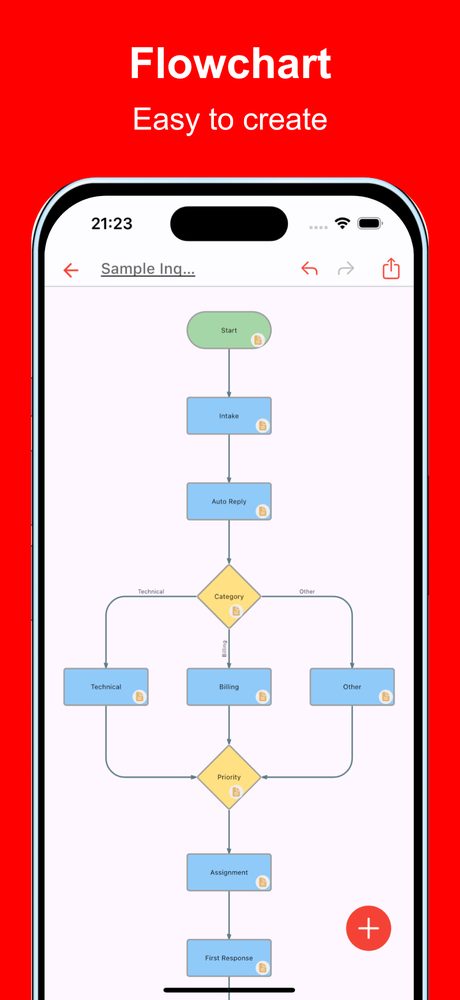
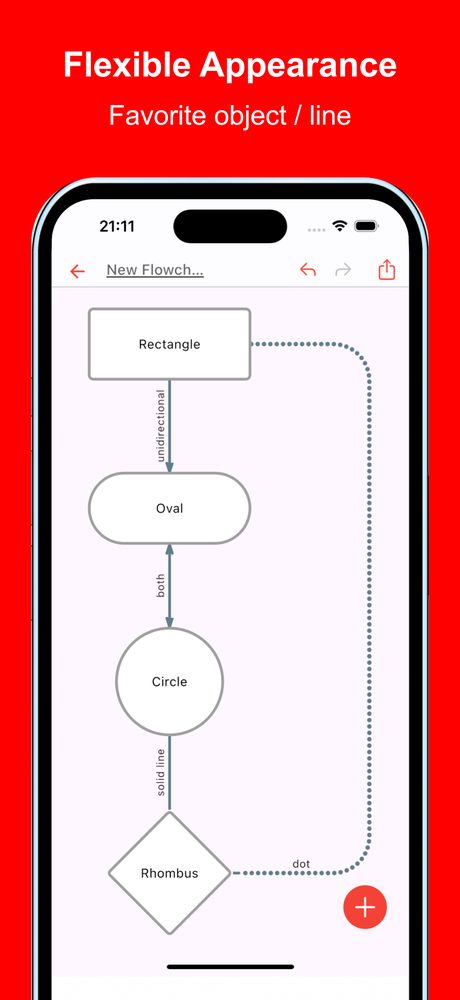
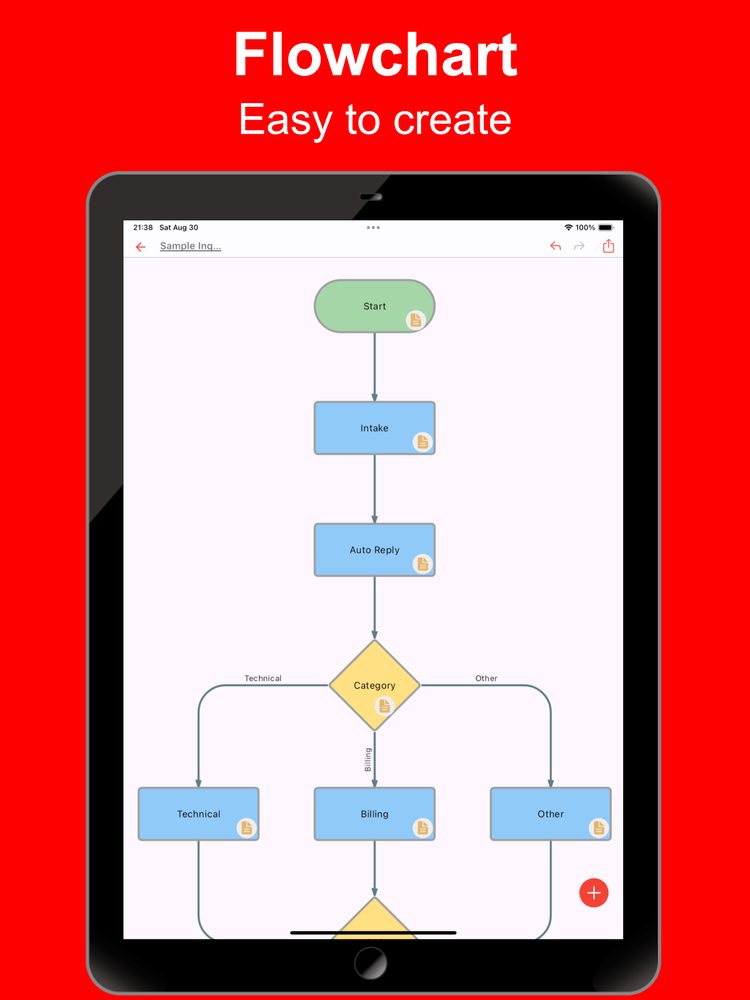
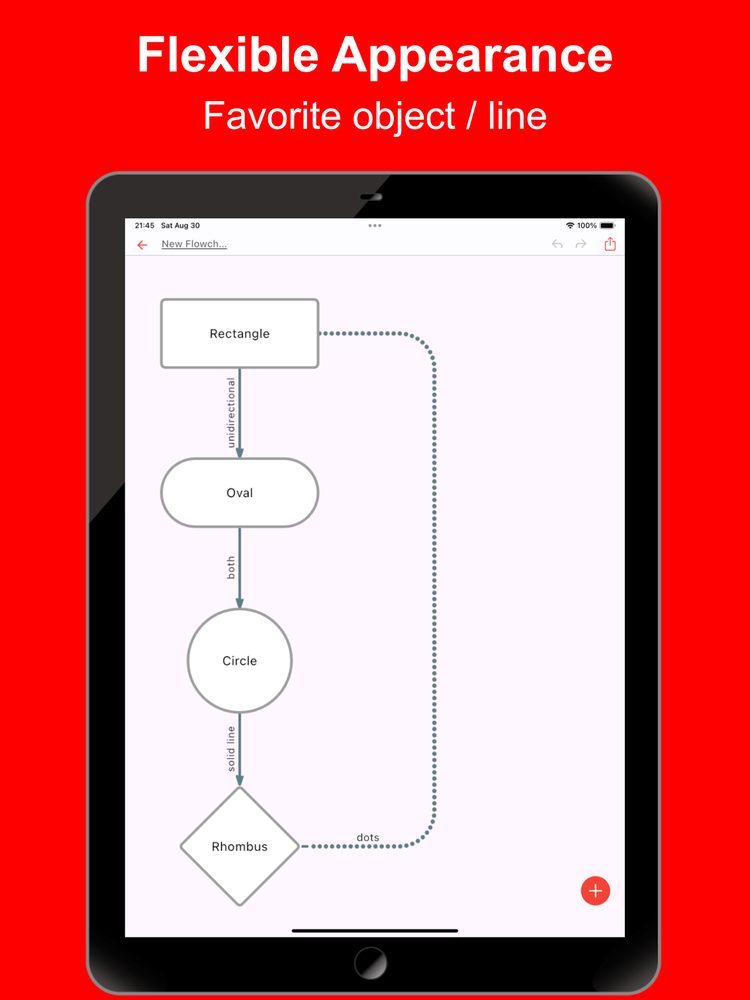
这是一款可让您在智能手机或平板电脑上轻松创建流程图的应用程序。 它不仅支持各种形状和线条,还支持插入链接和添加详细注释等基本的商务表达方式。
使用流程图进行可视化对于整理思路非常重要。 通过创建流程图,多个利益相关者可以更好地理解内容,使其在各种情况下都很有用。 有了这个应用程序,即使在您的移动设备上,您也可以快速创建流程图。
它可用于各种情况,例如:
- 优化和可视化业务流程
- 管理和共享项目进度
- 设计销售流程和工作流程
- 构建客户支持和服务运营
- 从概念到执行规划和管理项目
- 管理新产品或服务的发布流程
- 可视化预算规划和融资流程
- 组织内部审批流程和决策流程
- 创建培训计划和操作手册
- 规划和执行营销策略
每当您需要创建流程图时,请尝试一下。
[特征]
- 直观的可操作性
易用性是最重要的因素。它运行流畅,您可以直观地编辑您的流程图。
- 富有表现力
您可以为每个项目分配您喜欢的颜色,以进行富有表现力的表示。
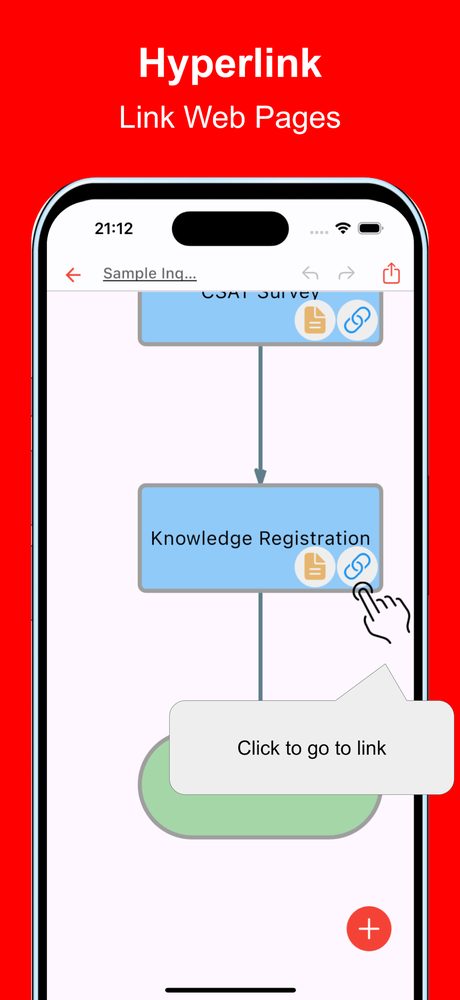
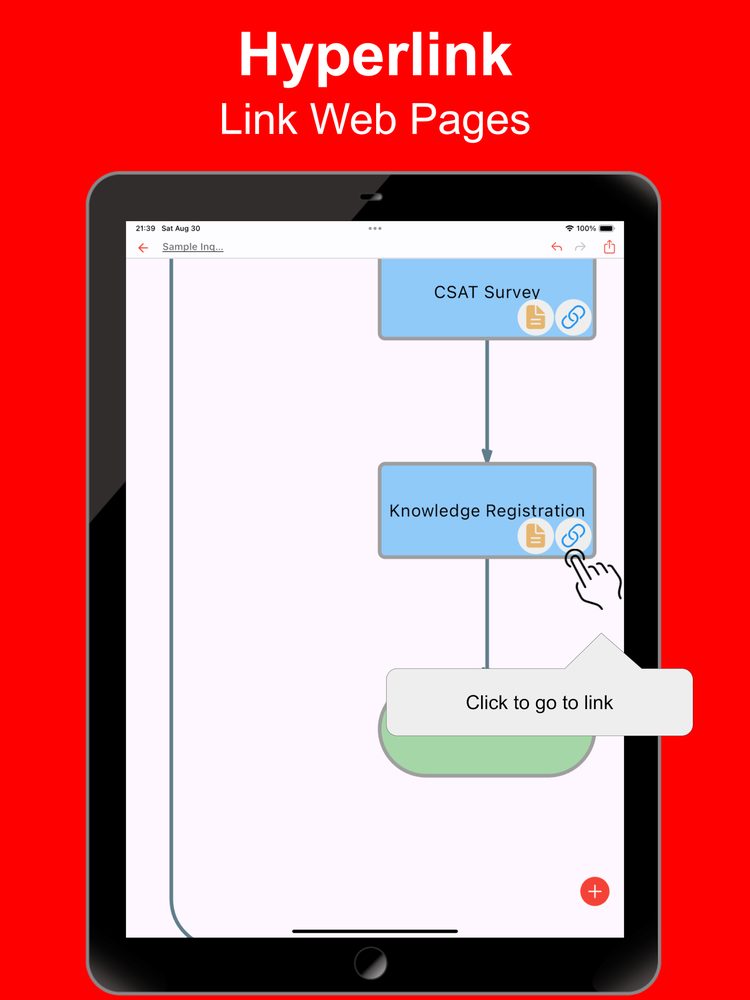
- 链接
由于您可以插入链接,因此在您想要管理参考站点时也很有用。
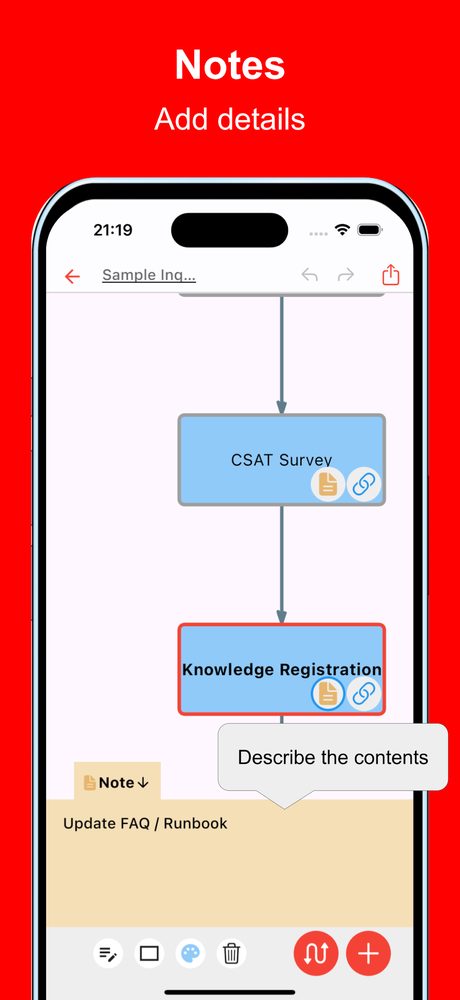
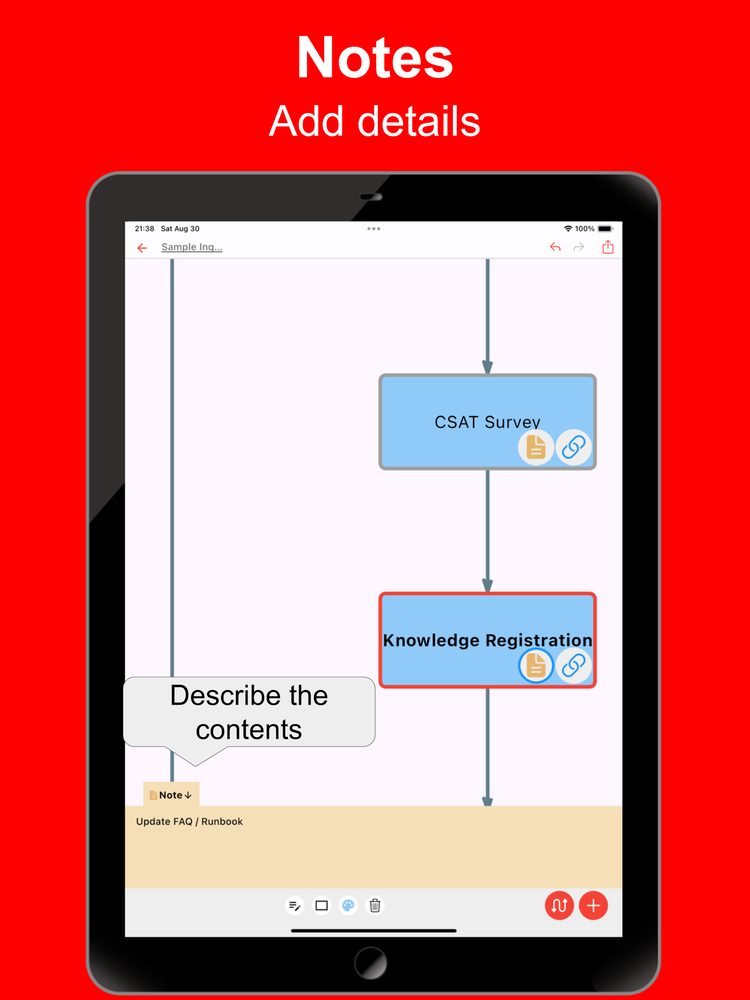
- 笔记
为每个项目包含描述性文本以管理详细信息。
- 即开即用
您无需注册帐户即可立即使用。
- 多设备支持
它支持 Google Drive 集成,可在多个设备之间进行无缝编辑。
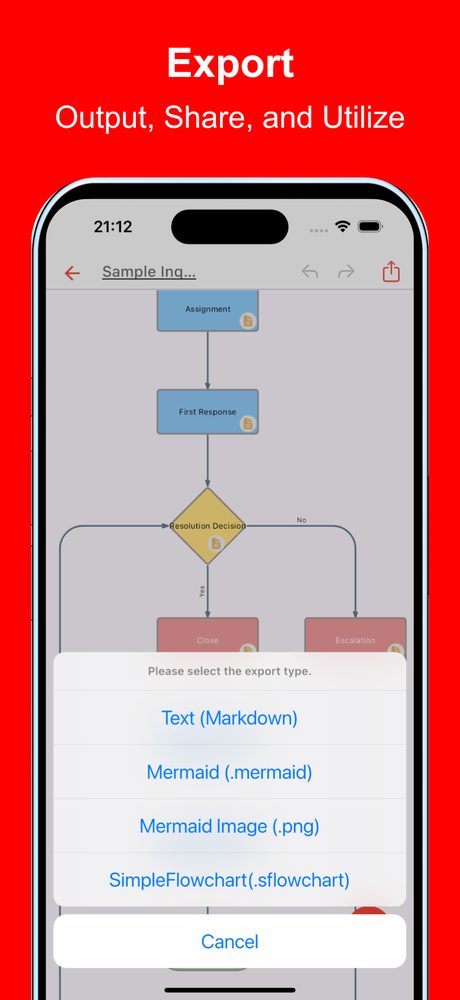
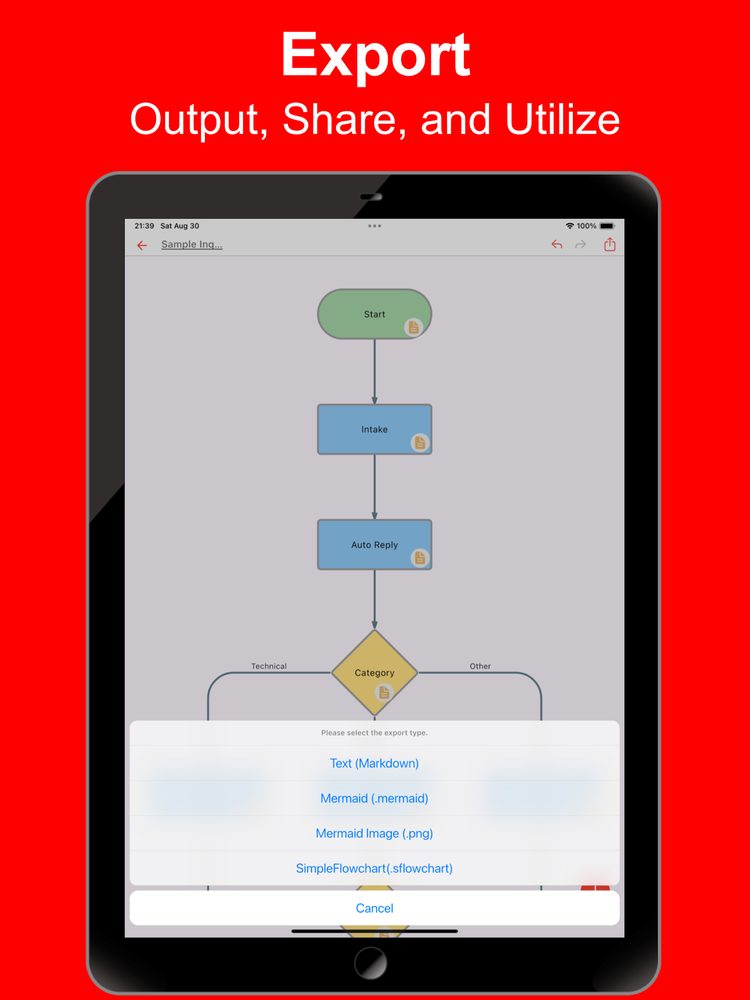
- 导出和共享
您可以导出和共享您的流程图,甚至可以在 PC 上对其进行编辑。
- 进口
导出的流程图数据可以导入和编辑。
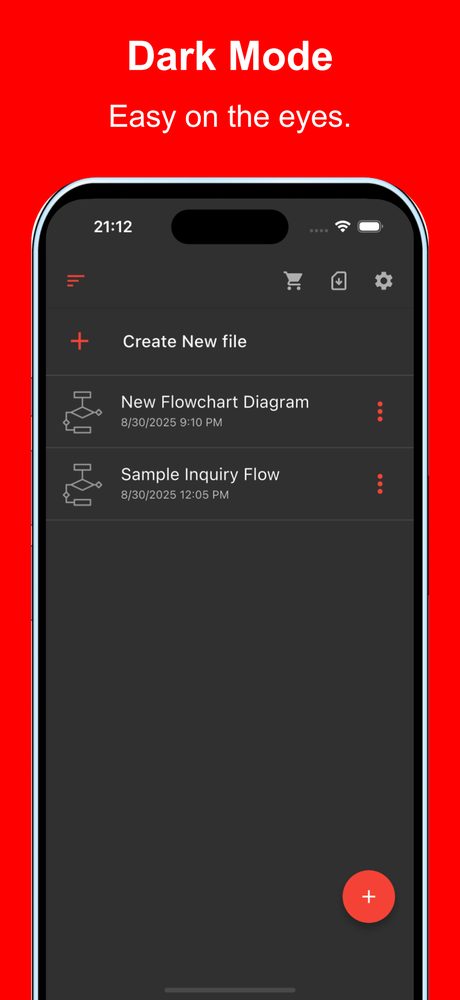
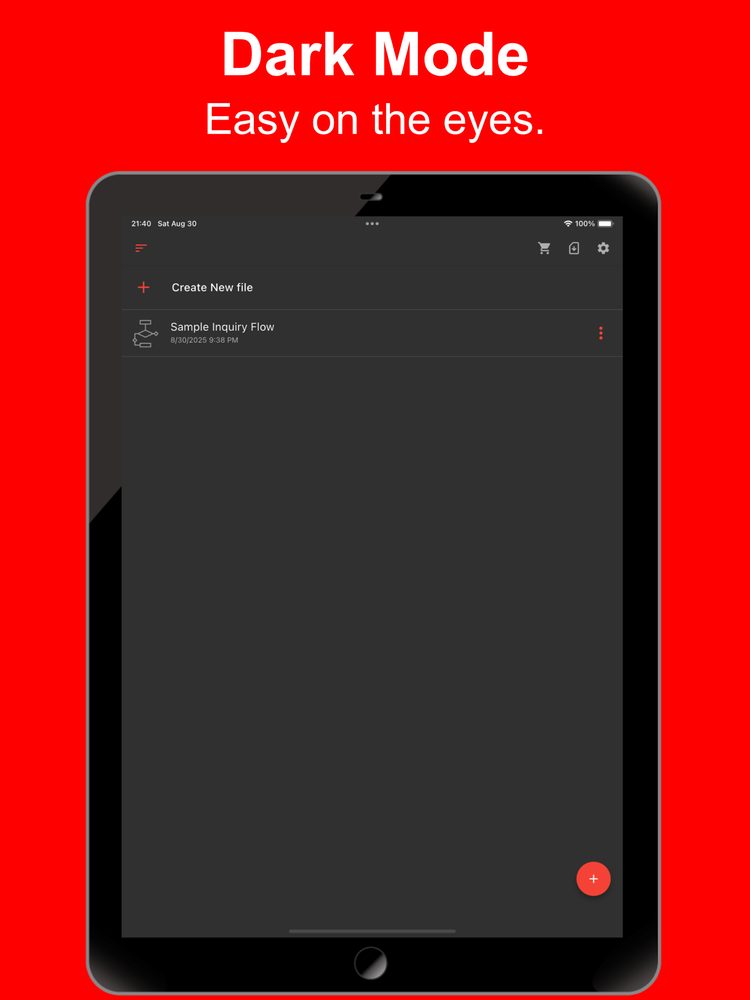
- 深色主题支持
由于它支持深色主题,因此也非常适合在夜间使用。
Sample files
Choose a sample, preview the diagram, and open it in the web app to try editing.
Customer support
Route an inquiry to technical support, billing, or a general help desk.
Notes and links
Try a workflow with detailed notes and useful links attached to its steps.
Resolution and escalation
Follow a decision branch and a return path when an issue needs another response.
Purchase approval
Compare approval and revision paths before a purchase is placed.
Online order fulfillment
Trace an order from stock checks through payment, packing, and shipping.
Connection troubleshooting
Use two decision points to narrow down a connection problem.
Sign-in validation
Separate missing input, invalid credentials, and a successful sign-in.
Task prioritization
Classify tasks into three action paths based on urgency and importance.
Software release
Map review, build, and verification steps before publishing a release.
Study and review
Choose between moving forward and reviewing a topic after a practice quiz.
Travel planning
Plan reservations and select an indoor or outdoor itinerary based on the weather.
Event registration
Check capacity and route participants to confirmation or a waiting list.
Inventory and restocking
Use a stock threshold to decide when to order supplies and update inventory.
Hiring workflow
Visualize application screening, interviews, and the final notification.
Data processing
Connect input, validation, storage, and reporting in one data workflow.
最新动态
简单流程图 已在 Chrome 发布.
简单流程图 已在 iOS 发布.
简单流程图 已在 Android 发布.
用户评价
来自 App Store 和 Google Play 用户的评价
相关应用
寻找适合您接下来想做之事的应用。