

iCornell - Cornell Notes 已在 Android 发布.
屏幕截图
关于此应用
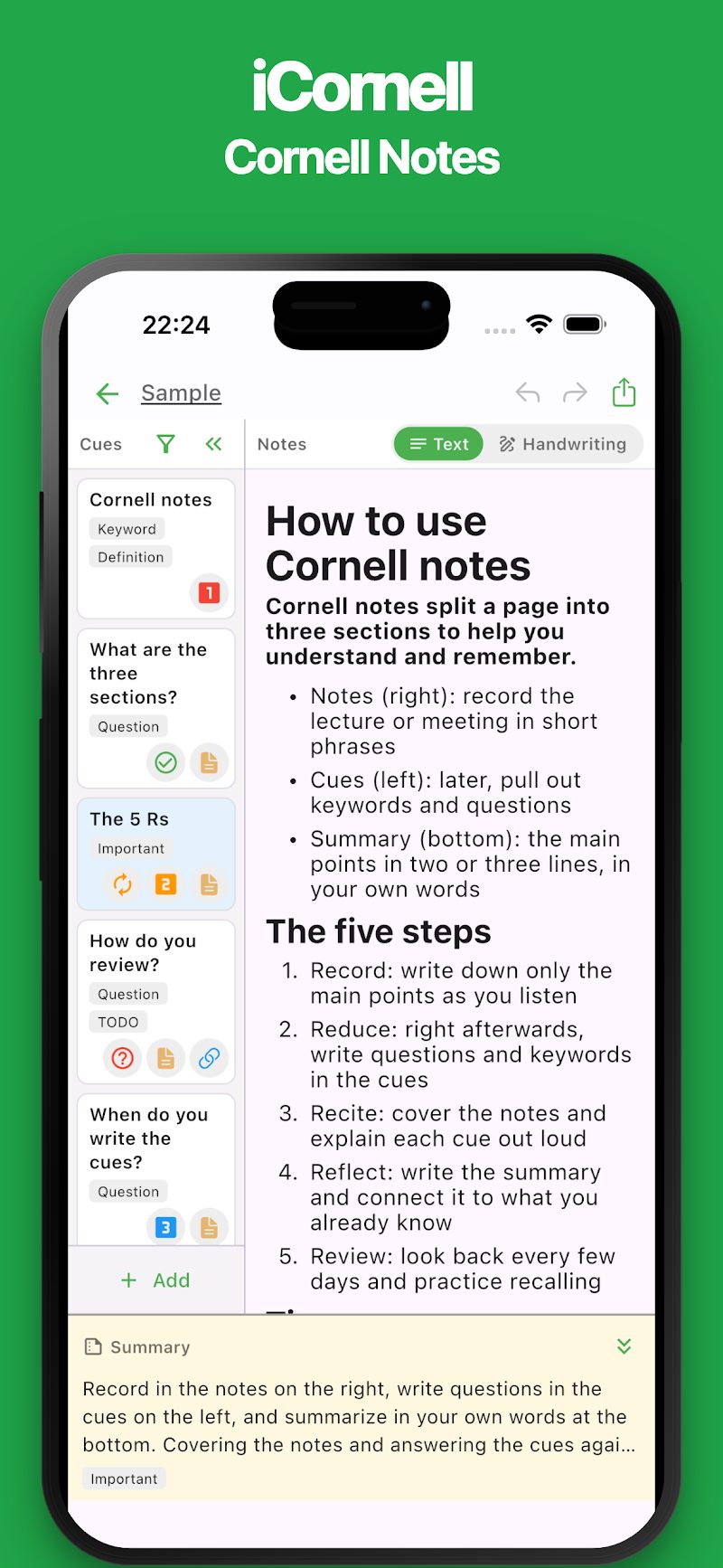
iCornell makes it easy to create Cornell notes right on your smartphone. Organize what you learn using three dedicated sections: Notes, Cues, and Summary.
The Cornell note-taking layout is ready to use from the start, so there's no complicated setup. Easily create notes for classes, lectures, study sessions, meetings, and more.
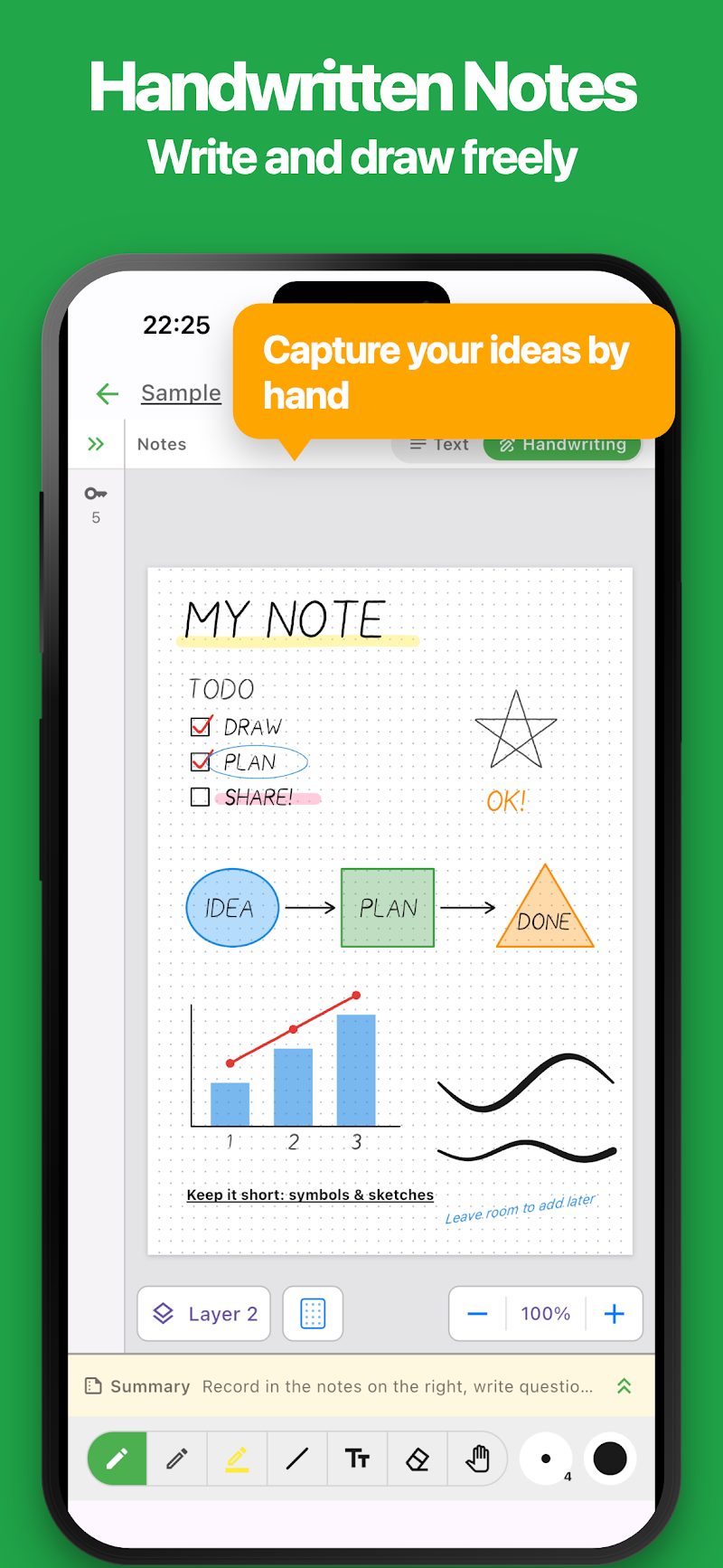
In addition to typing, iCornell also supports handwriting. Organize important keywords, track your understanding, review what you've learned, and export or print your notes as PDF files.
USE CASES
・Class notes and university lectures ・Study notes and exam preparation ・Vocabulary learning and memorization ・Reading notes and book summaries ・Meeting notes and minutes ・Seminars and training sessions ・Brainstorming and idea organization ・Learning summaries and review
FEATURES
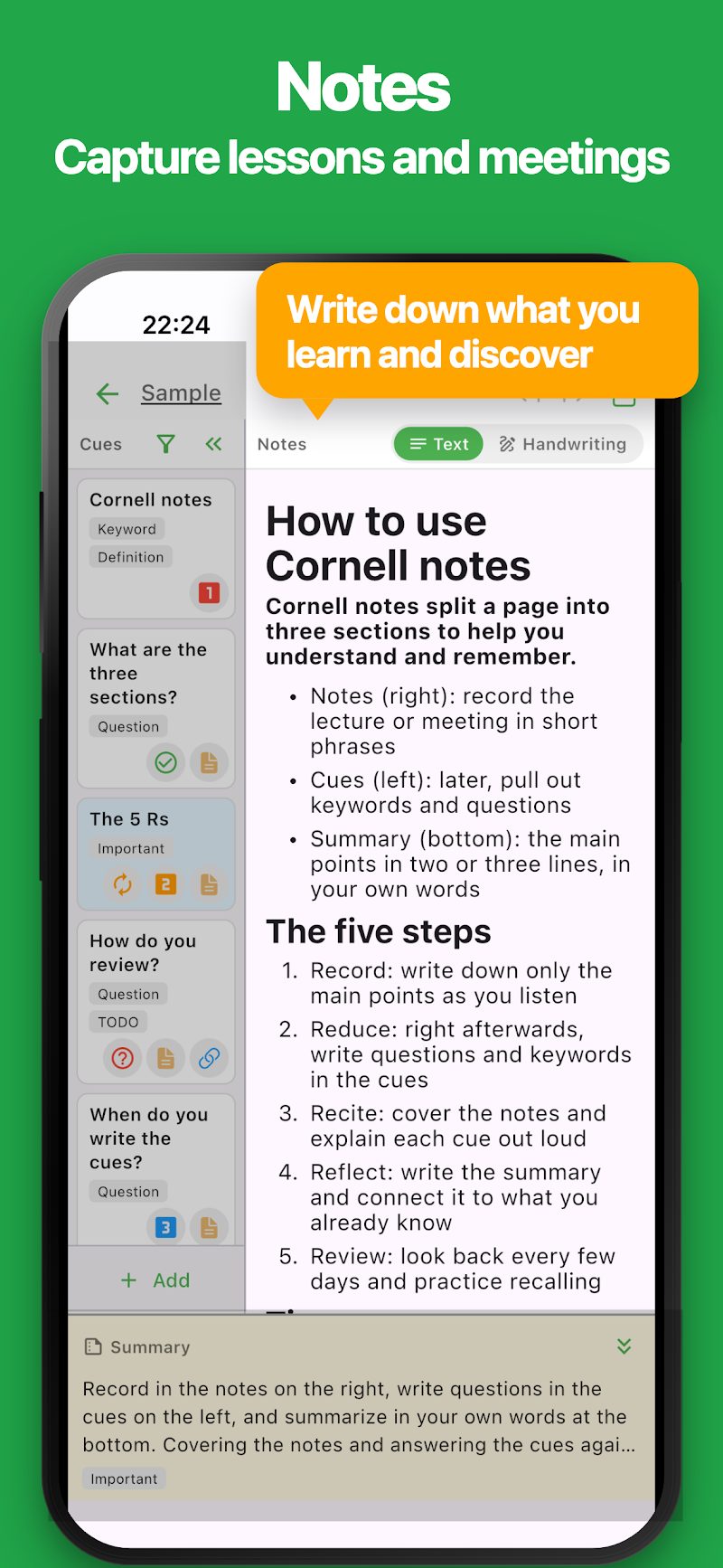
・Cornell Note-Taking Easily create notes with three dedicated sections: Notes, Cues, and Summary. Capture information, organize key points, and review what you've learned using the Cornell note-taking method.
・Intuitive and Easy to Use A simple, user-friendly interface makes creating and editing notes effortless. The editing area automatically expands while you type, giving you more space to work comfortably on your smartphone.
・Flexible Note Editing Record lessons, meetings, ideas, and anything you want to remember. Use headings, bullet points, checklists, text colors, and other formatting options to create clear, organized notes.
・Handwritten Notes Write and draw freely using pens, pencils, and highlighters. Combine shapes and text to create diagrams, sketches, and visual explanations. Choose from lined, grid, dotted, or blank backgrounds.
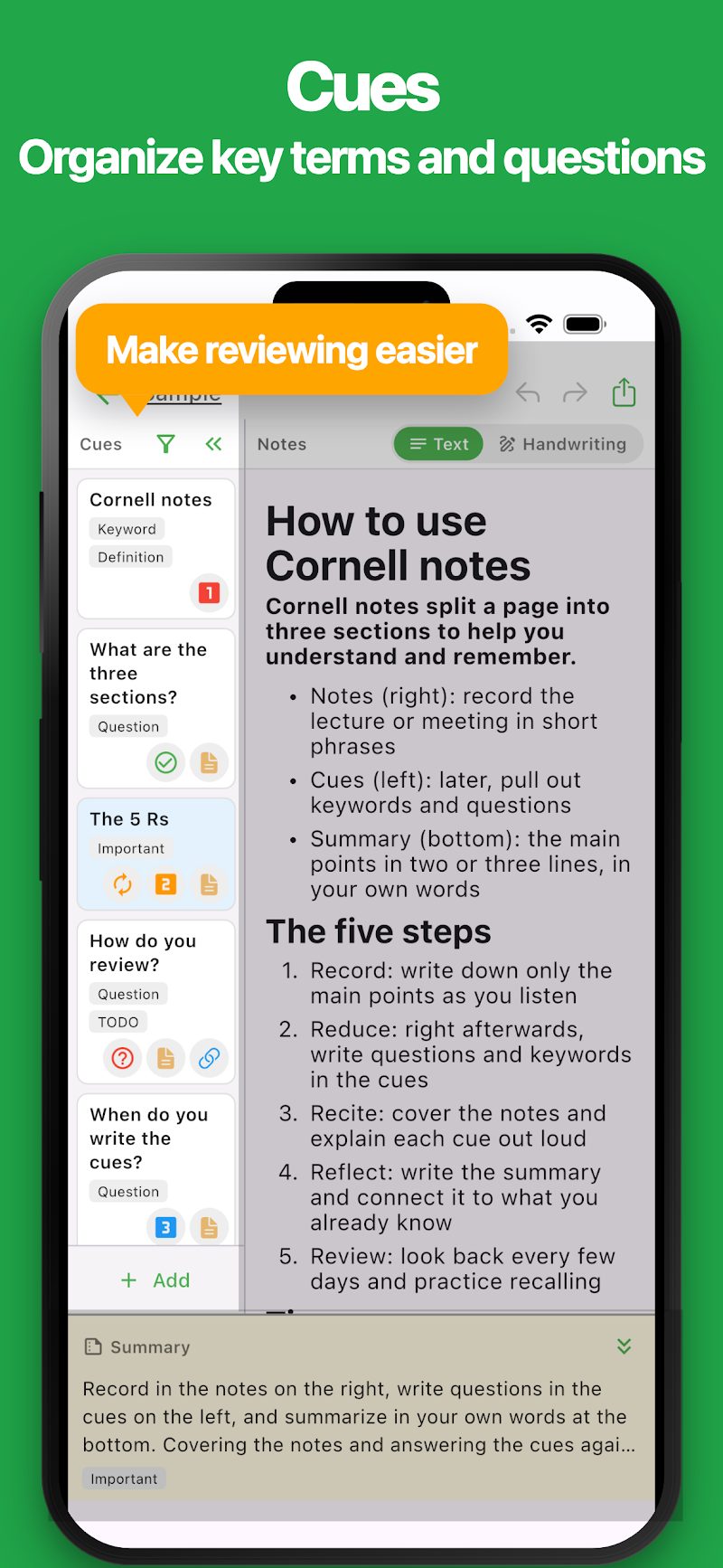
・Keyword Organization Organize important terms and questions using individual cue cards. Add notes, labels, priorities, and other details to keep your study materials well organized.
・Track Understanding and Review Set an understanding level for each keyword or question. Filter your cue cards by understanding level, label, or priority to focus on what you need to review.
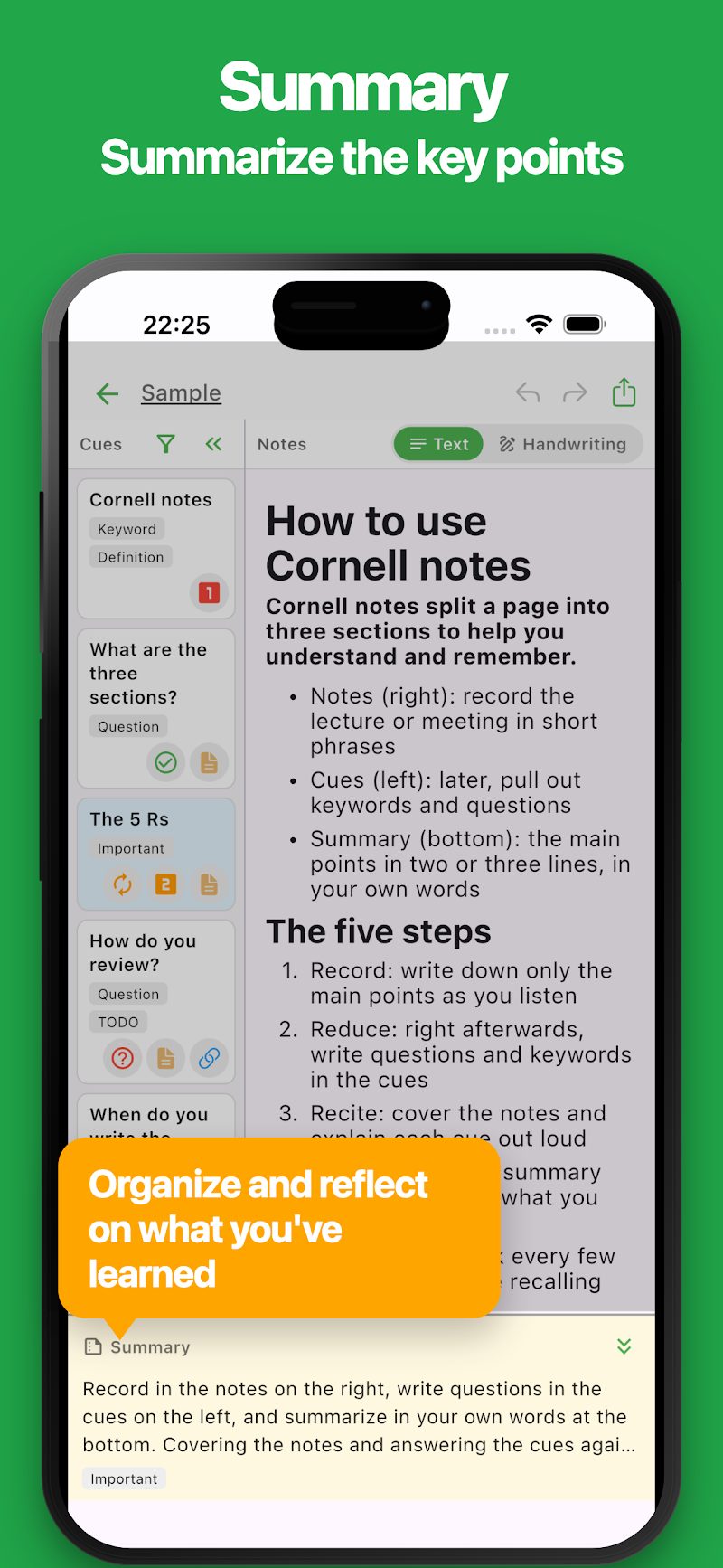
・Summaries Use a dedicated summary section to capture the most important points from your notes. Reflect on what you've learned and reinforce your understanding by summarizing information in your own words.
・Automatic Saving Your changes are saved automatically, so you can focus on taking notes without worrying about saving your work.
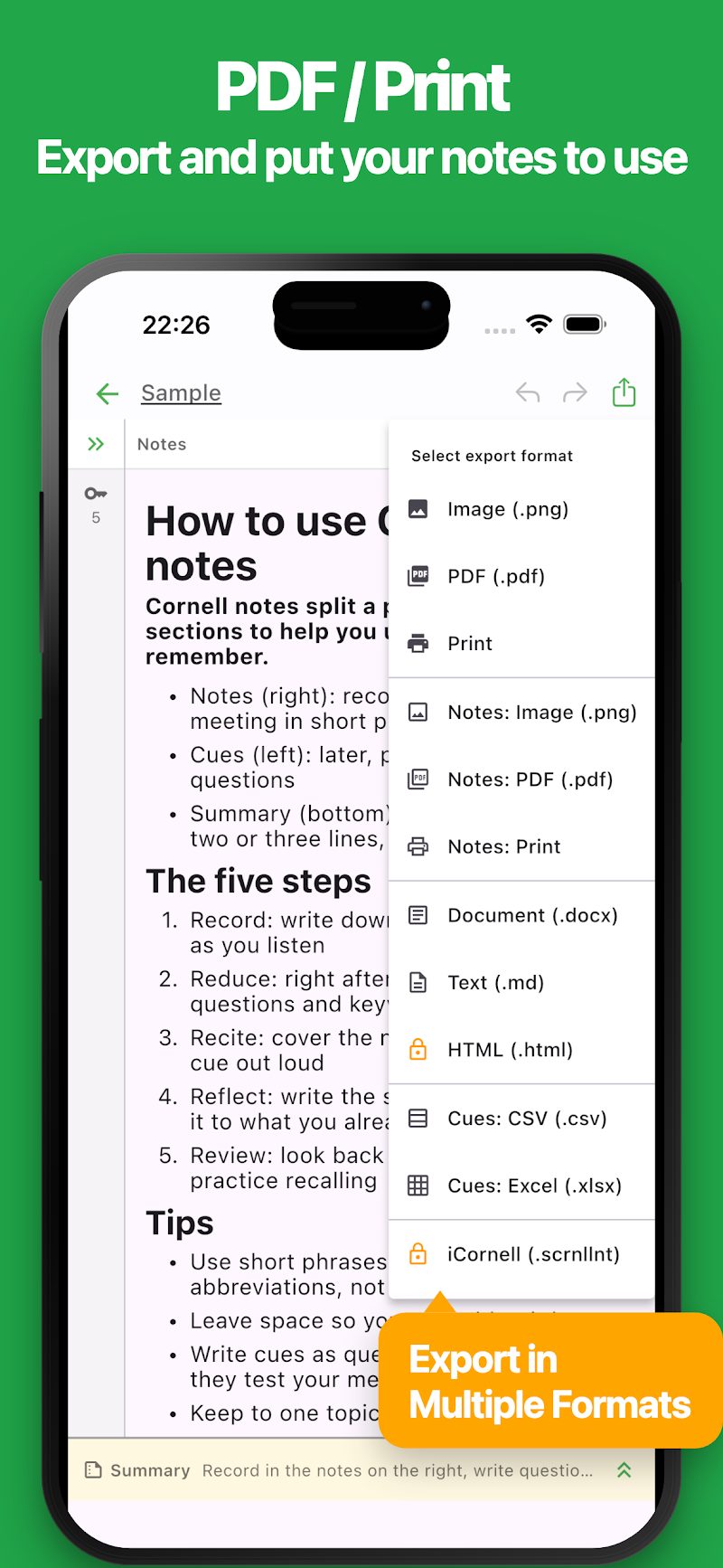
・PDF Export and Printing Export your notes as PDF files or images while preserving the Cornell note-taking layout. Print your notes for offline use or share them with others.
・Multiple Export Formats Export your notes to Word or Markdown formats. You can also export your keyword lists to CSV or Excel, making it easy to create vocabulary lists, study materials, and review checklists.
・Ready-to-Use Sample Notes Get started with sample notes that explain how to use the Cornell note-taking method. Learn how to organize your notes, review effectively, and make the most of each section.
・Dark Mode Enjoy a comfortable note-taking experience with dark mode, especially when studying or working at night.
The Cornell note-taking method is designed to help you do more than simply record information. It encourages you to organize, review, and reflect on what you've learned.
Whether you're studying for an exam, attending a lecture, reading a book, or taking meeting notes, iCornell helps you keep your thoughts organized and your notes easy to review.
Give iCornell a try and discover a simple way to take better notes.
最新动态

更多应用

InkNote - 手写笔记
手写笔记并导出为 PNG/PDF

Simple Google Forms with AI
Create Surveys & Forms Easily

Simple Newspaper Maker
Templates, Easy Design & Print

集章卡 / 会员积分卡
为店铺设计和打印卡片

iEvery - 每日笔记与习惯记录
记录心情、健康、服药、饮酒、学习、运动等,轻松养成每日好习惯

Simple Photo Album
制作、幻灯片播放、PDF 导出与打印

# Simple Trip Planner
规划旅行并创建行程

HTML 幻灯片 AI
用 AI 轻松制作 HTML 幻灯片

ReqSpec AI:规格管理
用AI整理需求与规格

Simple Rust
Rust Editor / Runtime