


螢幕截圖
關於此應用程式
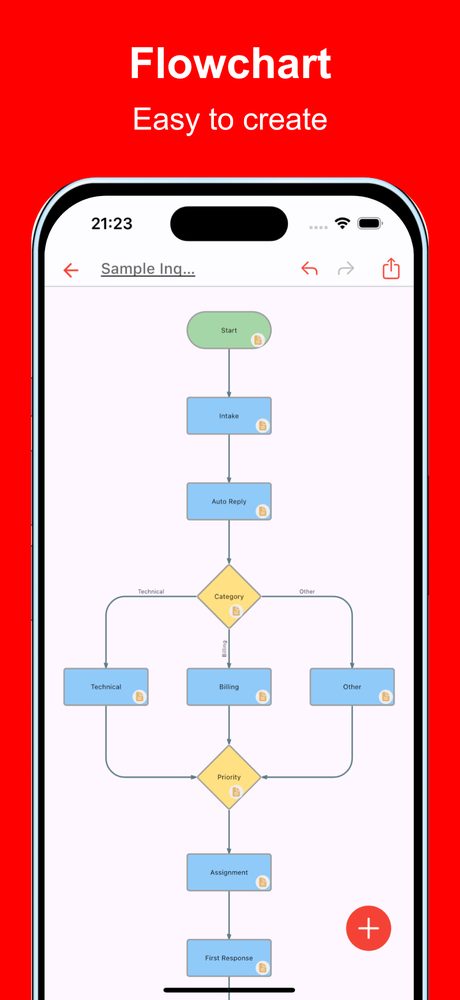
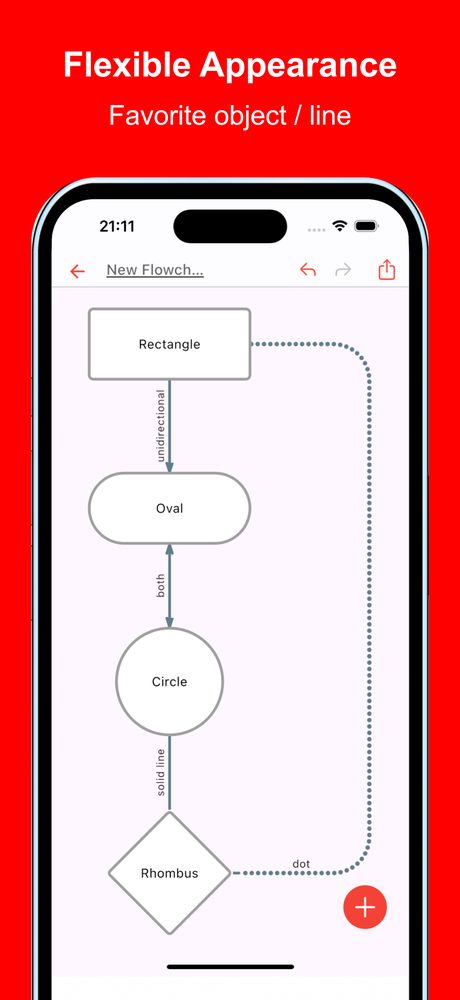
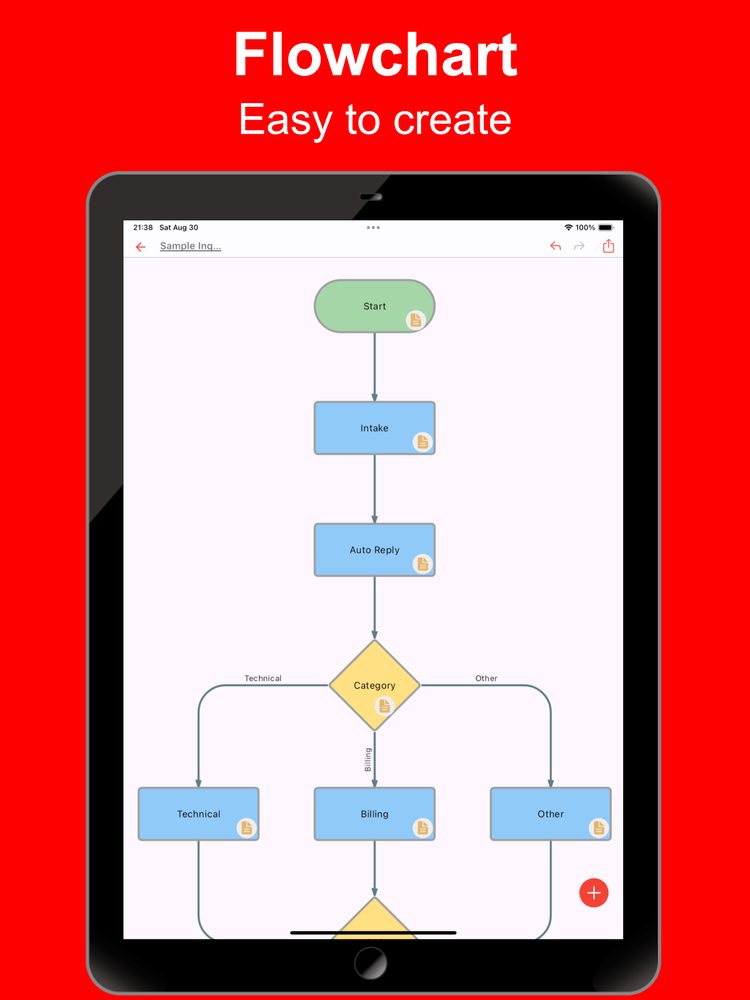
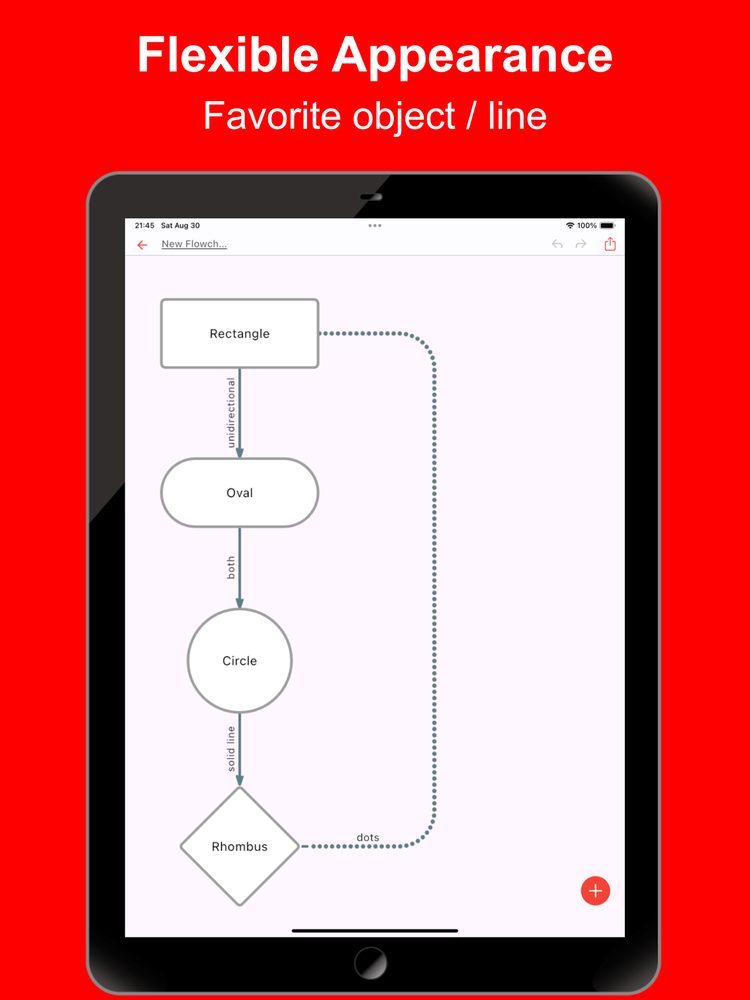
這是一款可讓您在智慧型手機或平板電腦上輕鬆建立流程圖的應用程式。 它不僅支援各種形状和線條,還支援插入連結和新增詳細註釋等基本的商務表達方式。
使用流程圖進行視覺化對於整理思路非常重要。 透過建立流程圖,多個利害關係人可以更好地理解內容,使其在各種情況下都很有用。 有了這個應用程式,即使在您的行動裝置上,您也可以快速建立流程圖。
它可用於各種情況,例如:
- 優化和視覺化業務流程
- 管理和共享專案進度
- 設計銷售流程和工作流程
- 建構客戶支援和服務營運
- 從概念到執行規劃和管理專案
- 管理新產品或服務的發布流程
- 視覺化預算規劃和融資流程
- 組織內部審批流程和決策流程
- 建立培訓計劃和操作手冊
- 規劃和執行行銷策略
每當您需要建立流程圖時,請嘗試一下。
[特徵]
- 直觀的可操作性
易用性是最重要的因素。它運行流暢,您可以直觀地編輯您的流程圖。
- 富有表現力
您可以為每個項目分配您喜歡的顏色,以進行富有表現力的表示。
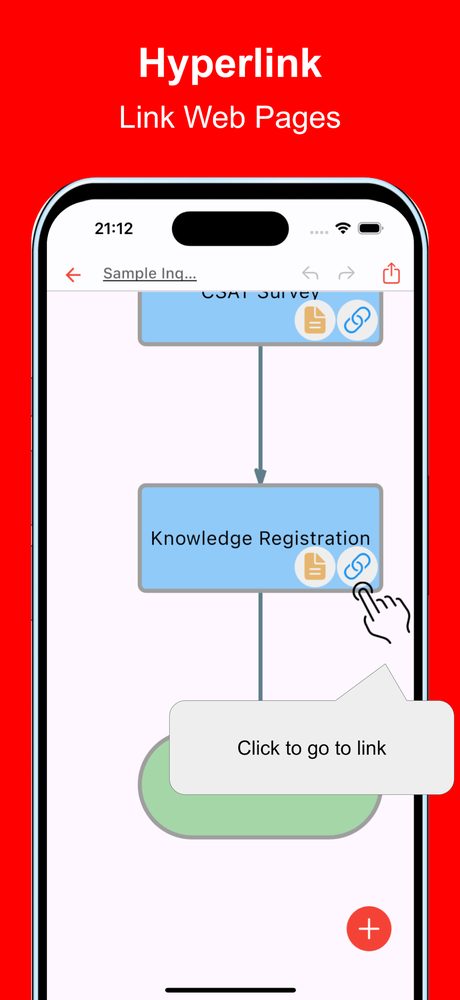
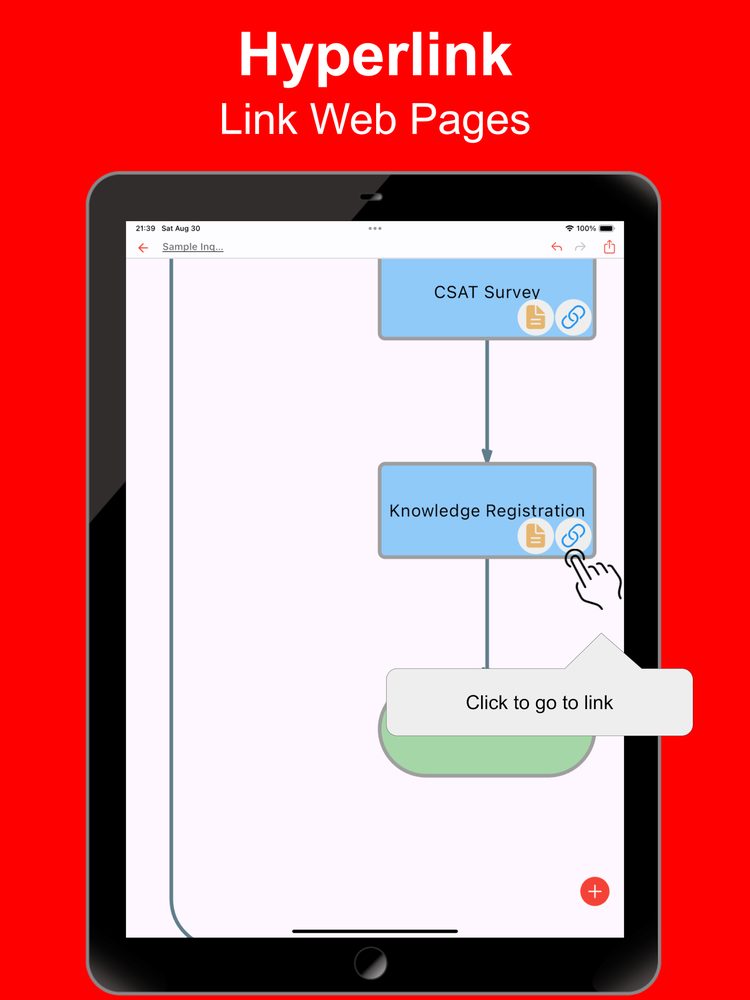
- 連結
由於您可以插入連結,因此在您想要管理參考站點時也很有用。
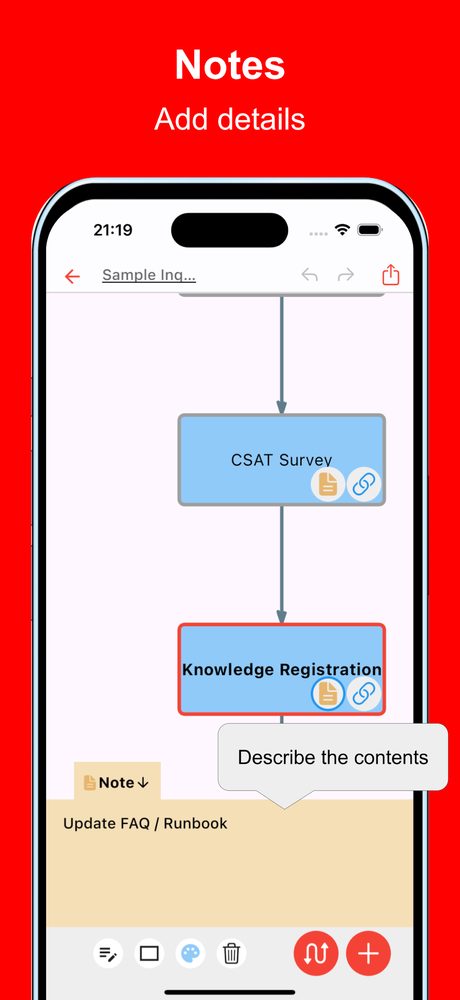
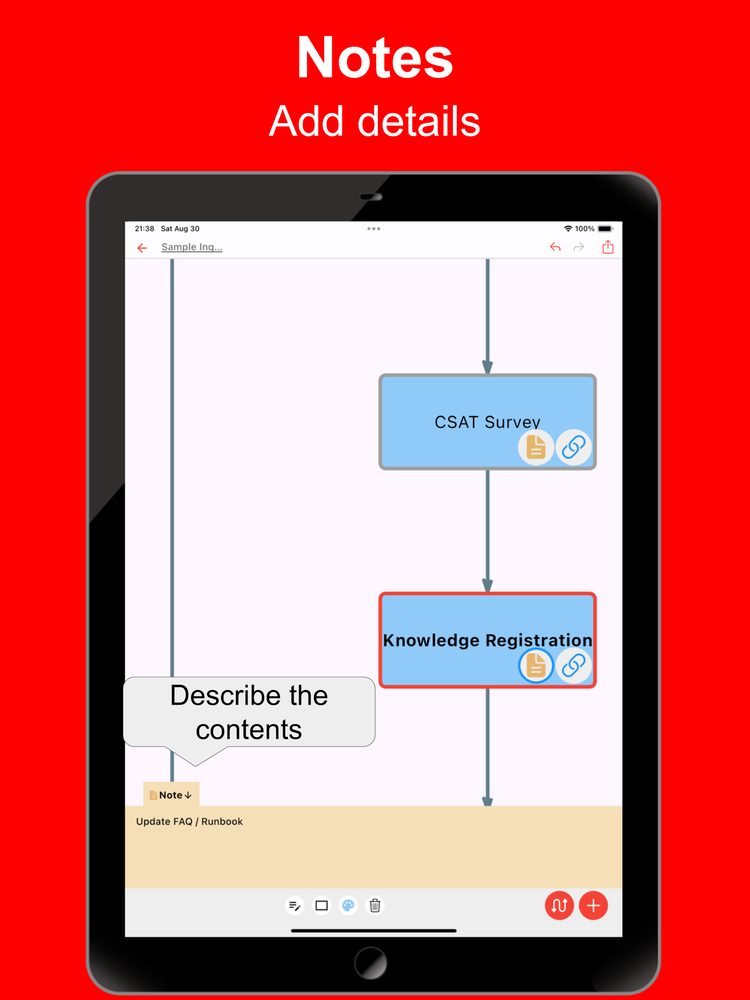
- 筆記
為每個項目包含描述性文字以管理詳細資訊。
- 即開即用
您無需註冊帳戶即可立即使用。
- 多裝置支援
它支援 Google Drive 整合,可在多個裝置之間進行無縫編輯。
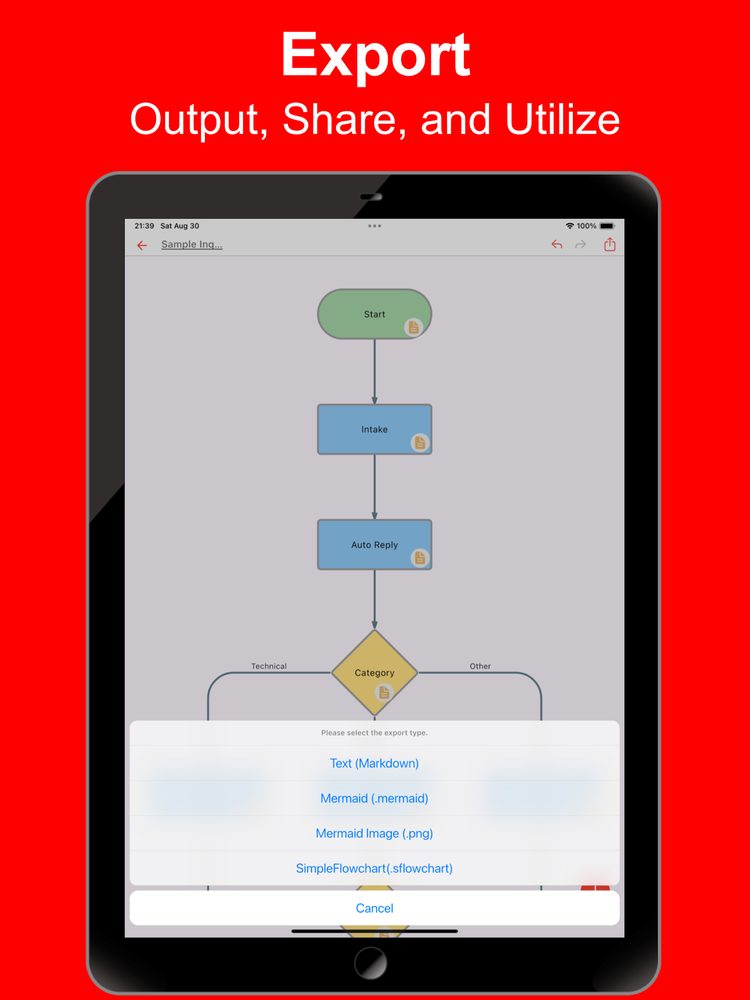
- 匯出和共用
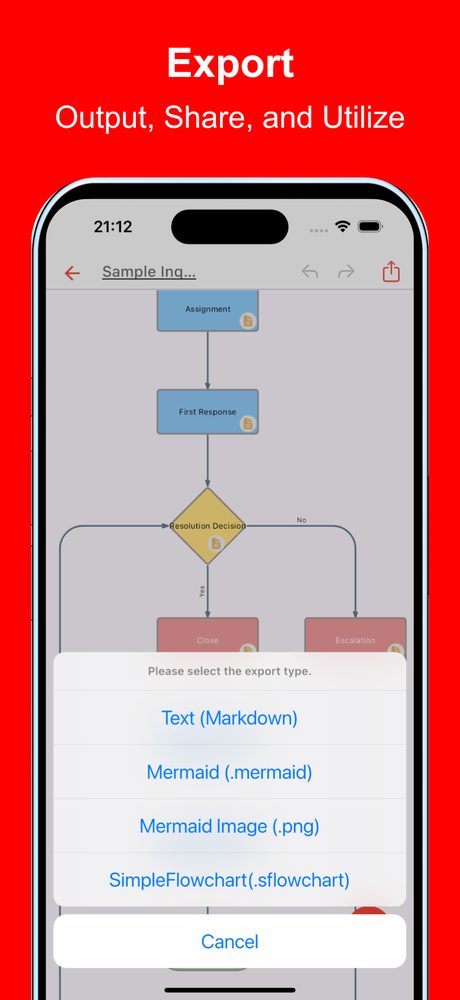
您可以匯出和共用您的流程圖,甚至可以在 PC 上對其進行編輯。
- 進口
匯出的流程圖資料可以匯入和編輯。
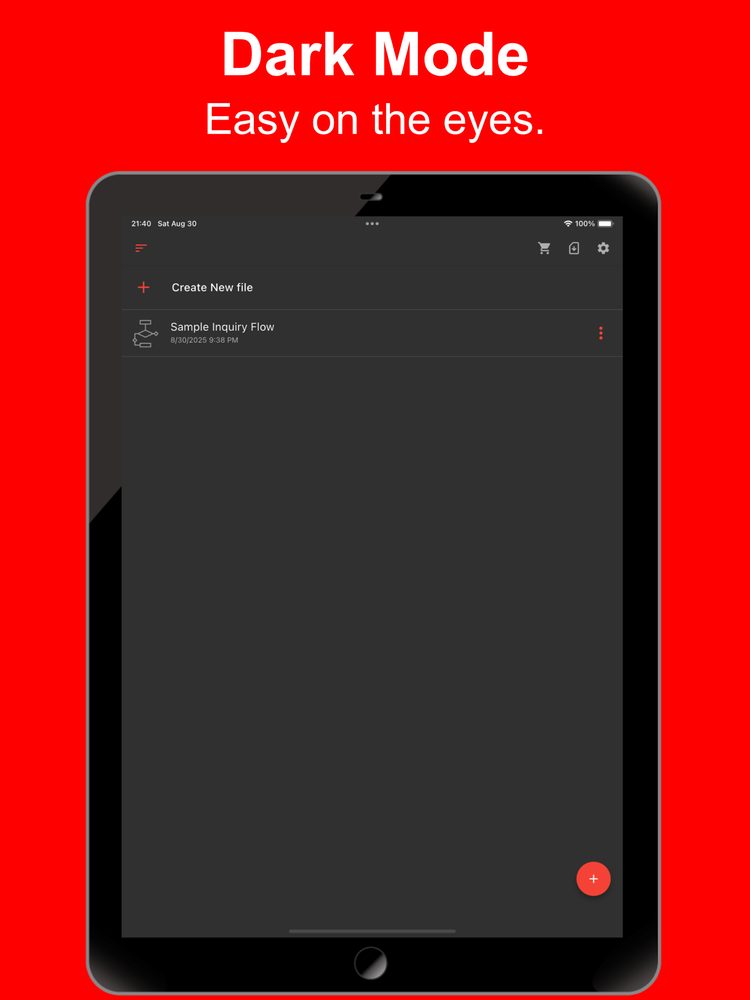
- 深色主題支援
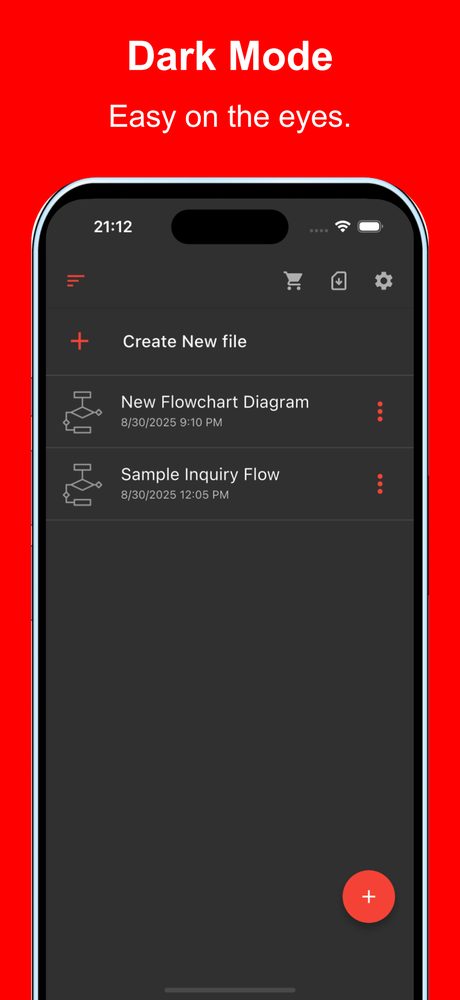
由於它支援深色主題,因此也非常適合在夜間使用。
Sample files
Choose a sample, preview the diagram, and open it in the web app to try editing.
Customer support
Route an inquiry to technical support, billing, or a general help desk.
Notes and links
Try a workflow with detailed notes and useful links attached to its steps.
Resolution and escalation
Follow a decision branch and a return path when an issue needs another response.
Purchase approval
Compare approval and revision paths before a purchase is placed.
Online order fulfillment
Trace an order from stock checks through payment, packing, and shipping.
Connection troubleshooting
Use two decision points to narrow down a connection problem.
Sign-in validation
Separate missing input, invalid credentials, and a successful sign-in.
Task prioritization
Classify tasks into three action paths based on urgency and importance.
Software release
Map review, build, and verification steps before publishing a release.
Study and review
Choose between moving forward and reviewing a topic after a practice quiz.
Travel planning
Plan reservations and select an indoor or outdoor itinerary based on the weather.
Event registration
Check capacity and route participants to confirmation or a waiting list.
Inventory and restocking
Use a stock threshold to decide when to order supplies and update inventory.
Hiring workflow
Visualize application screening, interviews, and the final notification.
Data processing
Connect input, validation, storage, and reporting in one data workflow.
最新消息
簡單流程圖 已在 Chrome 上架.
簡單流程圖 已在 iOS 上架.
簡單流程圖 已在 Android 上架.
使用者評論
來自 App Store 和 Google Play 使用者的評論
相關應用程式
尋找適合您下一個目標的應用程式。