

Simple Flowchart AI was released on Chrome.

Simple Flowchart AI
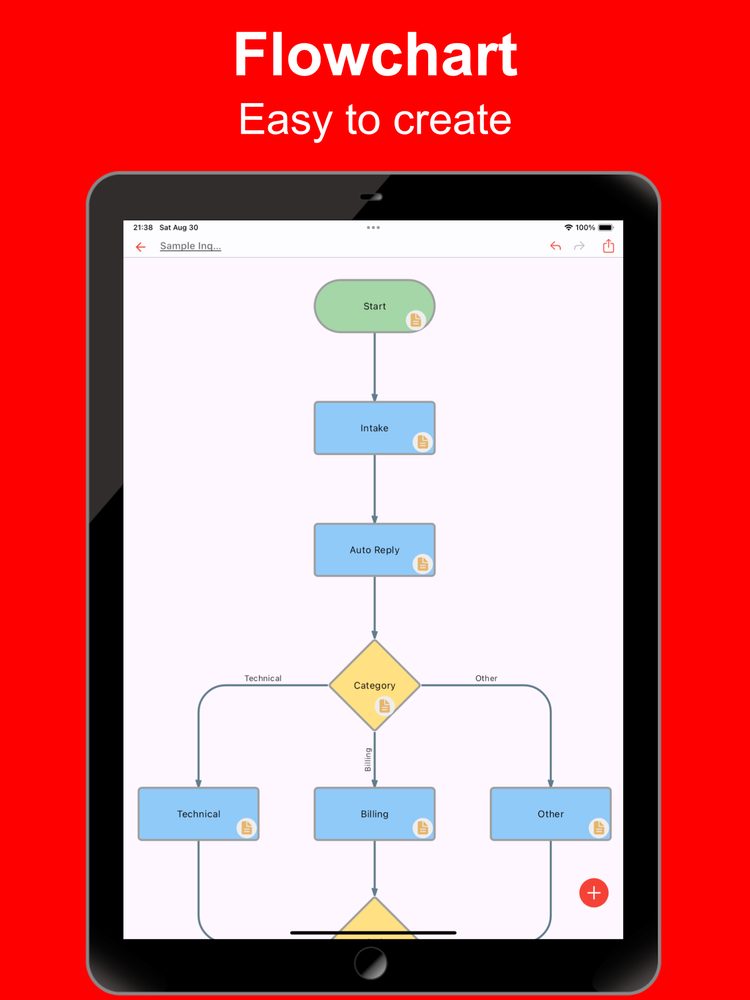
Create flowcharts easily with the latest AI
Release date: (iOS)
Screenshots
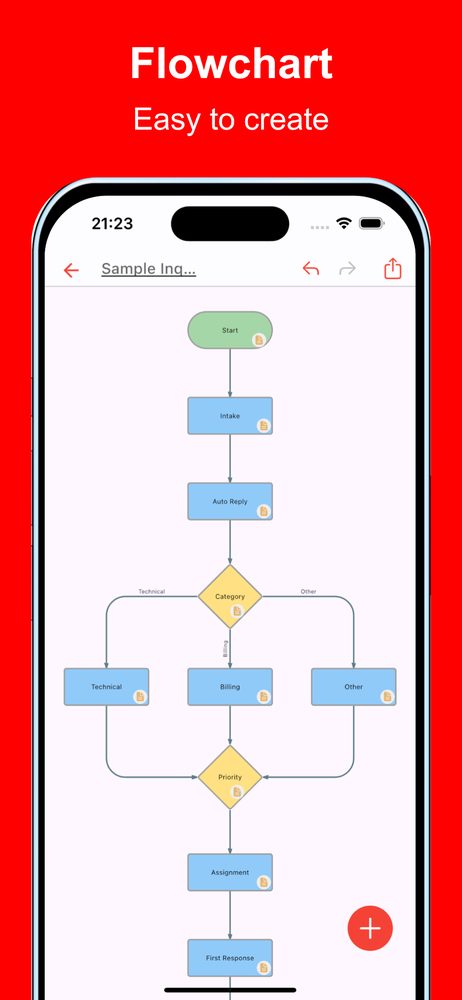
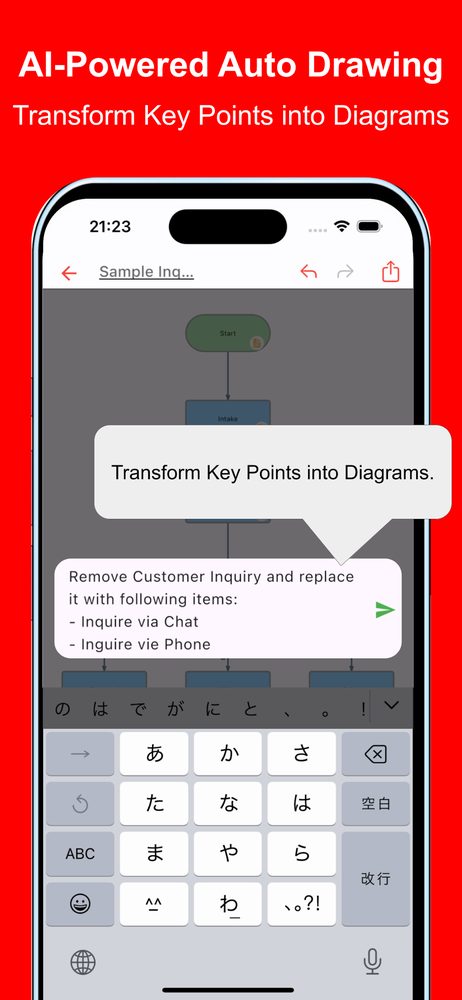
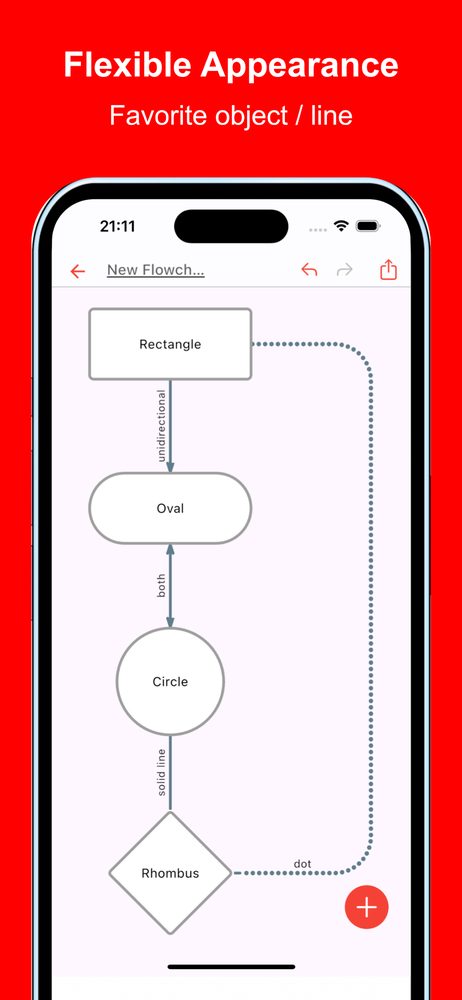
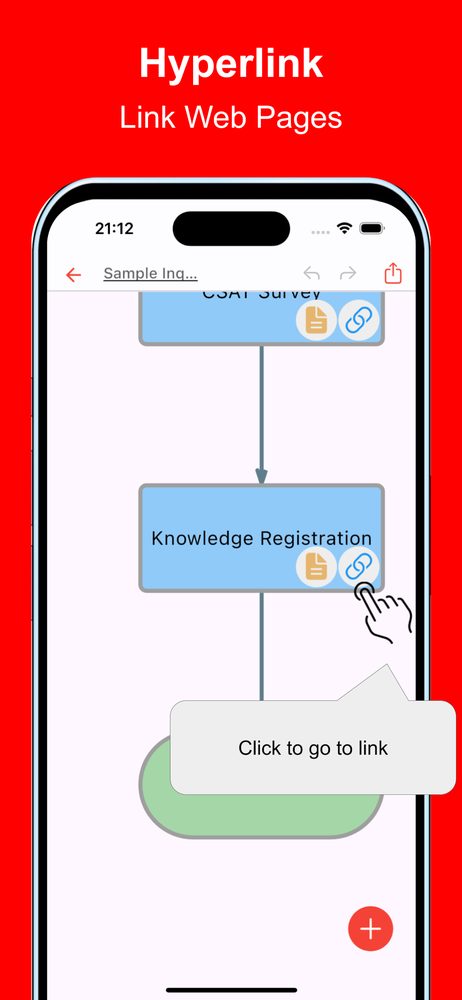
About this app
Let AI Build Flowcharts Just by Describing Your Process
The latest AI dramatically streamlines the once tedious job of drawing flowcharts. Simply explain what you want in natural language, and the AI automatically generates the chart. It makes visualizing business processes, plans, and decisions smooth in every scenario.
Features
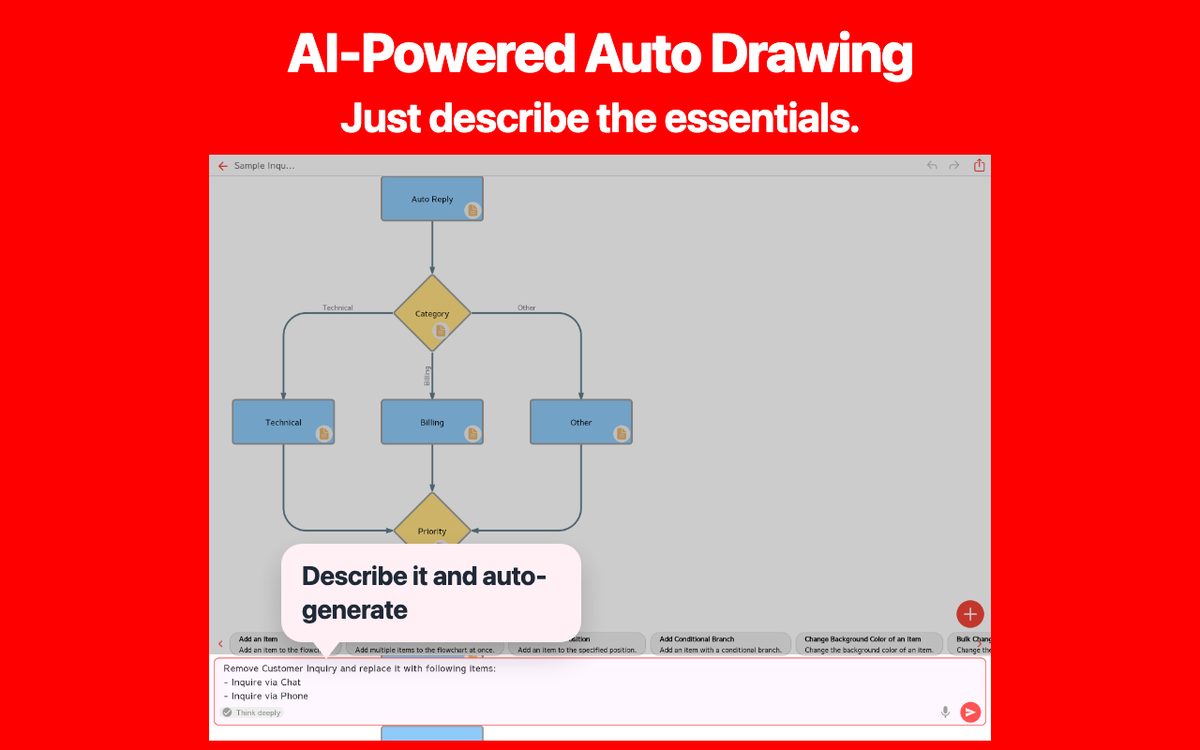
Just Share the Outline
Whether you want to organize your sales flow or diagram the steps for introducing a new service, all you have to do is describe it. The AI understands the structure and draws the optimal flowchart.
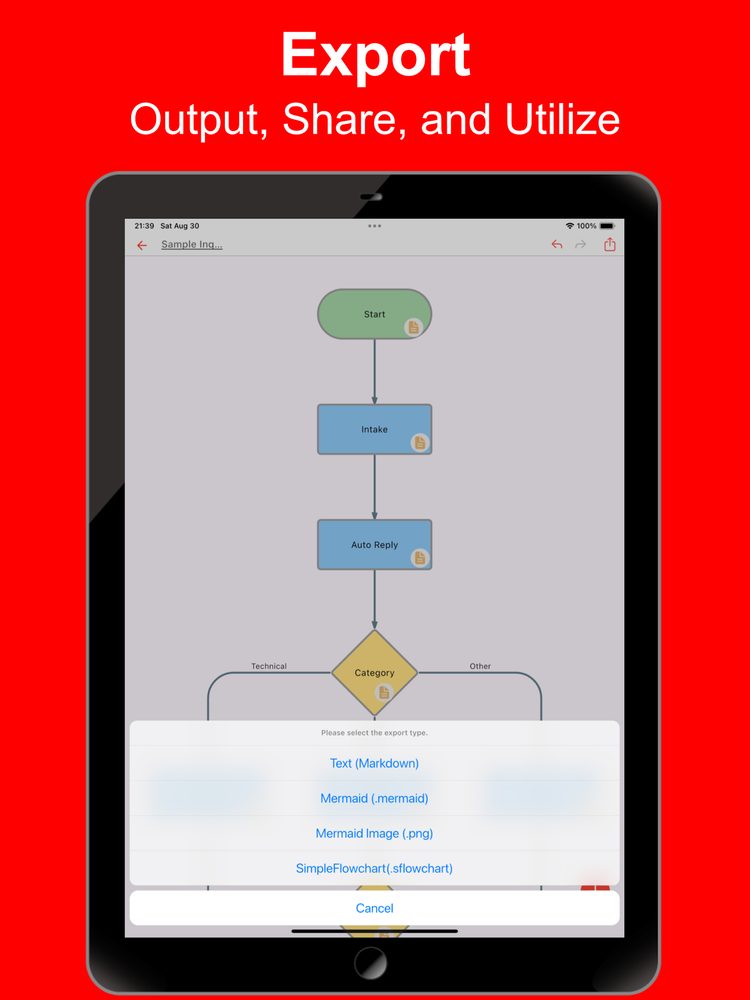
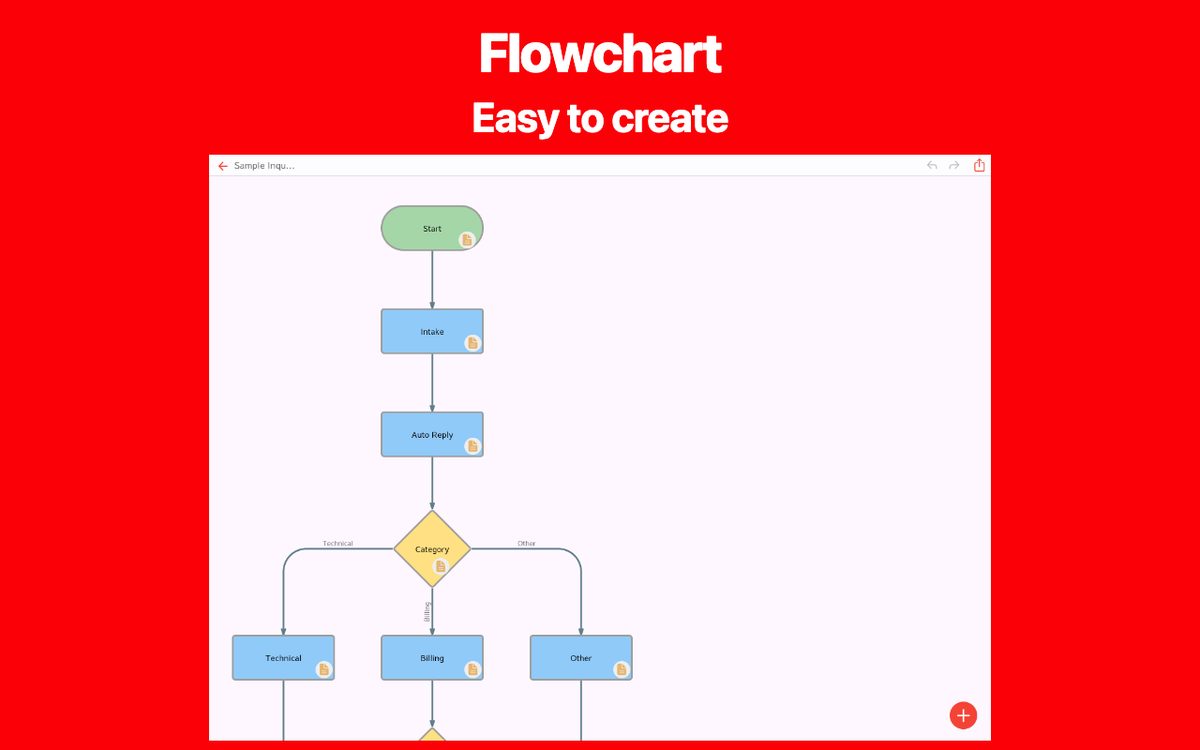
Example: "I want to turn our customer inquiry handling into a flowchart." The AI breaks the process into steps and automatically places branches and actions.
Easy Edits and Reconfiguration
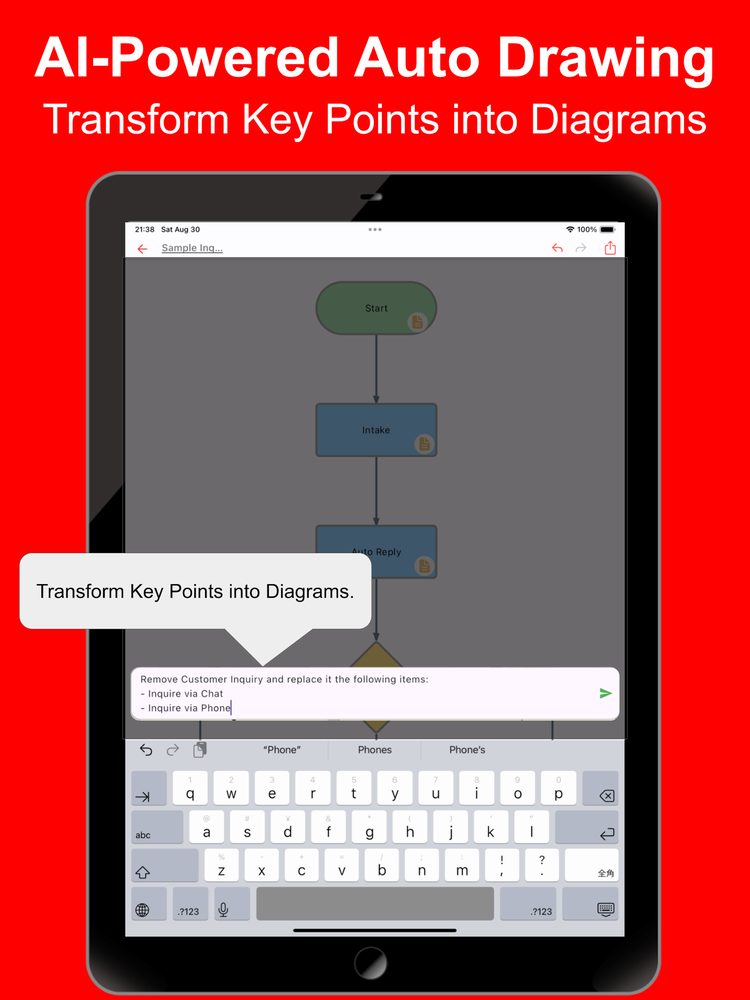
Need to move a step forward or remove an unnecessary branch? Give the instruction and the AI revises the chart for you—no more manual tweaking of lines and shapes.
Example: "Delete the final approval step and add a path for resubmission." The AI rearranges the relevant portions automatically.
Detect and Fix Issues
The AI checks for logical gaps or duplicated steps in the flow and offers fixes. You can maintain accurate, easy-to-understand flowcharts without careless mistakes or contradictions.
Example: "Please clean up any loops or redundant branches." The AI reviews the content and optimizes it automatically.
Highlight Key Points
The AI identifies important steps in the flowchart and highlights them. It produces charts that are easy for your team to share or include in documents.
Example: "Highlight the major decision points in blue." The AI color-codes the key areas so they stand out visually.
Expressive Elements and Link Support
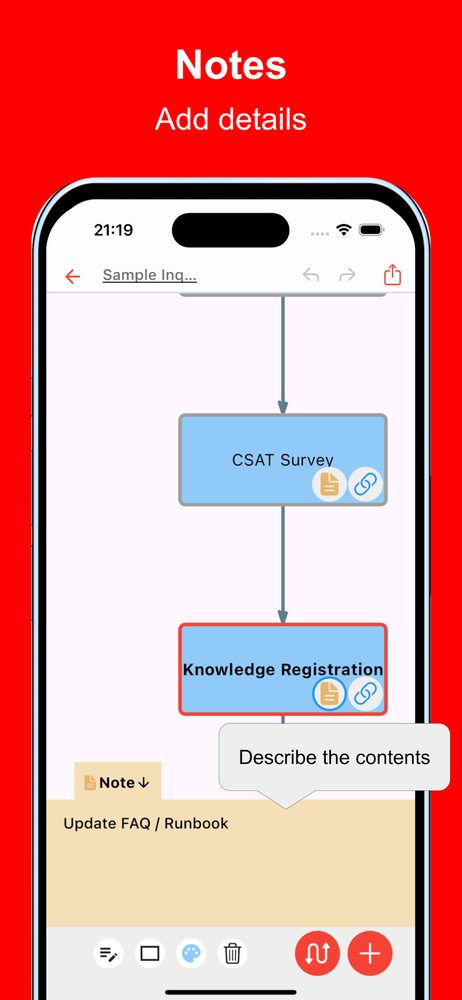
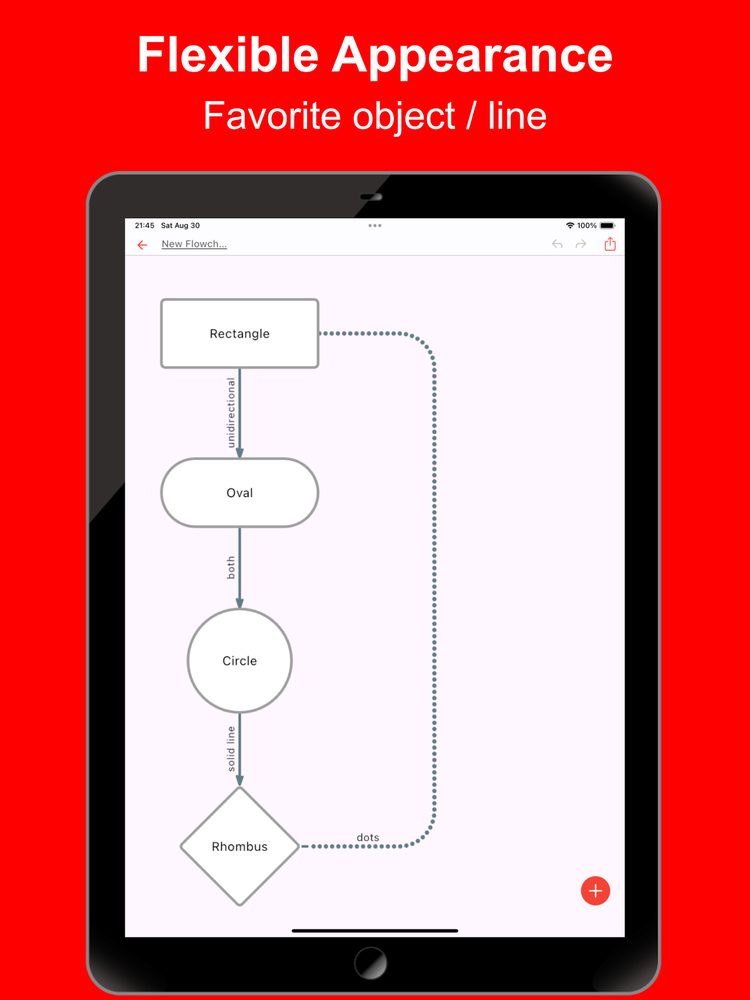
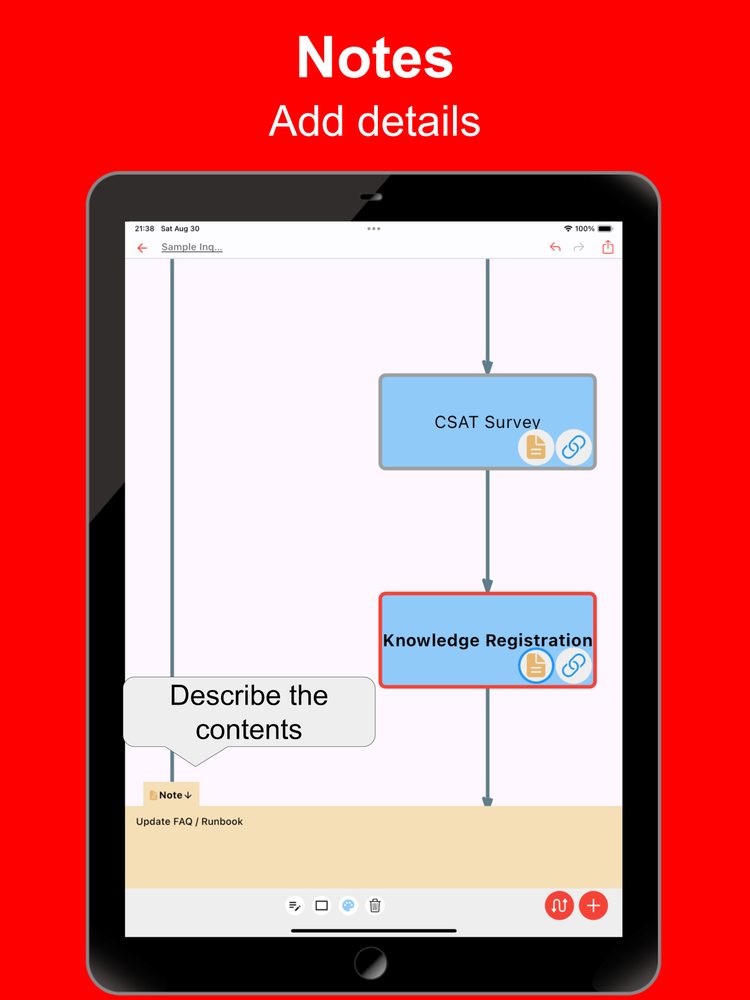
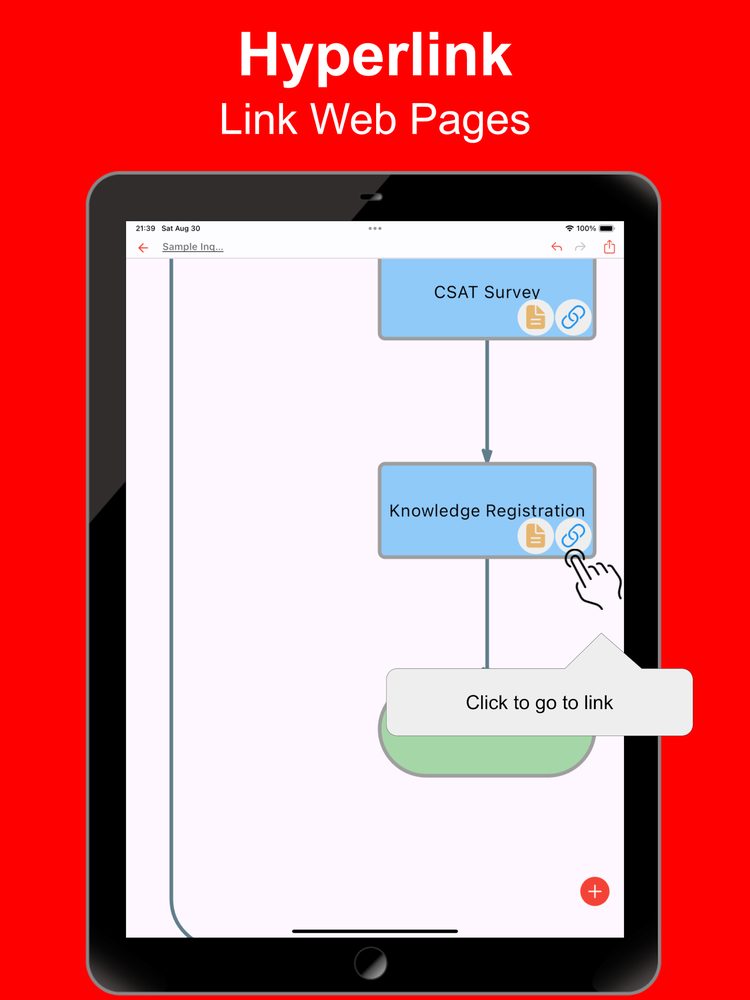
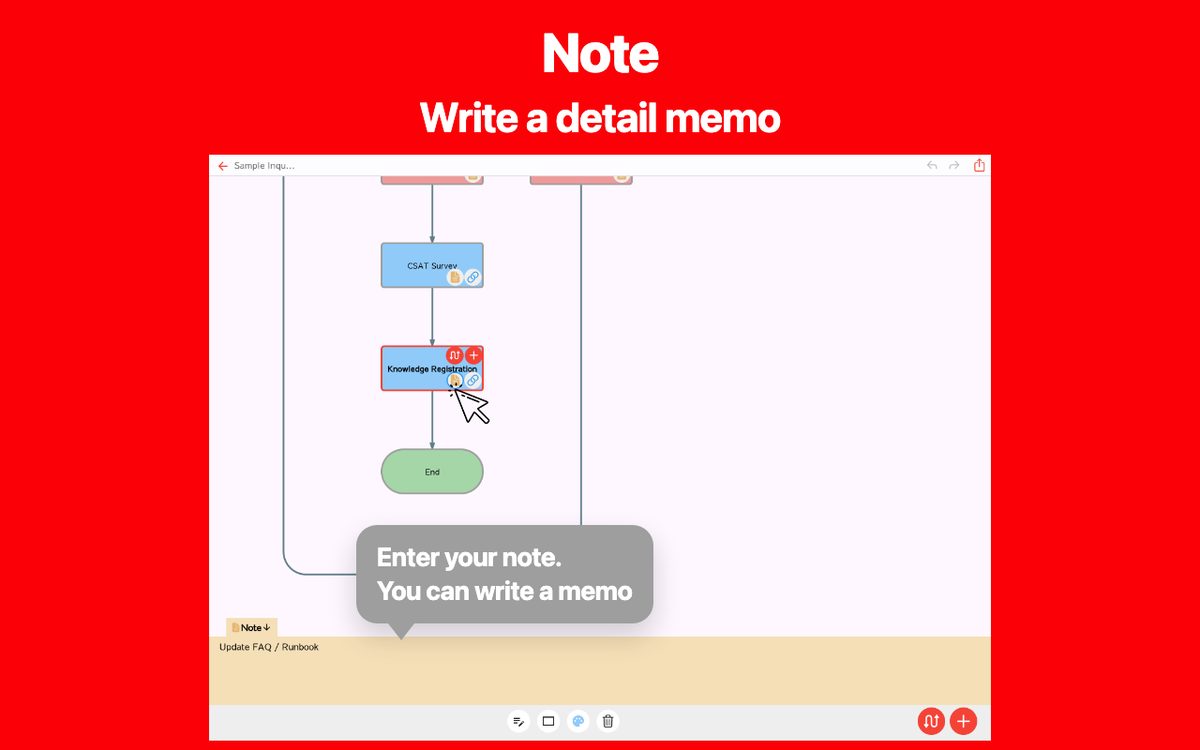
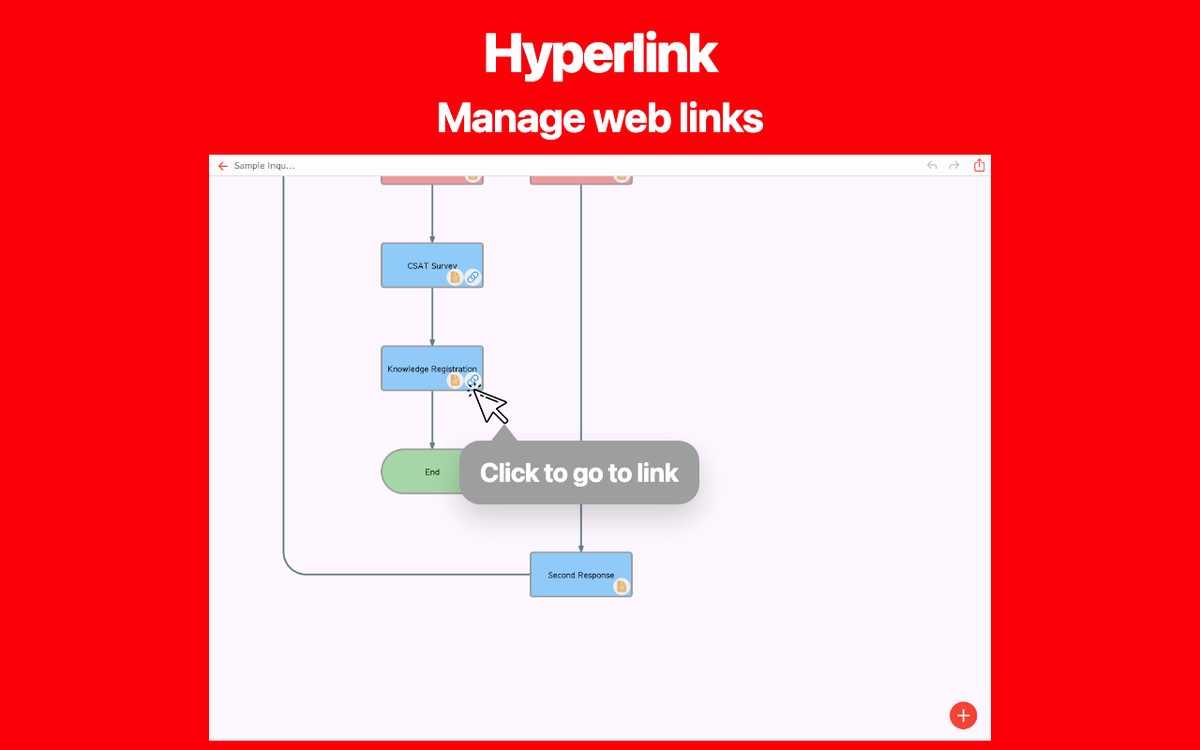
It supports a variety of shapes and lines, plus notes and links. You can cover the expressions you need for business flows, proposals, training materials, and more.
Works Hand in Hand with Manual Editing
You can freely edit the AI-generated flow afterward. Combine AI and human input to create the most practical flowchart.
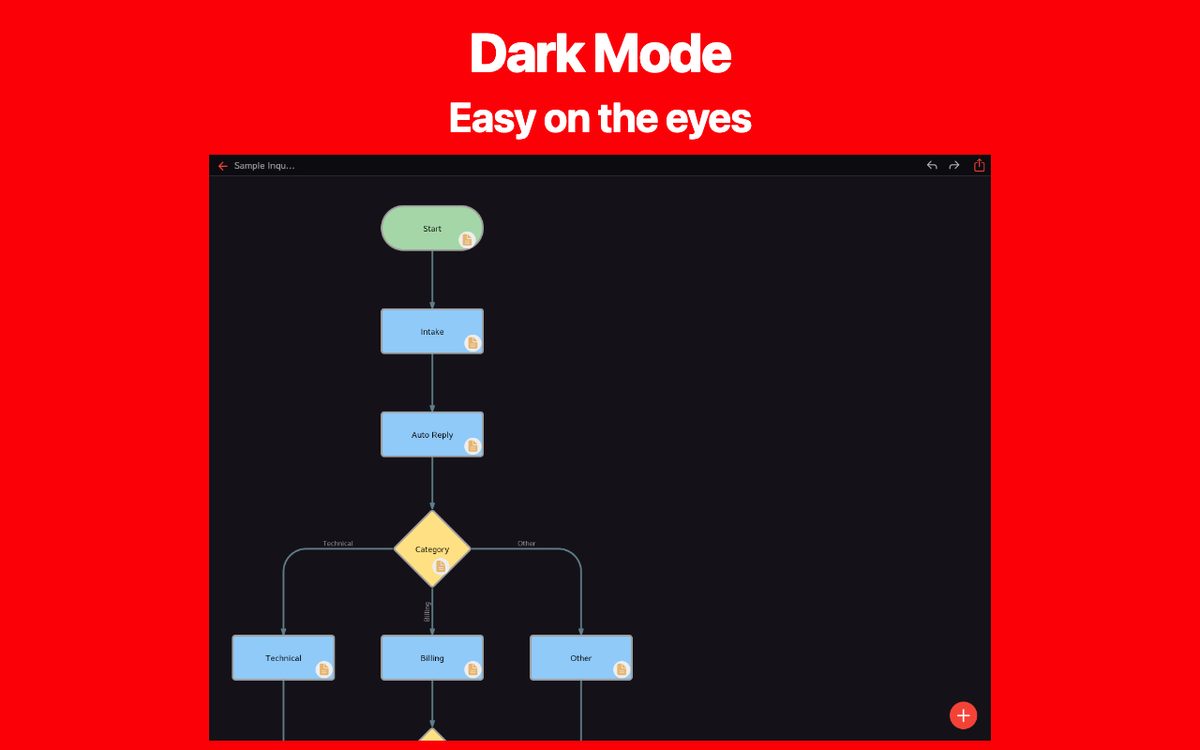
Dark Theme Support
A dark theme keeps charts easy to read even when working at night. Stay comfortable whether you're using the app for business or personal projects.
Use Cases
- Optimize and visualize business processes
- Share project progress and decision-making flows
- Design sales and marketing workflows
- Organize customer support and service procedures
- Manage every step from planning to execution
- Create training materials and operation manuals
- Clarify internal approvals and budget planning processes
AI makes building procedures and organizing processes more flexible than ever. Let the AI draw your flowcharts smartly and effortlessly.
Latest News
Simple Flowchart AI was released on Android.
Simple Flowchart AI was released on iOS.
Related Apps
Find an app that fits what you want to do next.


More Apps

Simple Markdown Editor
Note as Markdown text simply

iSpotMap: Popular Travel Spots
Find Trending Tourist Spots

GanttchartAI: GanttChart by AI
Create Gantt Chart with AI

Simple Stock List
Create stock lists easily on your phone.

Outline AI
Easily Create Outline Using the Latest AI!

# Idea AI - Blend keywords
Solo AI & KW Brainstorm

Simple Sequence Diagram AI
AI-powered Sequence Diagram Creation

Simple Timetable
Gantt Timeline Scheduler App

Simple Shift Sheet
Easy shift scheduling

Reply AI for AppReview
Reply AI is an app that automatically generates replies to user store comments.
Frequently Asked Questions
For help with using the apps, purchases, and common questions, please visit our FAQ.
Read the FAQOpens in a new tab
Feedback and Requests
If you have feedback or requests about this app, please contact us using the form below.
Open the feedback form