


Simple Timetable was released on Chrome.
Screenshots
About this app
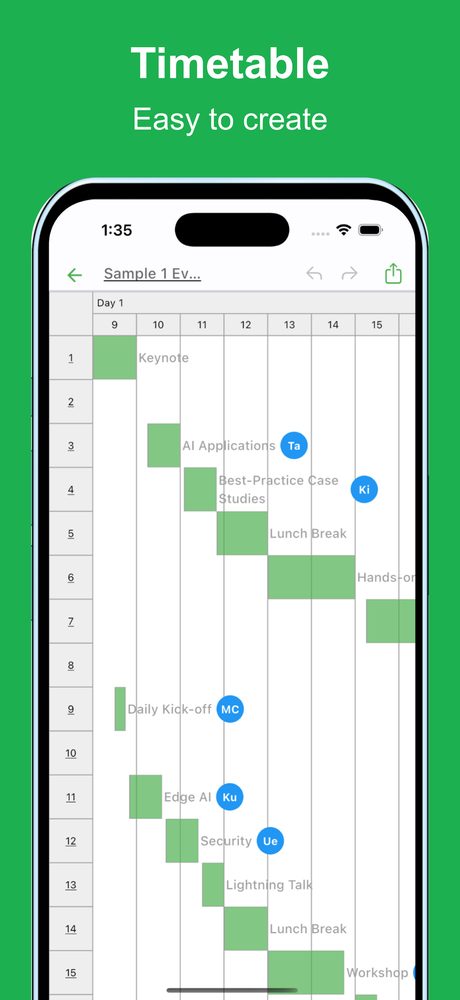
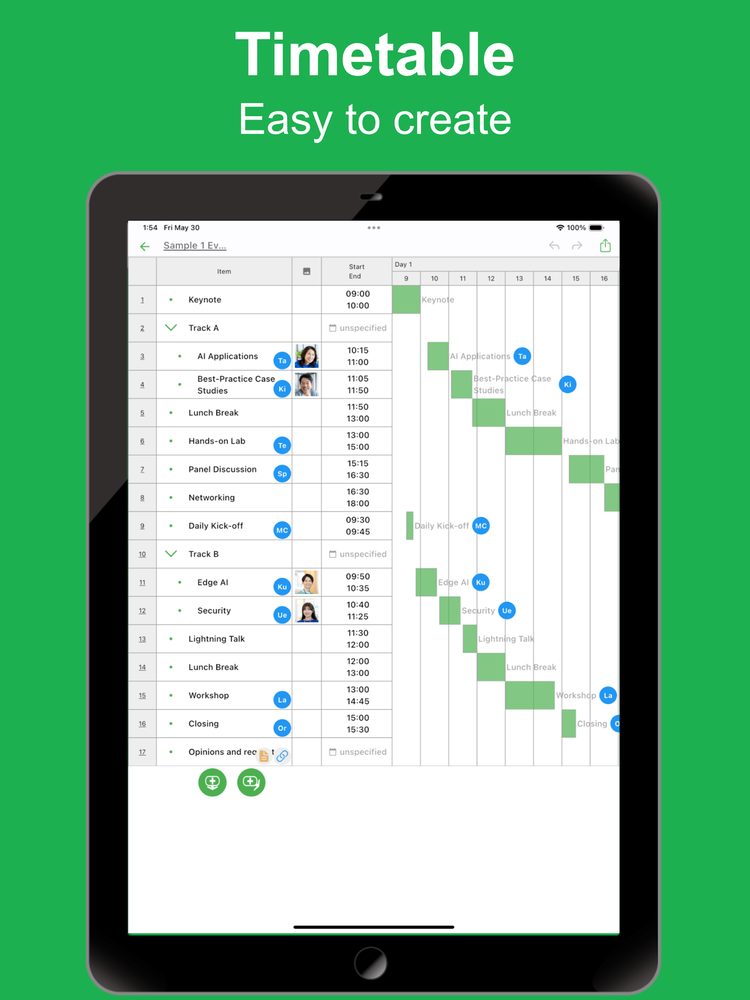
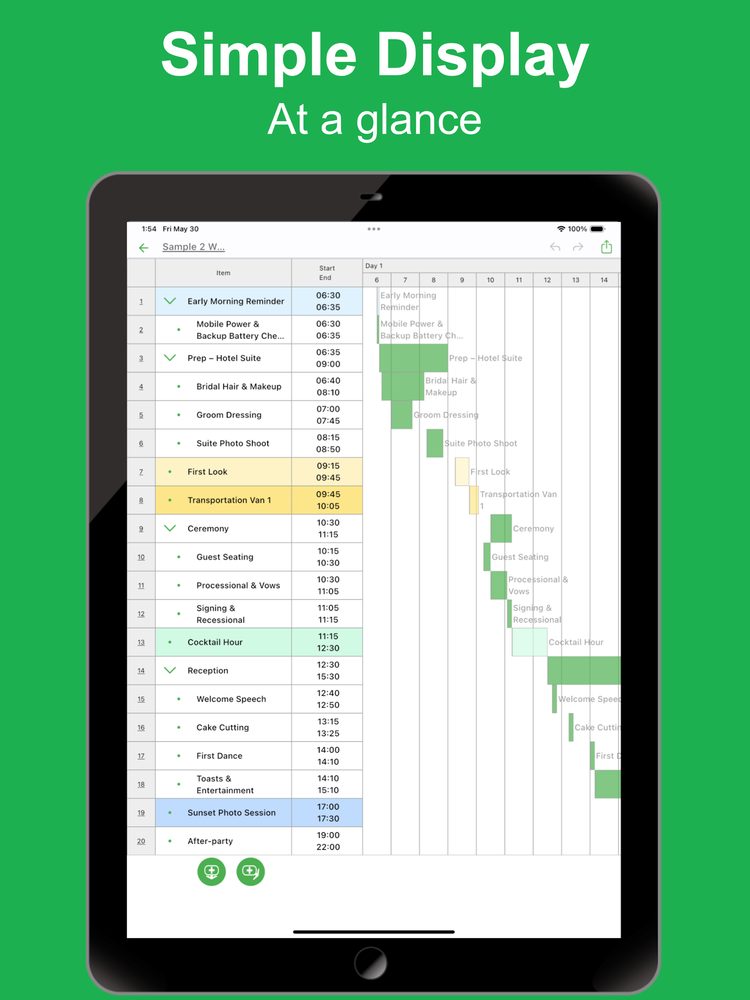
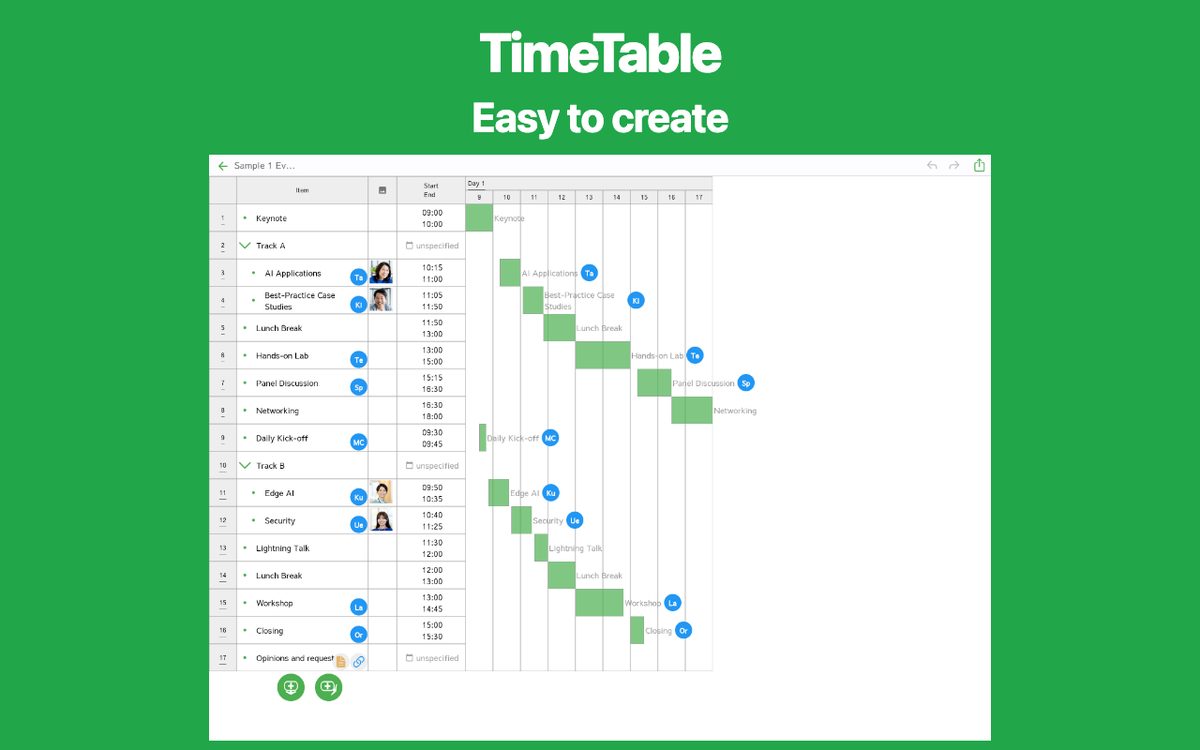
This Timeline app makes it easy to create timelines for one-day or multi-day schedules right on your smartphone or tablet. It offers a range of expressive options, including colors, links, and images.
Use it for: * Wedding-day schedules * Conference or company event session agendas * Weekend trip or business-trip itineraries * Last-minute study plans before an exam * Rehearsal plans for live shows or stage performances * Short-term projects (photo shoots, construction, etc.) * Children’s summer-vacation study & lesson schedules * Coordinating multiple appointments for hospitals, city offices, and more
Because it can be applied to any one-day or multi-day planning, users keep discovering creative ways to use it. Whenever you need to throw together a quick schedules, give it a try!
[Features]
- Intuitive usability
Ease of use is the most important key for simple functions. It works quickly and you can edit intuitively.
- Rich expression
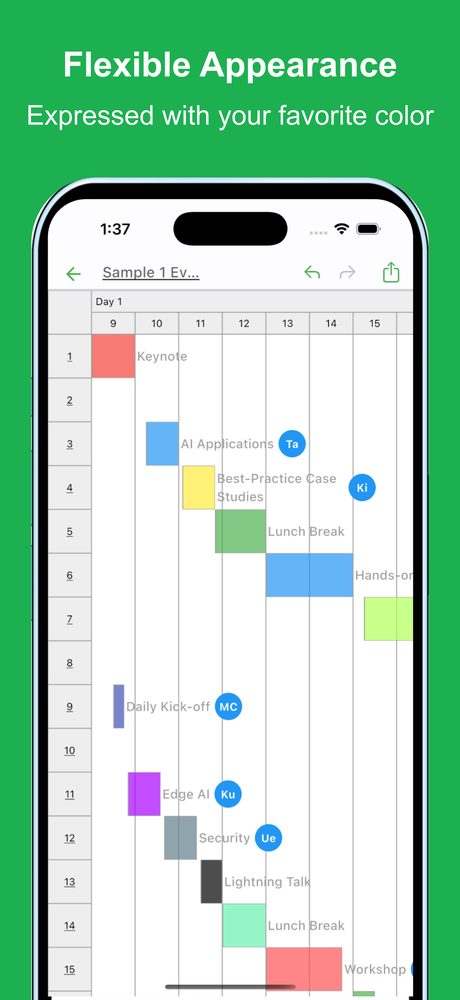
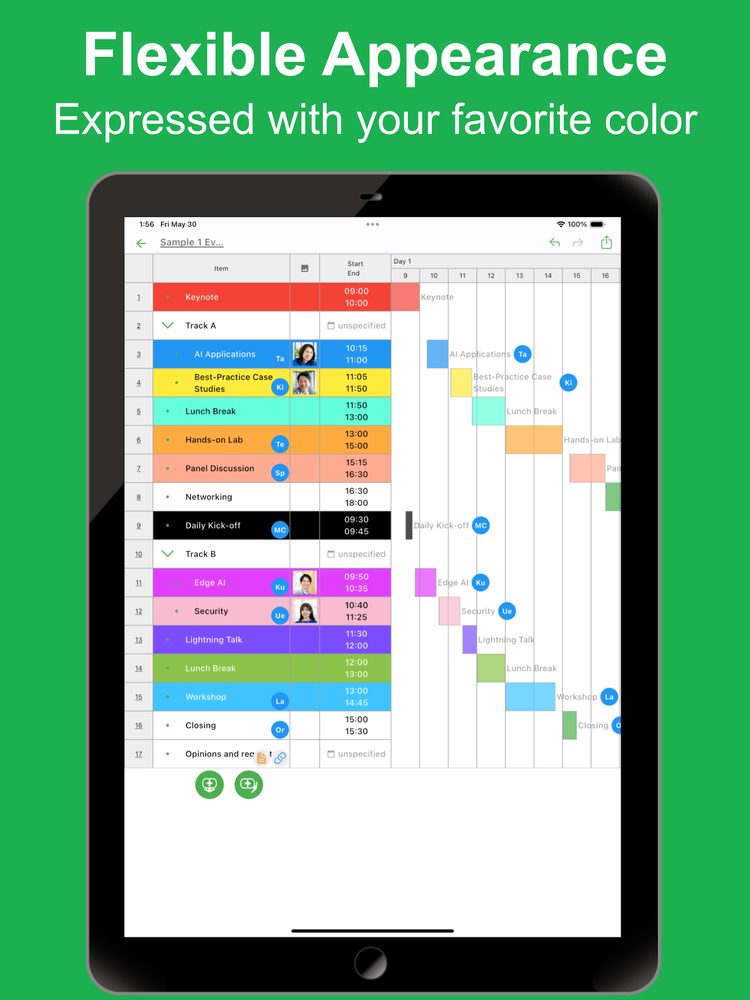
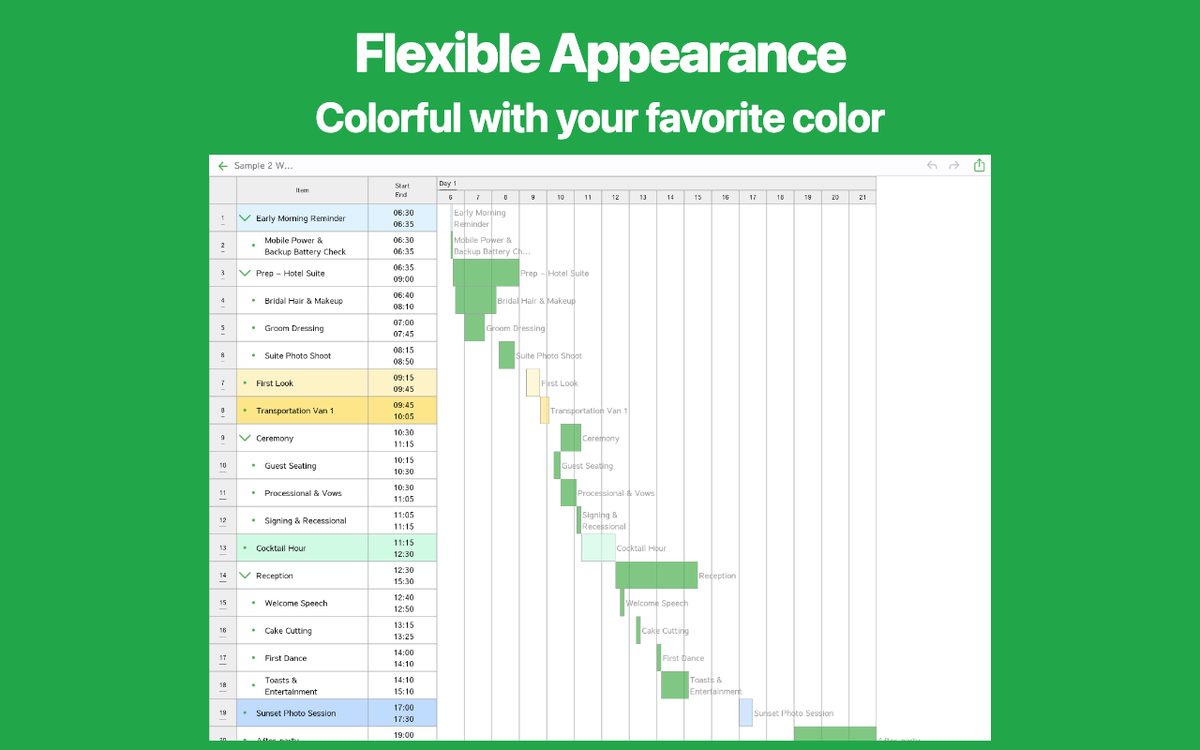
You can assign your preferred color to each item for expressive representation.
- Photo
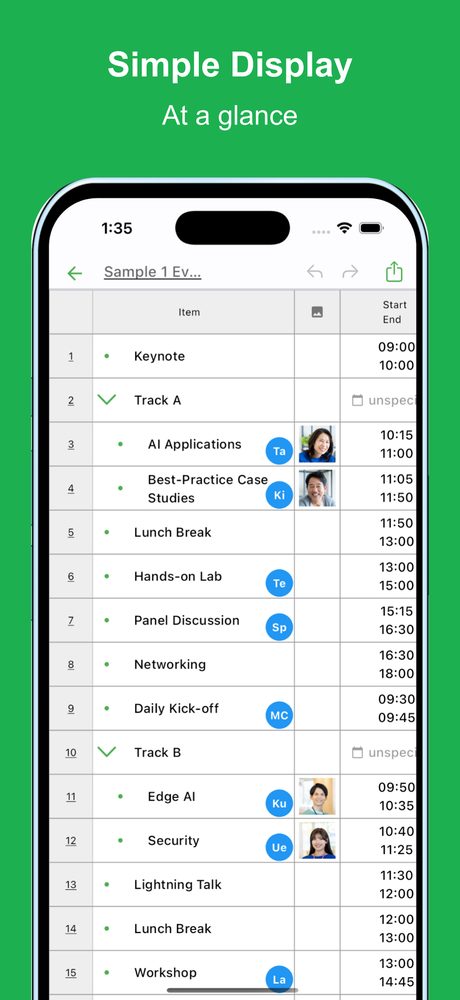
Insert your favorite images into any item.
- Link
Since you can insert links, it is also useful when you want to manage reference sites.
- Priority
Manage item priorities so you never forget important things.
- Assignee
Manage presenters or responsible persons so you always know who is in charge.
- Note
Include descriptive text for each item to manage the details.
- Ready to use
No account registration required—start using the app immediately.
- Export and share
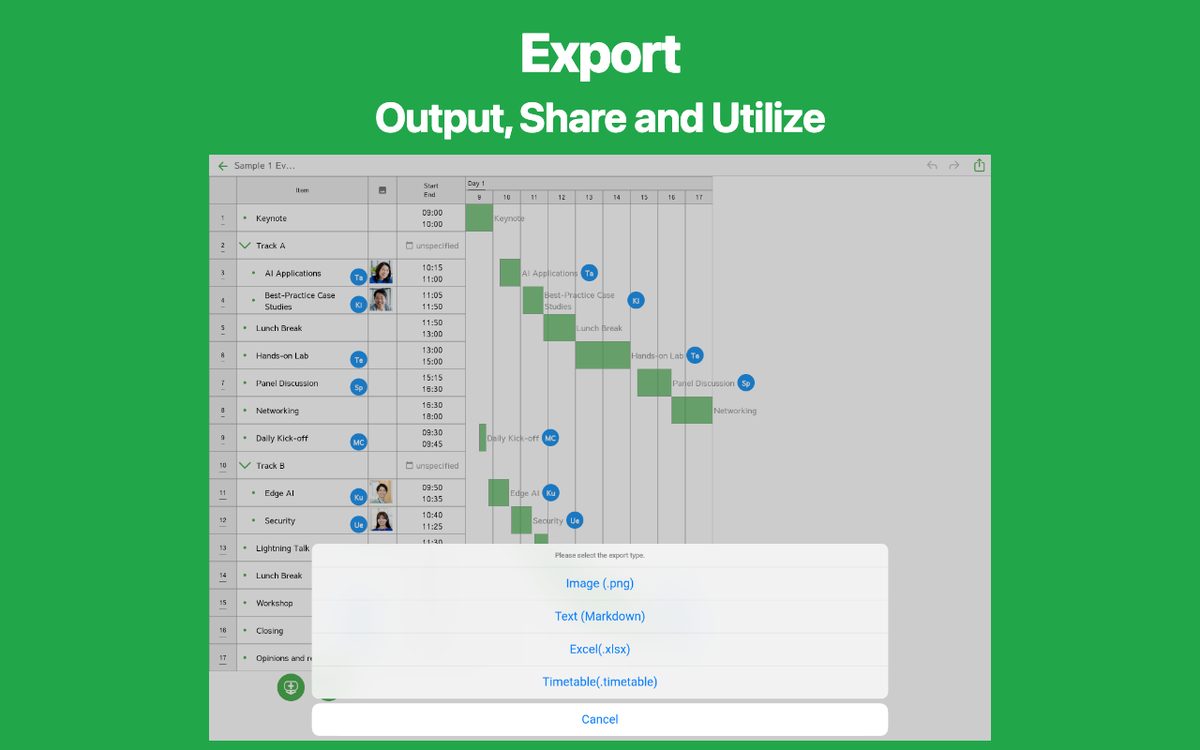
You can export the created timeline, share it, or edit it on your PC.
- Import
Import and edit exported timeline data.
- Dark theme support
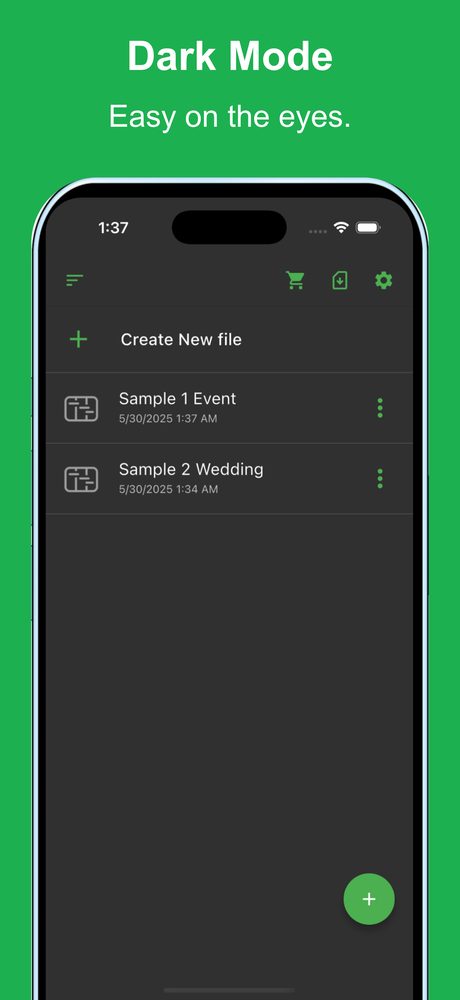
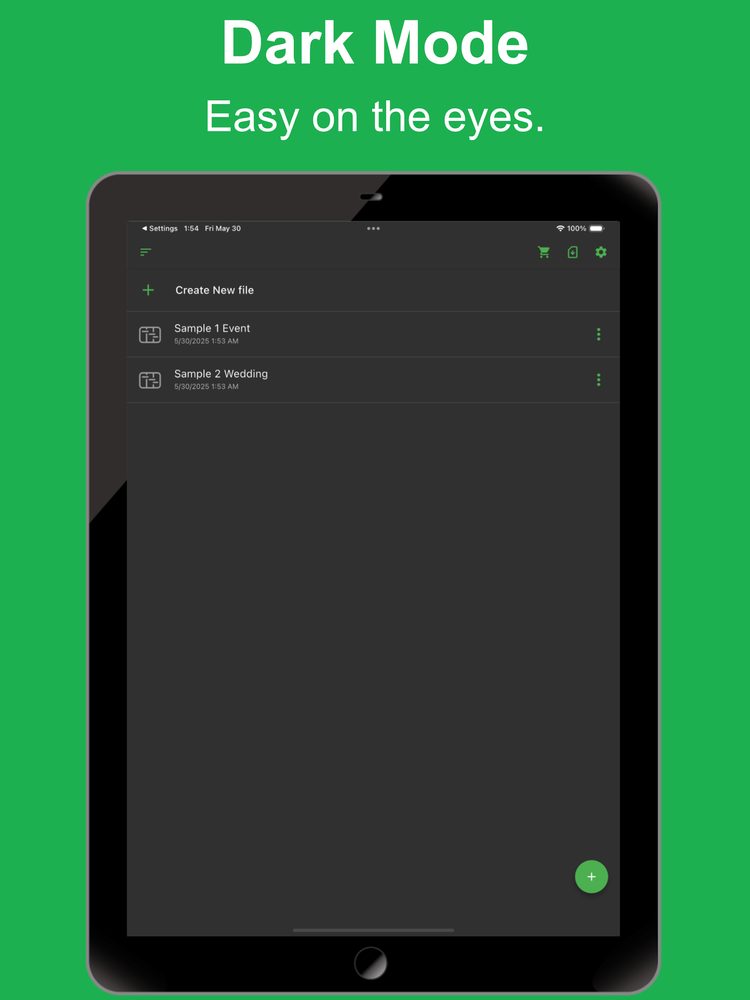
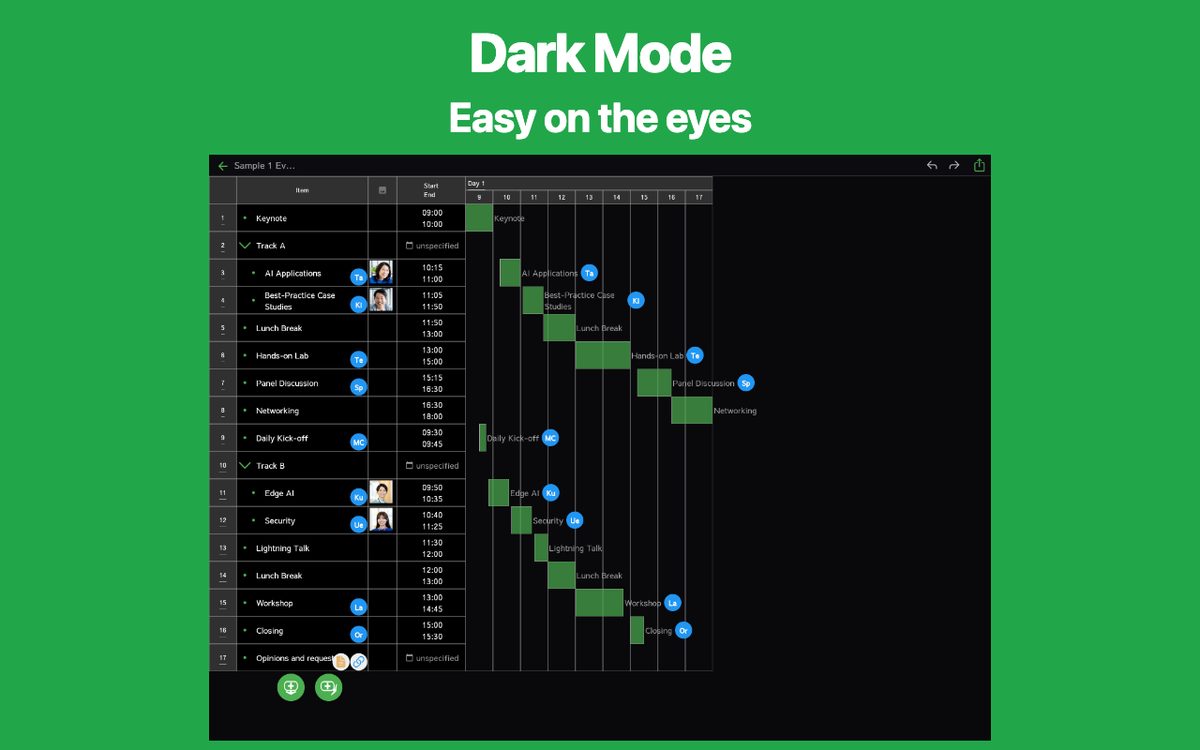
The app also supports a dark theme, making it ideal for nighttime use.
Latest News
Simple Timetable was released on iOS.
Simple Timetable was released on Android.
User Reviews
Comments from App Store and Google Play users
Related Apps
Find an app that fits what you want to do next.


More Apps

Simple Shift Sheet
Easy shift scheduling

Reply AI for AppReview
Reply AI is an app that automatically generates replies to user store comments.

Simple Receipt
Easy Receipt Creator

Simple Relationship Map AI
AI-powered Relationship Map

Simple Quote
Quote Maker & Estimate App

# Simple Purchase Order
Easy Purchase Order Creator

Simple Income & Expense
Income & expense money tracker

Simple Visualize AI
Visualize Anything with AI

PatoRepo
Helps daily numerical management such as factory inspections

MLB Player News
Follow your favorite players
Frequently Asked Questions
For help with using the apps, purchases, and common questions, please visit our FAQ.
Read the FAQOpens in a new tab
Feedback and Requests
If you have feedback or requests about this app, please contact us using the form below.
Open the feedback form