

Simple Sequence Diagram AI was released on Chrome.

Simple Sequence Diagram AI
AI-powered Sequence Diagram Creation
Release date: (Android)
Screenshots
About this app
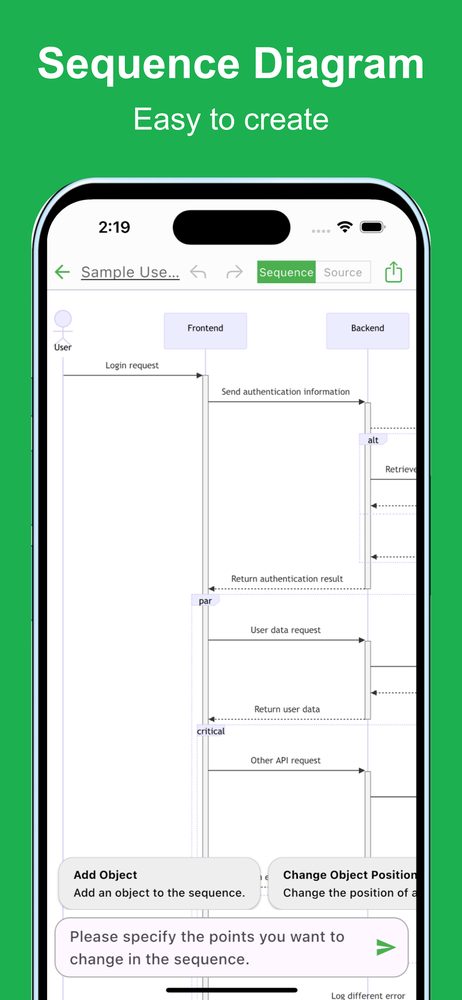
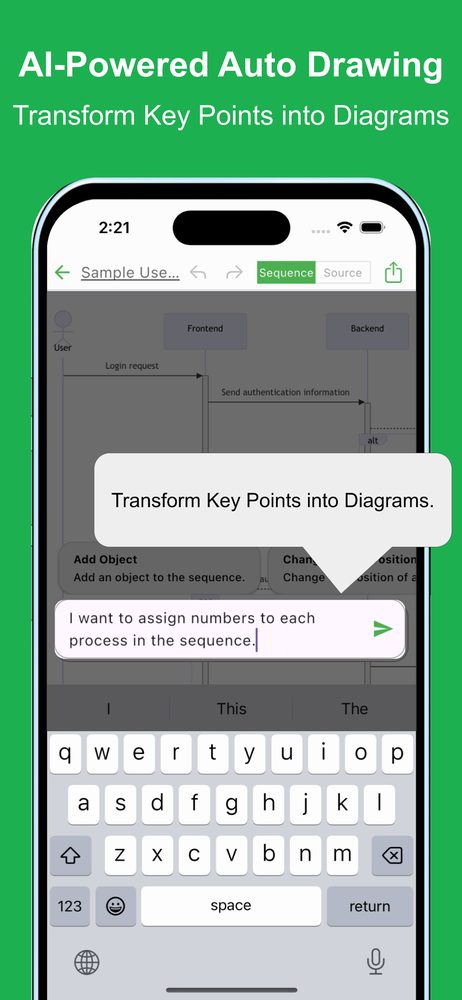
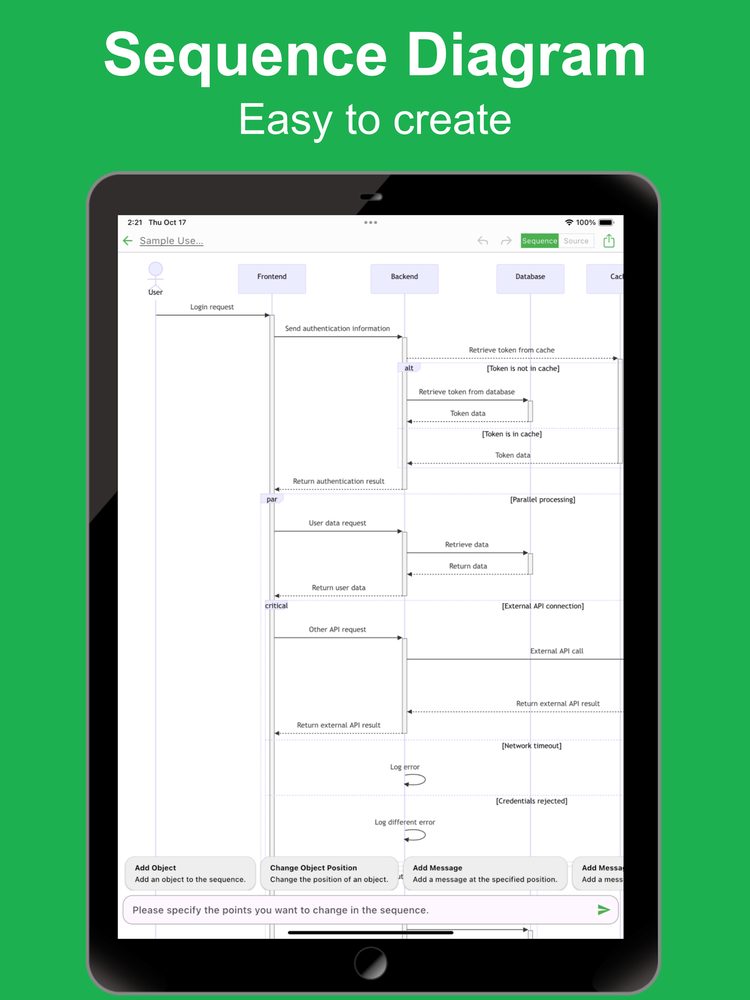
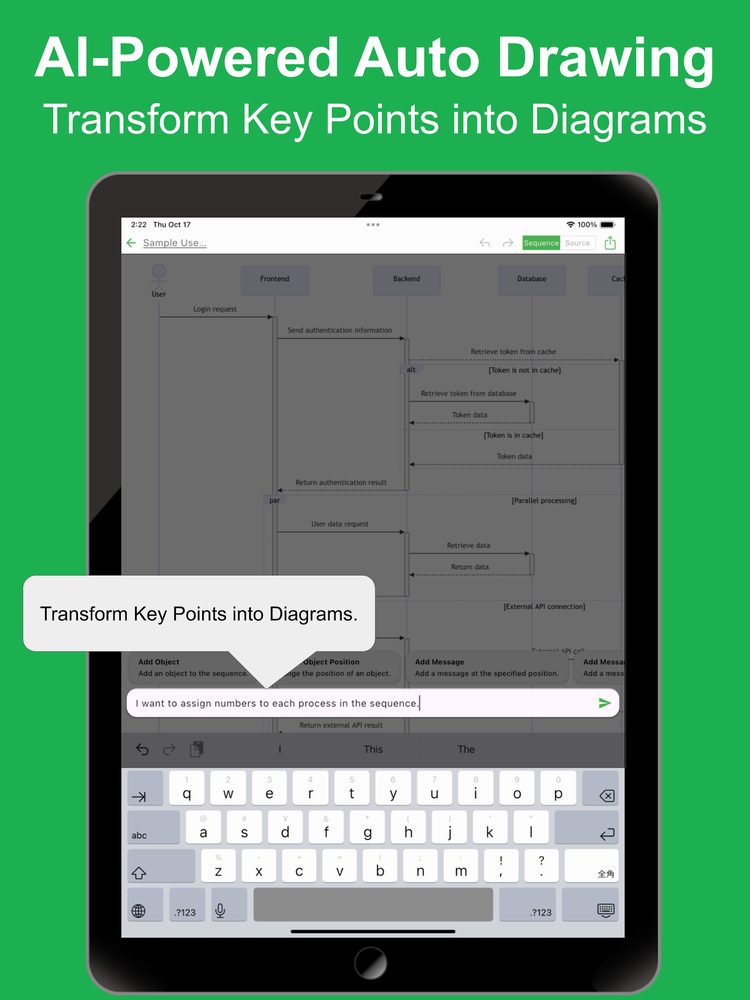
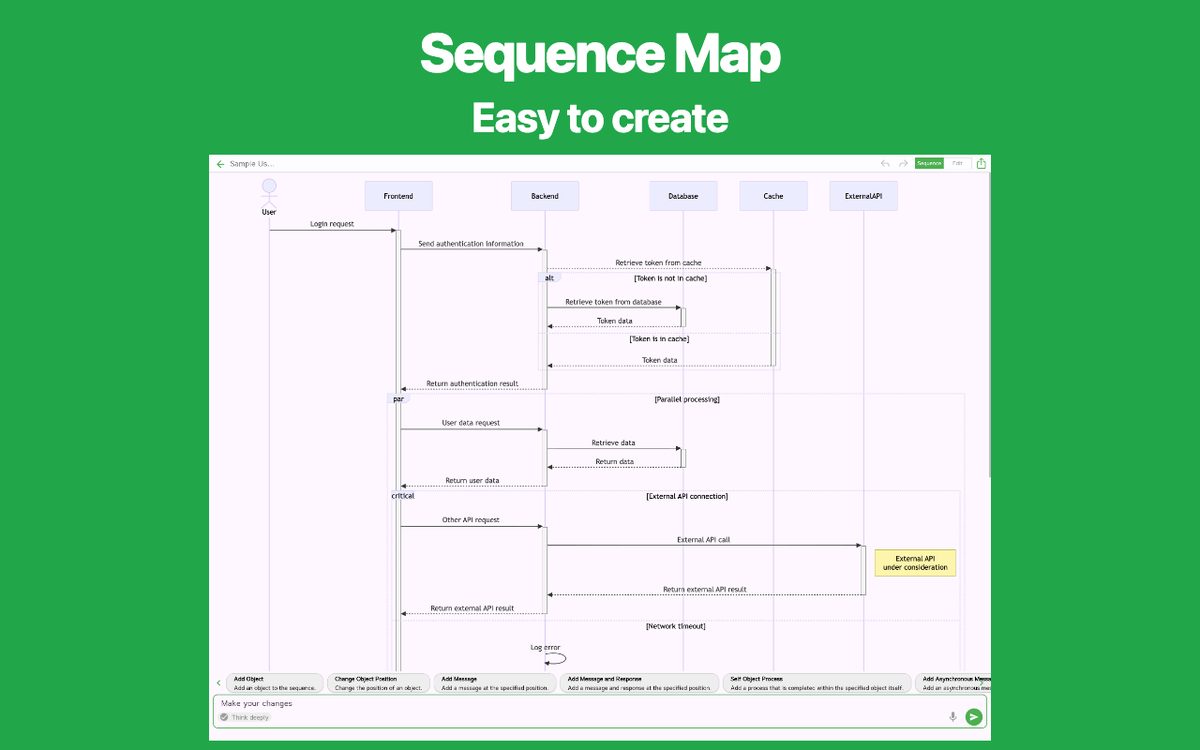
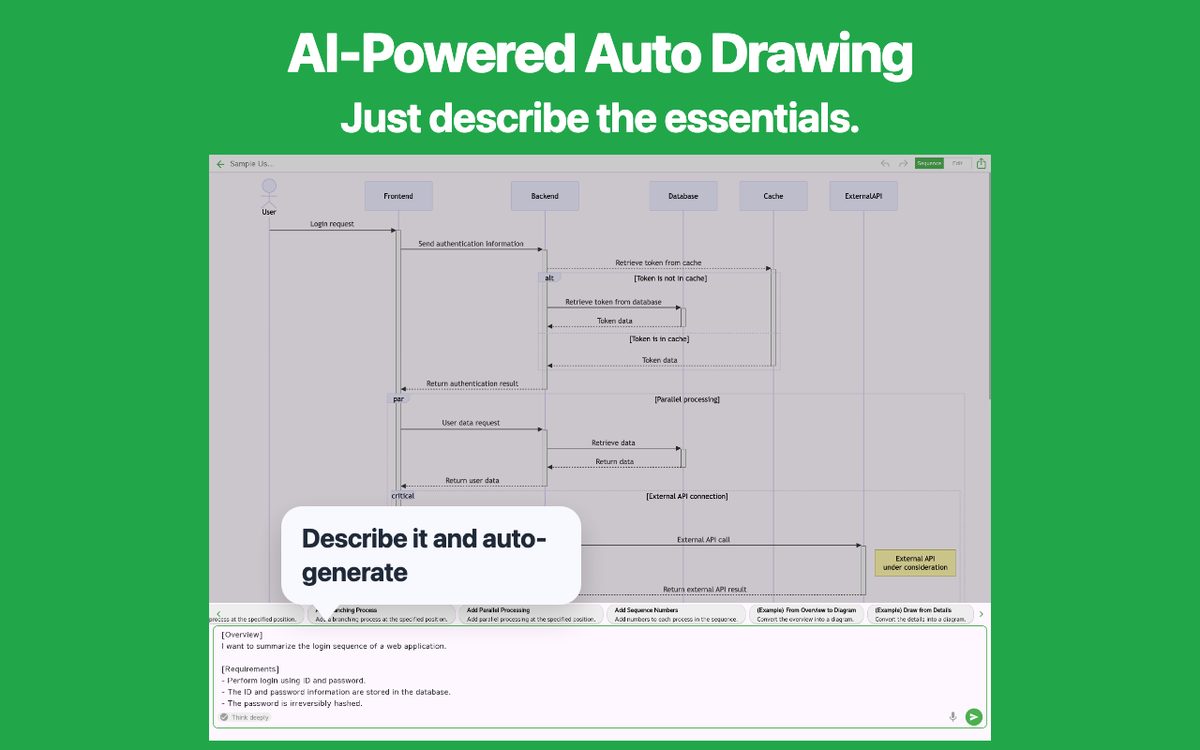
This app allows you to easily create sequence diagrams. Simply describe the content you want to visualize, and the latest AI technology will automatically generate the diagram for you.
Visualizing with sequence diagrams is crucial for organizing complex ideas. It helps ensure that all stakeholders understand the content, making it valuable in various scenarios. However, creating such diagrams manually can be time-consuming. With this app, you can generate sequence diagrams quickly and efficiently.
Even with a rough outline, the app will automatically generate a sequence diagram, and you can make detailed adjustments as needed.
It is used in various situations such as:
- Visualizing API communication flows in software development
- Managing user registration, authentication, and service usage flows
- Structuring the flow of data transmission and responses in web services
- Managing and visualizing customer support inquiry processes
- Designing email and notification system workflows
- Visualizing interactions between microservices
- Structuring complex approval workflows in business processes
- Tracking user interactions in e-commerce systems
- Visualizing order to delivery processes in supply chains
Please try it out whenever you need to create a sequence diagram.
[Features]
- Intuitive operability
Ease of use is the most important factor. It runs smoothly, and you can intuitively edit your maps.
- Ready to use
You can use it immediately without registering an account.
- Multi-device support
It supports Google Drive integration, allowing seamless editing across multiple devices.
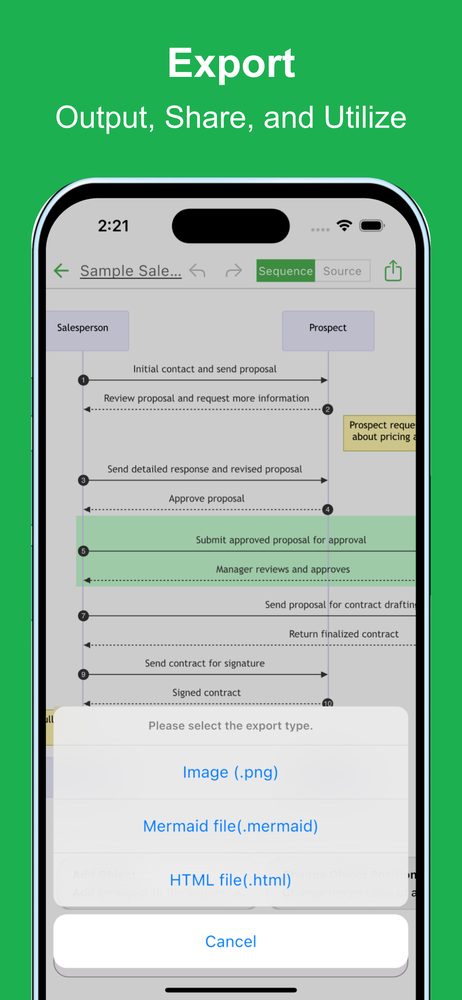
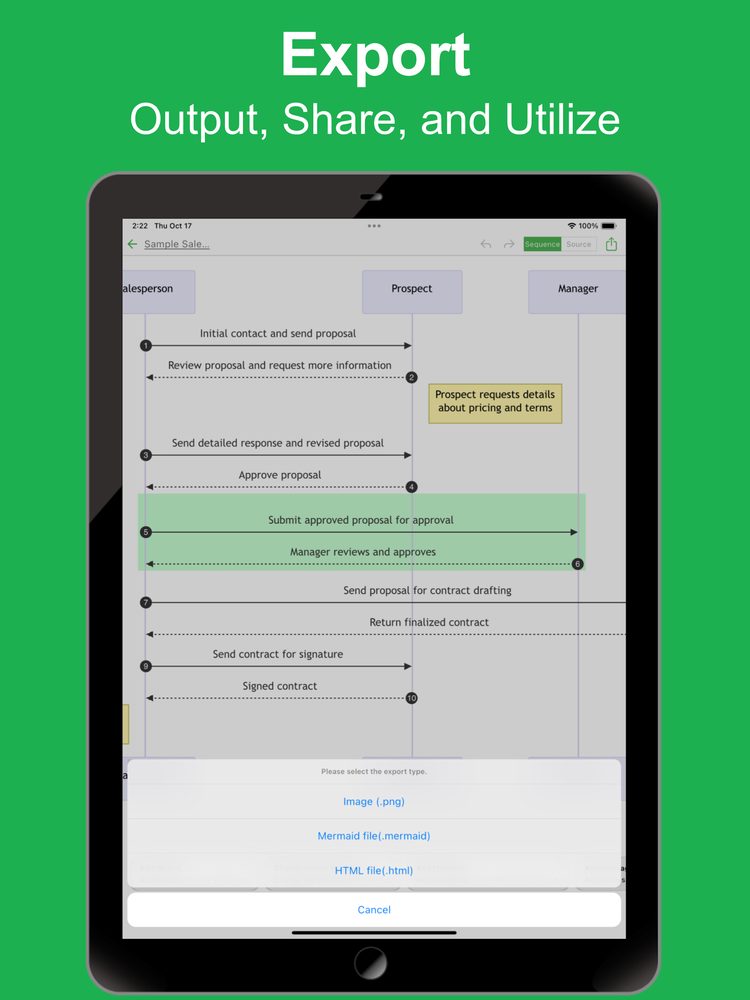
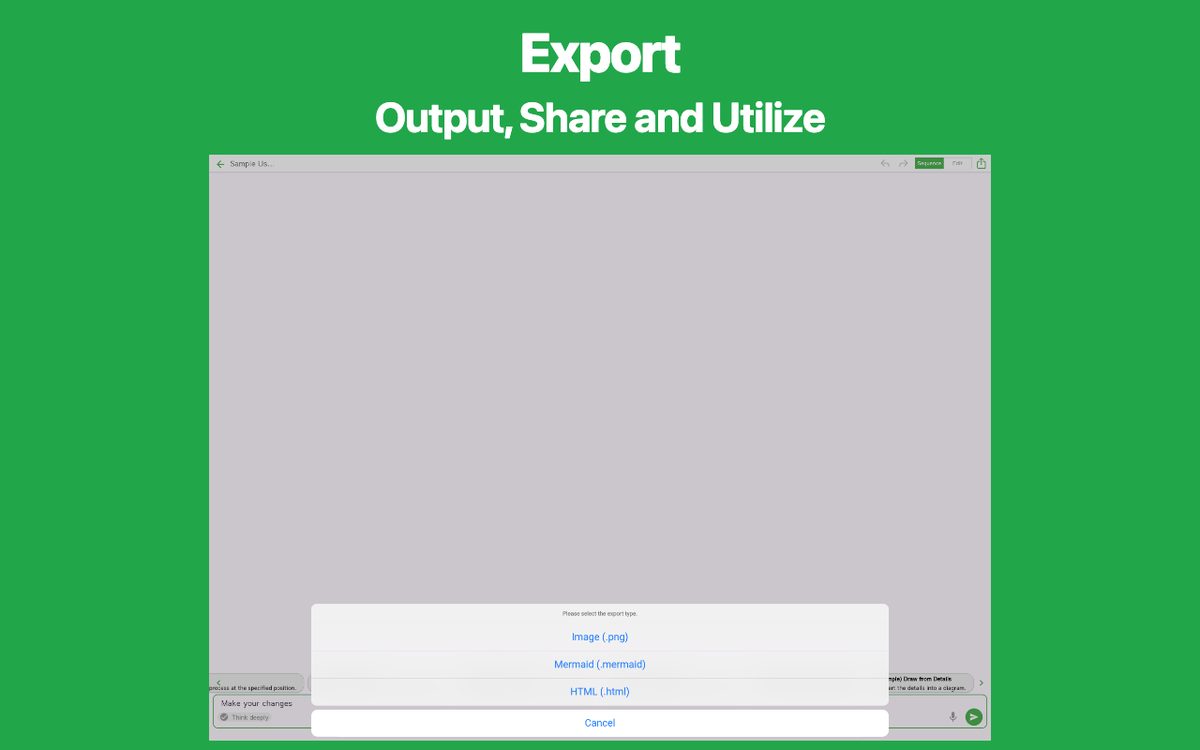
- Export and Share
You can export and share your Flowchart, and even edit them on a PC.
- Import
Exported files can be imported and edited.
- Text-based editing
Edit your sequence diagrams directly using Mermaid notation.
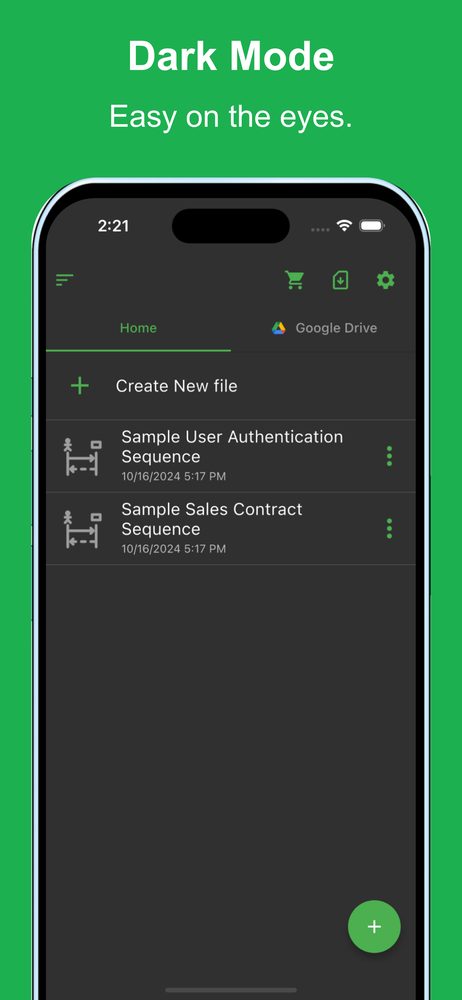
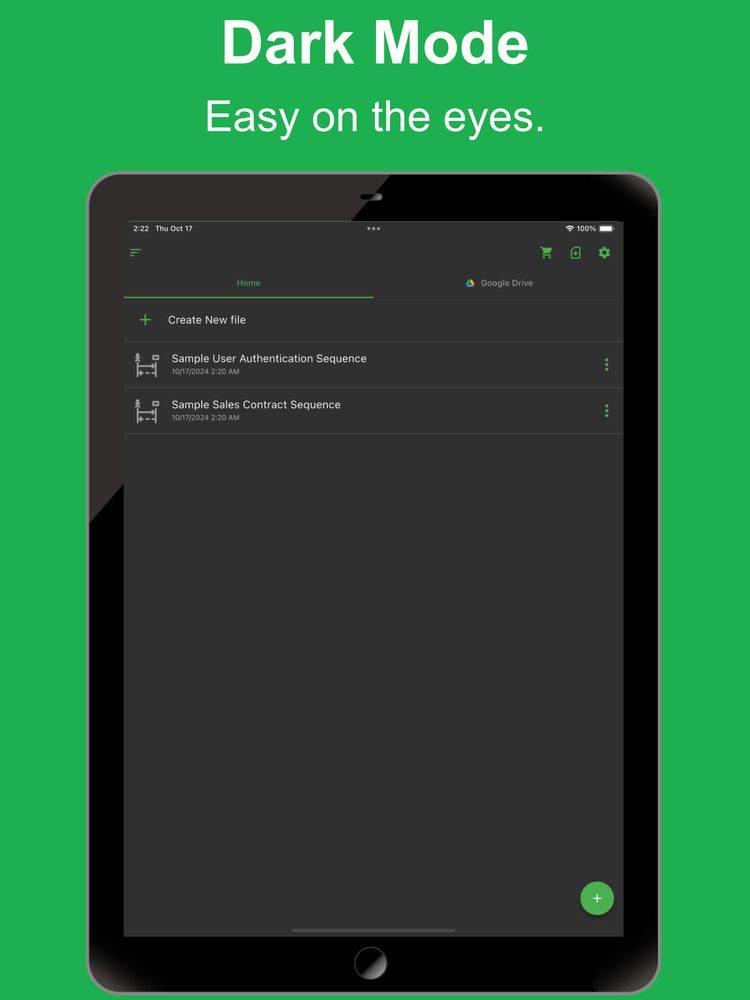
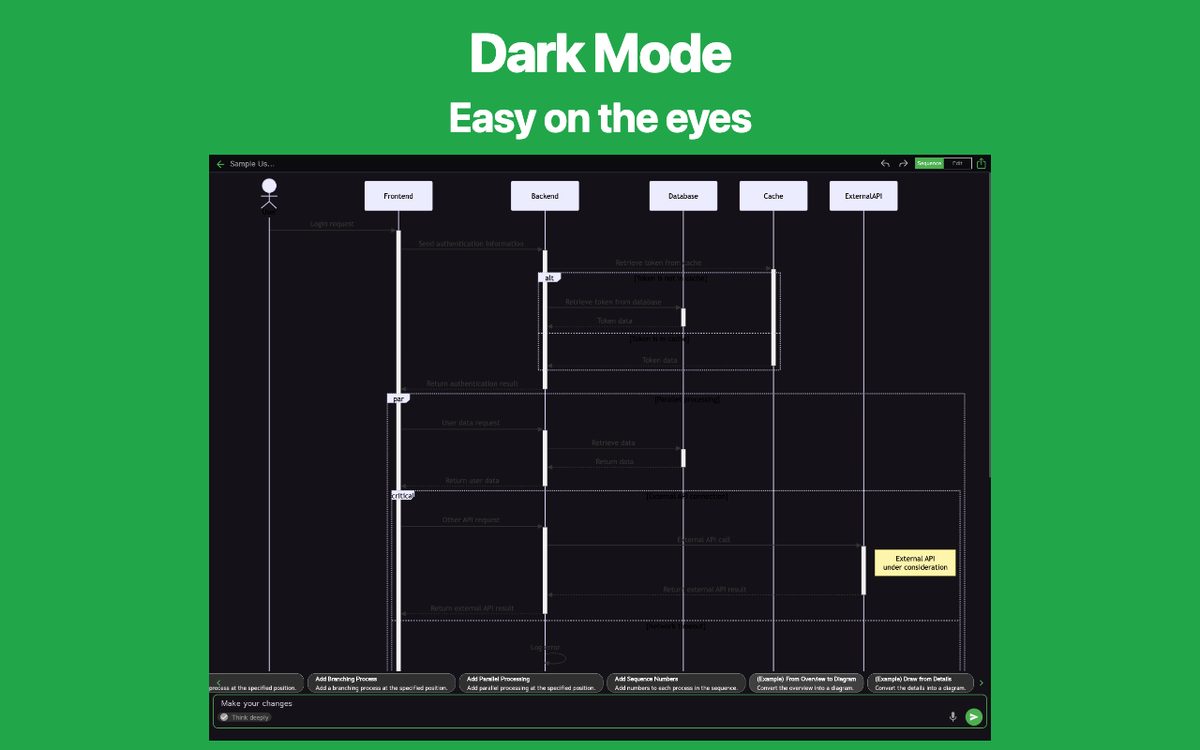
- Dark theme support
Since it supports a dark theme, it is also ideal for use at night.
Latest News
Simple Sequence Diagram AI was released on iOS.
Simple Sequence Diagram AI was released on Android.
User Reviews
Comments from App Store and Google Play users
Related Apps
Find an app that fits what you want to do next.


More Apps

Simple Timetable
Gantt Timeline Scheduler App

Simple Shift Sheet
Easy shift scheduling

Reply AI for AppReview
Reply AI is an app that automatically generates replies to user store comments.

Simple Receipt
Easy Receipt Creator

Simple Relationship Map AI
AI-powered Relationship Map

Simple Quote
Quote Maker & Estimate App

# Simple Purchase Order
Easy Purchase Order Creator

Simple Income & Expense
Income & expense money tracker

Simple Visualize AI
Visualize Anything with AI

PatoRepo
Helps daily numerical management such as factory inspections
Frequently Asked Questions
For help with using the apps, purchases, and common questions, please visit our FAQ.
Read the FAQOpens in a new tab
Feedback and Requests
If you have feedback or requests about this app, please contact us using the form below.
Open the feedback form