


Simple Markdown Editor was released on Android.
Screenshots
About this app
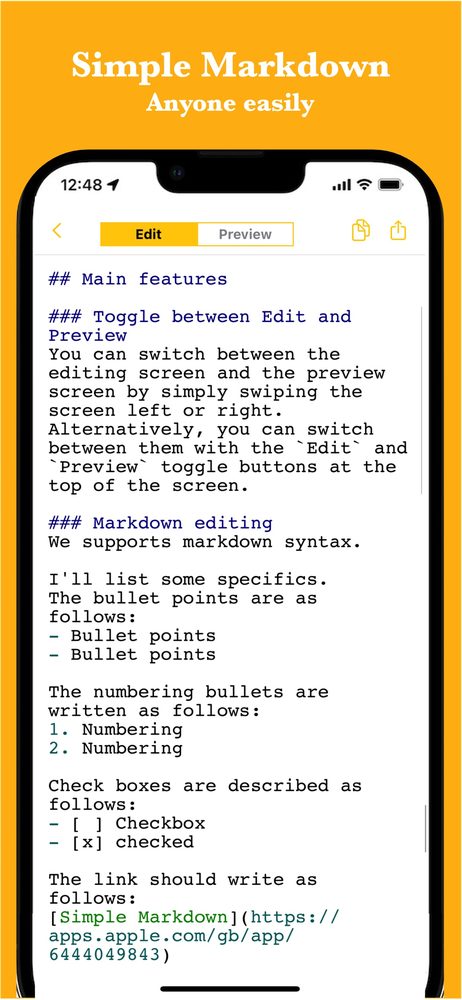
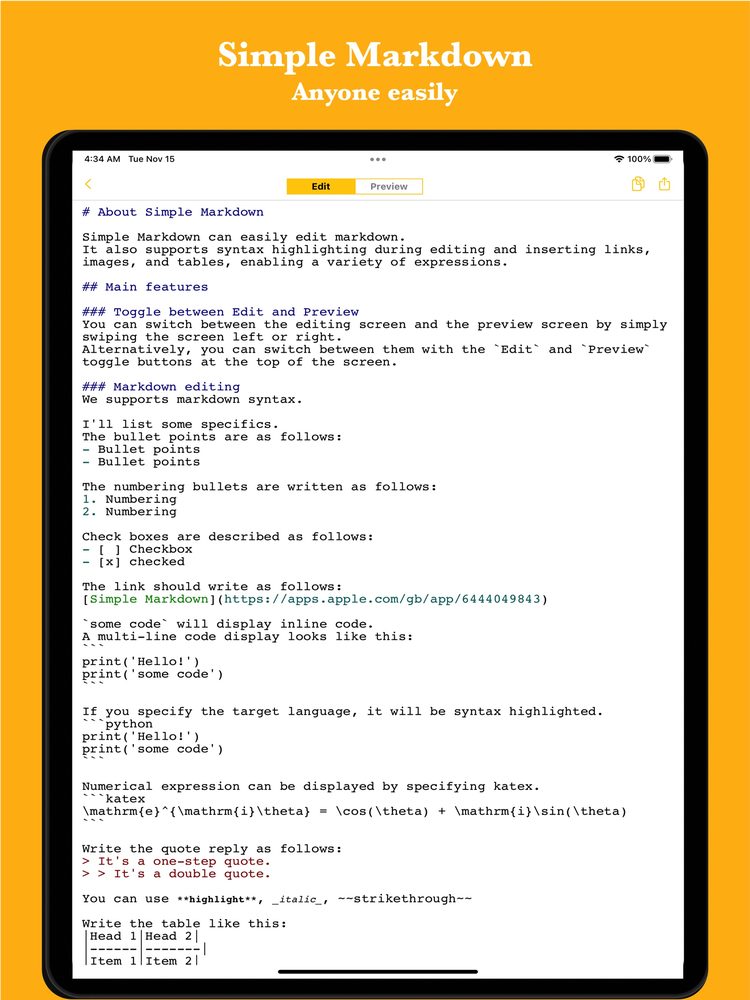
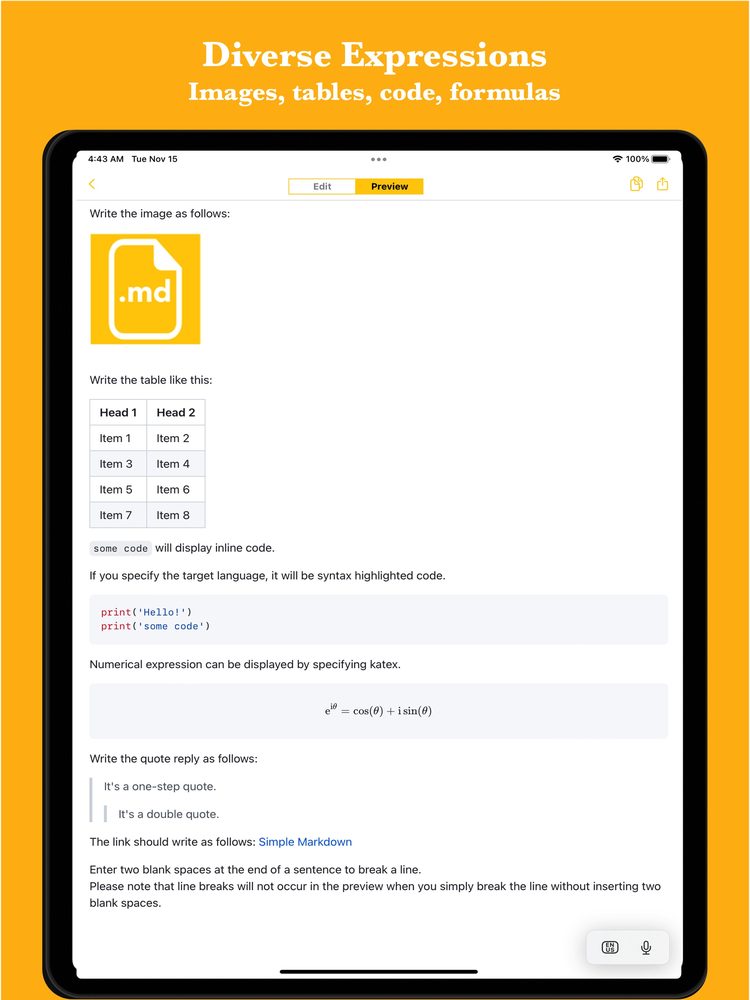
Simple Markdown Application can easily edit markdown text. It also supports syntax highlighting during editing and inserting links, images, and tables, enabling a variety of expressions.
It is used in the following situations.
- Create meeting minutes
- Idea book
- Writing
- Simple notepad
Since it can be used for anything managed with markdown, there are reports of various usages. If you want to take notes in markdown, please try it.
Features
* Intuitive operability Ease of use is the most important thing for simple functions. It works quickly and you can edit intuitively.
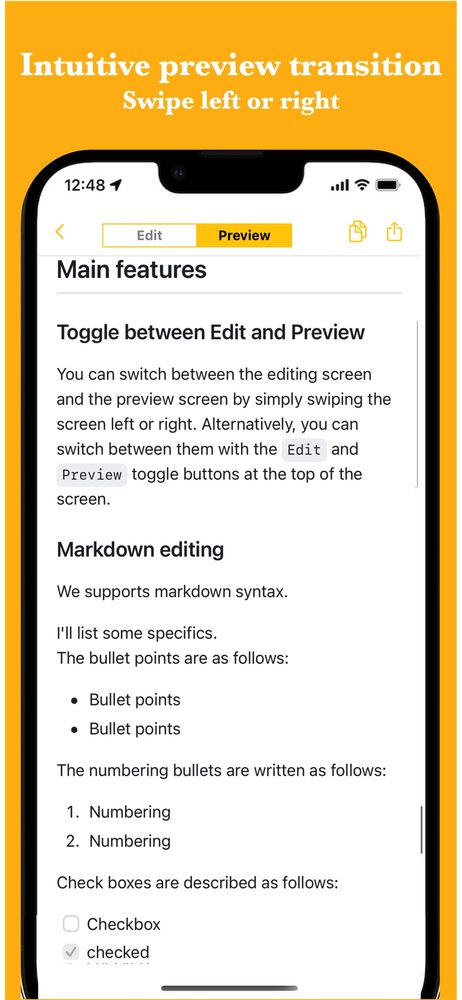
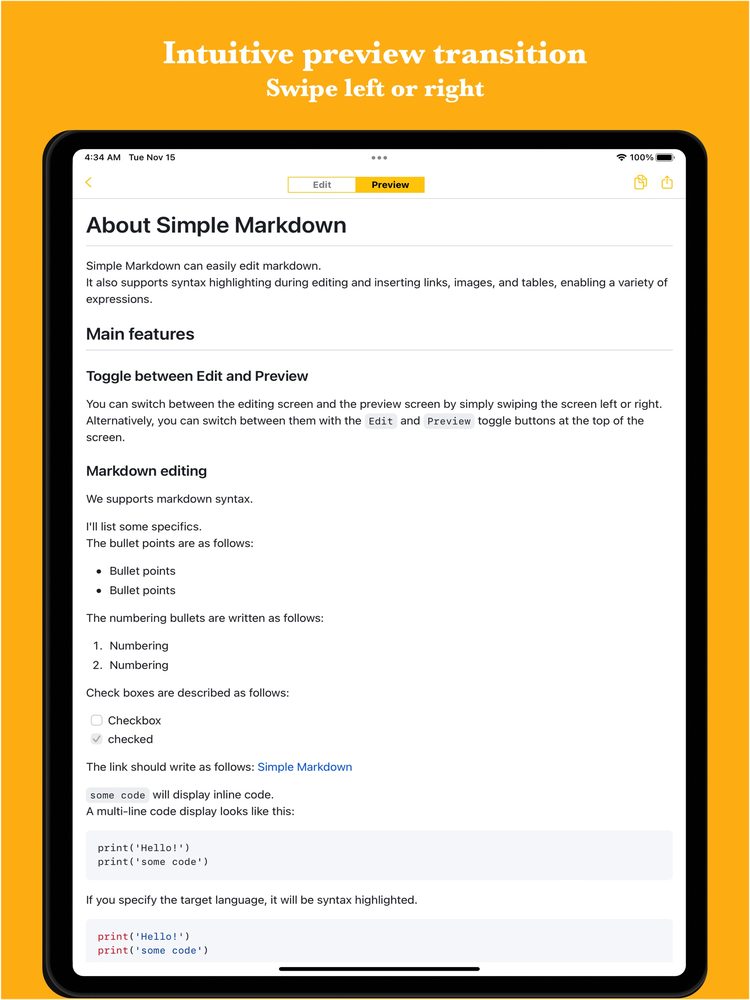
* Smooth switching to preview Simply swipe the screen left or right to switch between the edit screen and the preview screen.
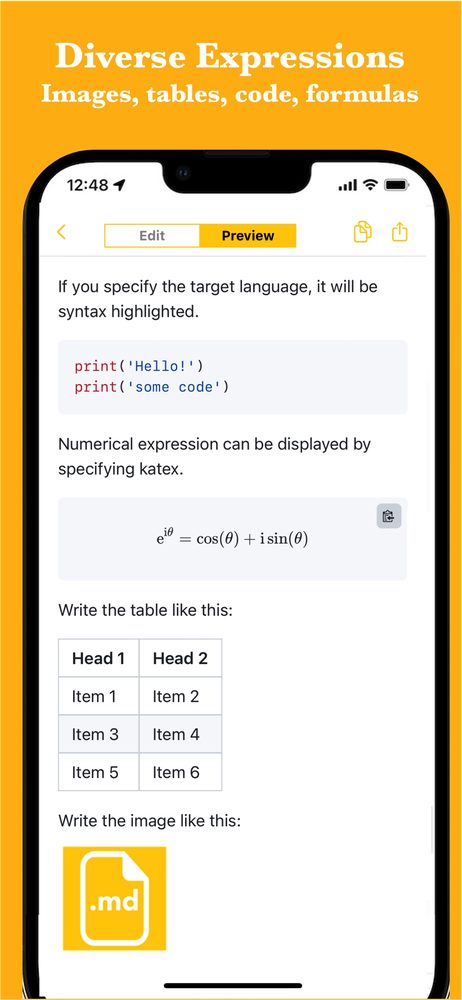
* Various expressions It supports not only basic expressions such as bullet points and links, but also images, tables, codes, and formulas. Therefore, it can be used in a variety of situations.
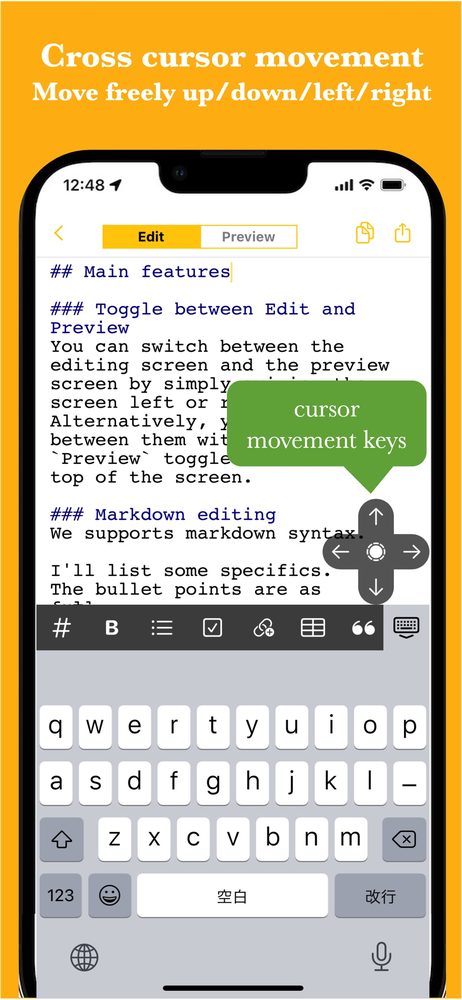
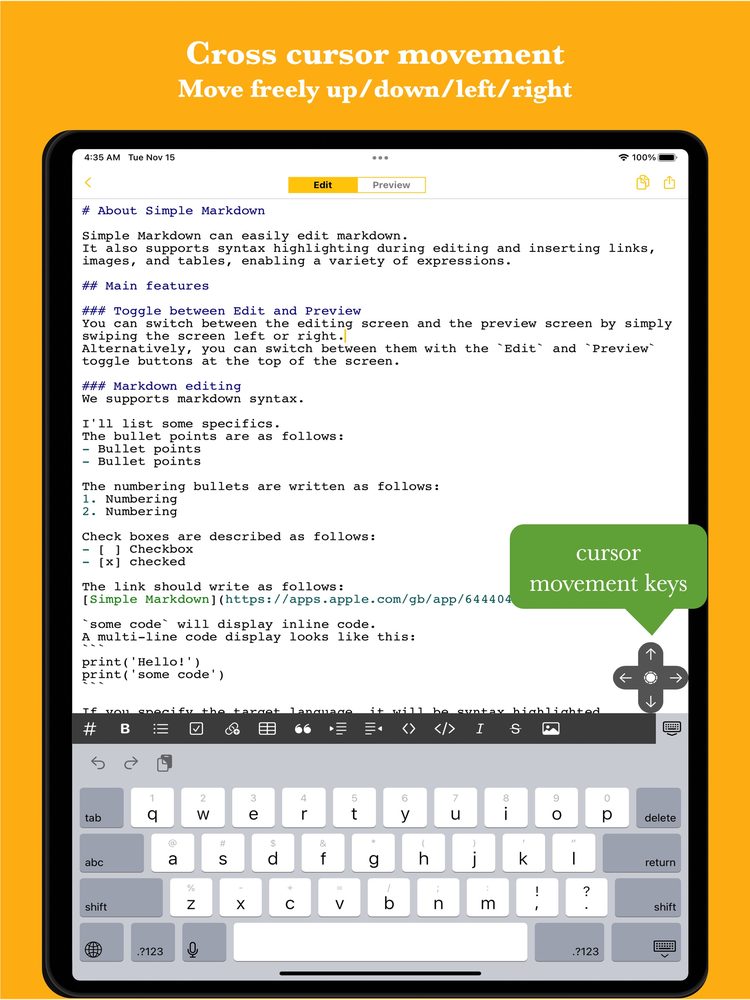
* Easy cursor movement You can move up, down, left and right with the cross cursor button. Easier movement makes editing smoother.
* Auto save When you edit the text, it is saved automatically, so you don't forget to save it.
* Ready to use You can use it immediately without registering an account.
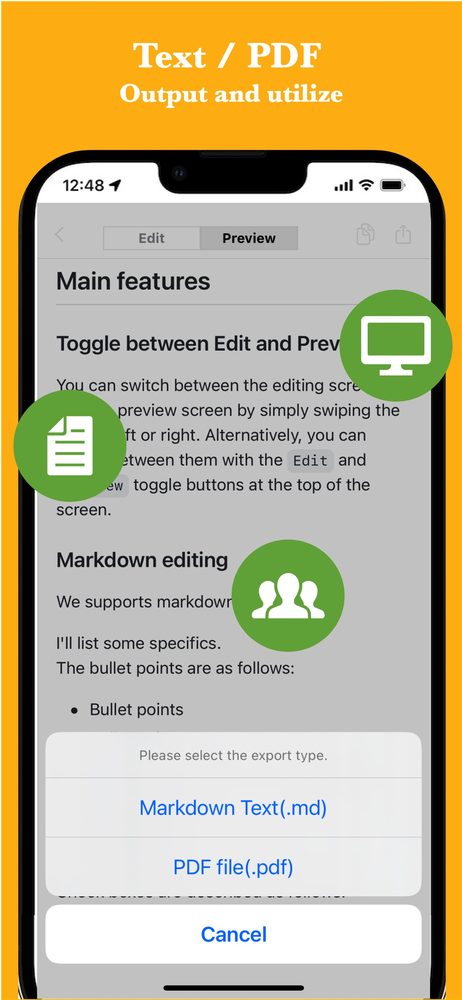
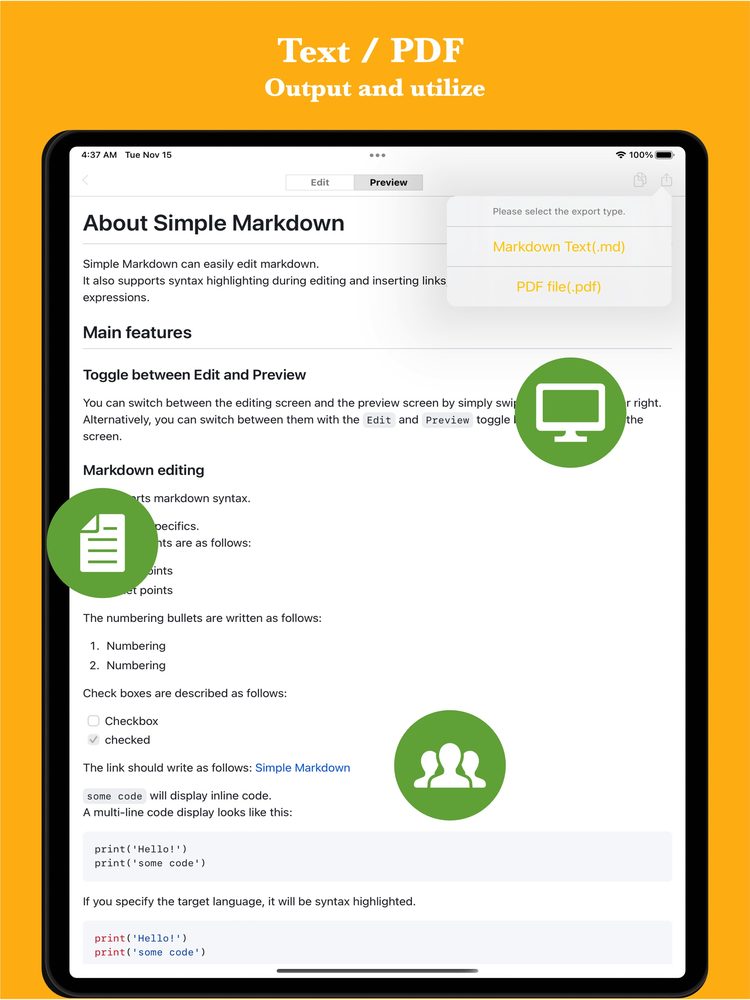
* Export and share You can export the created data, share it, or edit it on your PC.
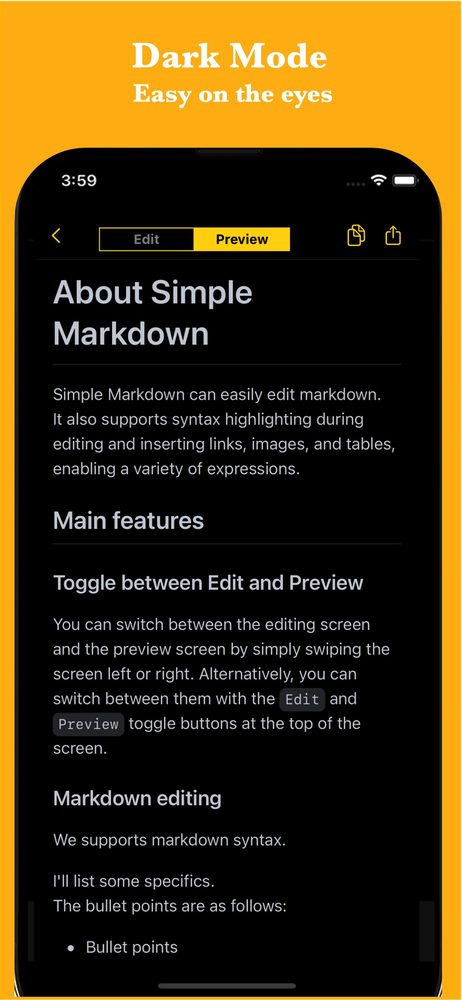
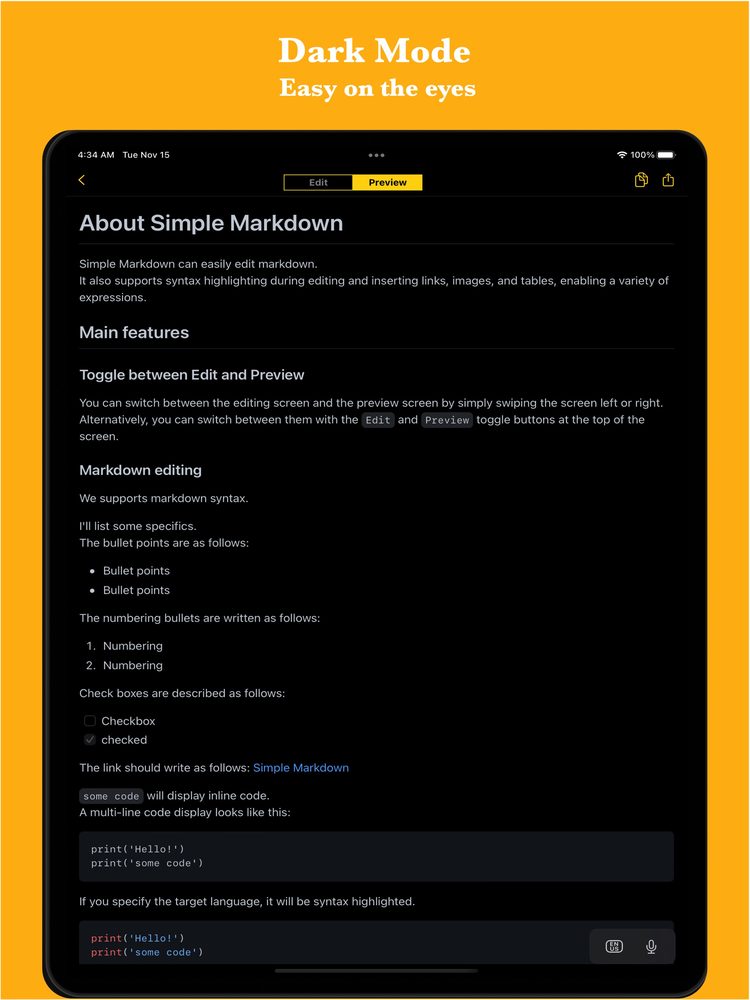
* Dark theme support Since it supports a dark theme, it is also ideal for use at night.
Latest News
Simple Markdown Editor was released on iOS.
User Reviews
Comments from App Store and Google Play users
Related Apps
Find an app that fits what you want to do next.


More Apps

iSpotMap: Popular Travel Spots
Find Trending Tourist Spots

GanttchartAI: GanttChart by AI
Create Gantt Chart with AI

Simple Stock List
Create stock lists easily on your phone.

Outline AI
Easily Create Outline Using the Latest AI!

# Idea AI - Blend keywords
Solo AI & KW Brainstorm

Simple Sequence Diagram AI
AI-powered Sequence Diagram Creation

Simple Timetable
Gantt Timeline Scheduler App

Simple Shift Sheet
Easy shift scheduling

Reply AI for AppReview
Reply AI is an app that automatically generates replies to user store comments.

Simple Receipt
Easy Receipt Creator
Frequently Asked Questions
For help with using the apps, purchases, and common questions, please visit our FAQ.
Read the FAQOpens in a new tab
Feedback and Requests
If you have feedback or requests about this app, please contact us using the form below.
Open the feedback form