Countdown milestones: working backward from event day
When the finish date is immovable, planning must start from the event date and schedule prerequisite tasks backward.
T-minus 3 to 2 months: Concept and venue commitment
Confirm event objectives, budget, target audience, venue contracts, and primary keynote speakers.
T-minus 6 to 4 weeks: Registration launch and promotional push
Publish event landing pages, open ticket registration, distribute promotional emails, and confirm sponsor packages.
T-minus 2 weeks: Materials freeze and equipment logistics
Collect presentation slides, finalize printed handouts, and confirm AV equipment, badges, and catering.
T-minus 1 day to Day 0: Rehearsals, setup, and live execution
Conduct technical dry runs with speakers, assemble registration booths, and execute the operational run-of-show.
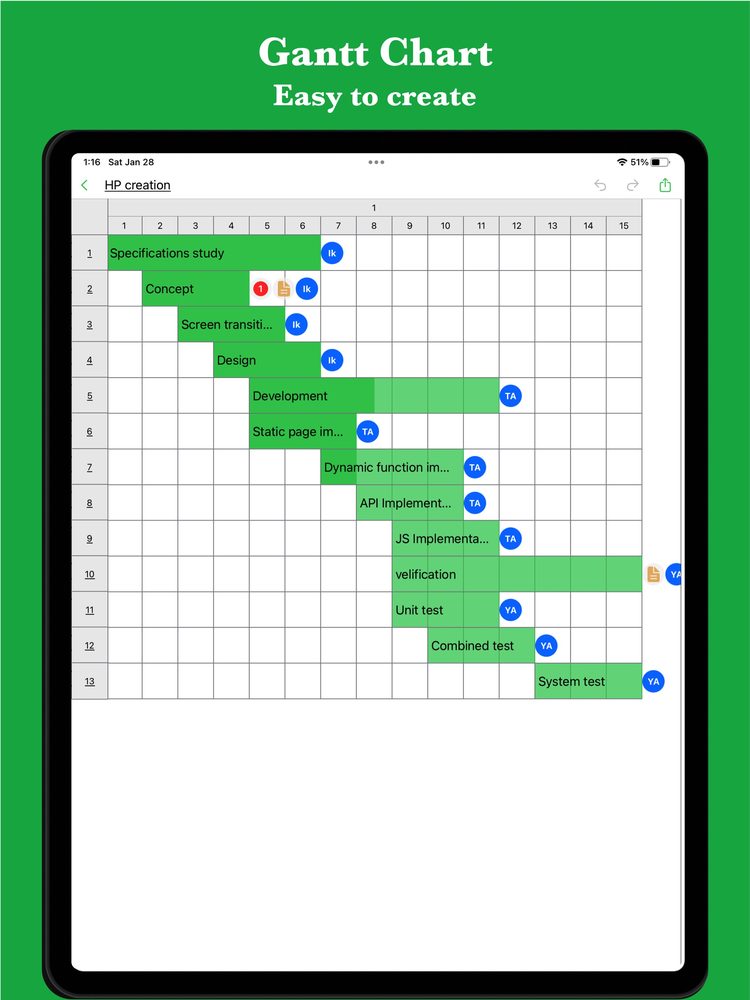
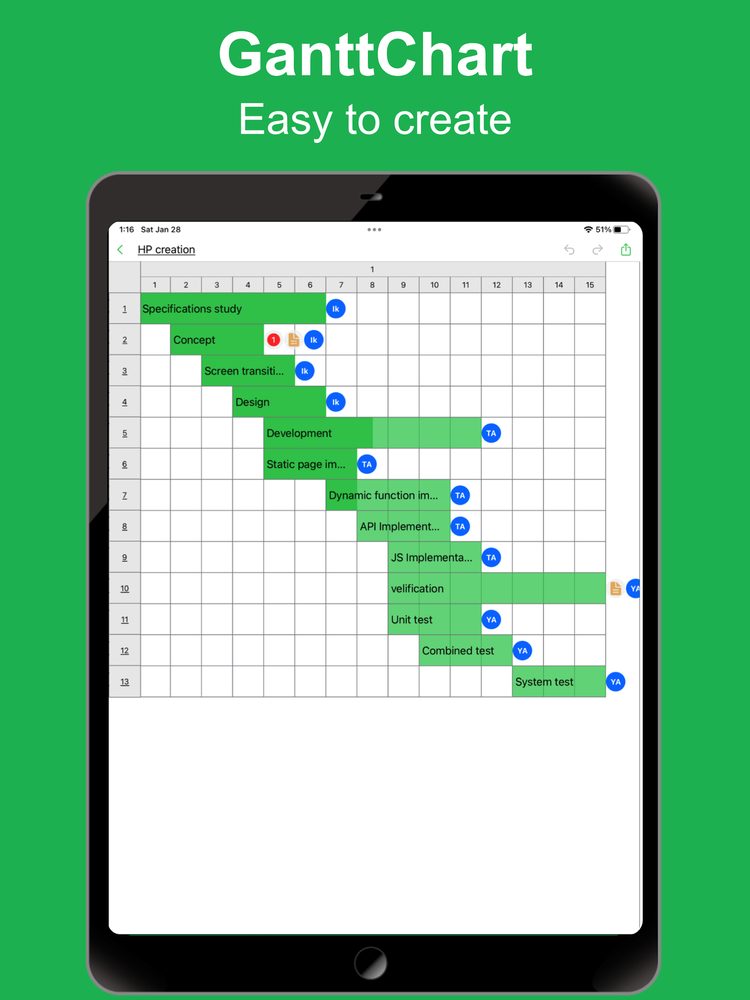
Event preparation Gantt chart template
This editable sample coordinates concurrent workstreams across operations, promotion, and programming. Open it to customize your event countdown.
If the web app asks you to sign in, download the sample file and import it into iGanttChart.
Managing event risks and unforeseen changes
Live events are vulnerable to last-minute disruptions. Building contingency options into your chart protects your audience experience.
Speaker and presenter backup plans
Have pre-recorded remarks or standby facilitators prepared in case key contributors face sudden travel or health issues.
Registration velocity tracking
Track weekly ticket sales against targets. If sign-ups lag, trigger planned promotional boosts before it is too late.
Technical failover buffers
Schedule AV sound checks at least two hours before attendee arrival to troubleshoot streaming, microphones, and network issues.
Streamline event management
Manage multi-track event preparations with iGanttChart, or let GanttchartAI create a tailored event countdown schedule in seconds from a simple prompt.
Create your own Gantt chart
Choose a Gantt chart app for your plan. Explore manual editing and AI-assisted planning on the app pages.