1. Define the outcome and finish date
Describe the finished result: for example, a reviewed service page available to customers. Distinguish a fixed external deadline from a preferred internal target. Keep work outside that outcome out of the first chart.
2. Break the work into checkable tasks
Separate scope, design, writing, implementation, review, and publication. Use tasks with a clear result, such as “Approve the page design”, rather than a vague label such as “Work on the website”. Split large tasks when progress is hard to describe.
3. Estimate elapsed time and working effort separately
A task needing six hours of effort may span several days if the owner works on it only part-time. Include reviews, replies, and delivery waits when estimating elapsed time. State whether dates include weekends and holidays.
4. Decide dependencies and parallel work
Implementation can follow design, while writing may proceed alongside it. Record any condition that must be satisfied before the next task can start. Do not overlap tasks simply to make the plan fit a desired finish date.
If the web app asks you to sign in, download the sample file and import it into iGanttChart.
5. Assign owners and review the whole schedule
Assign a responsible person to each task. Check that one person is not expected to perform several full-time tasks at once, and that reviews have an owner. Discuss what you will change if a key task slips.
Create a first draft in an app
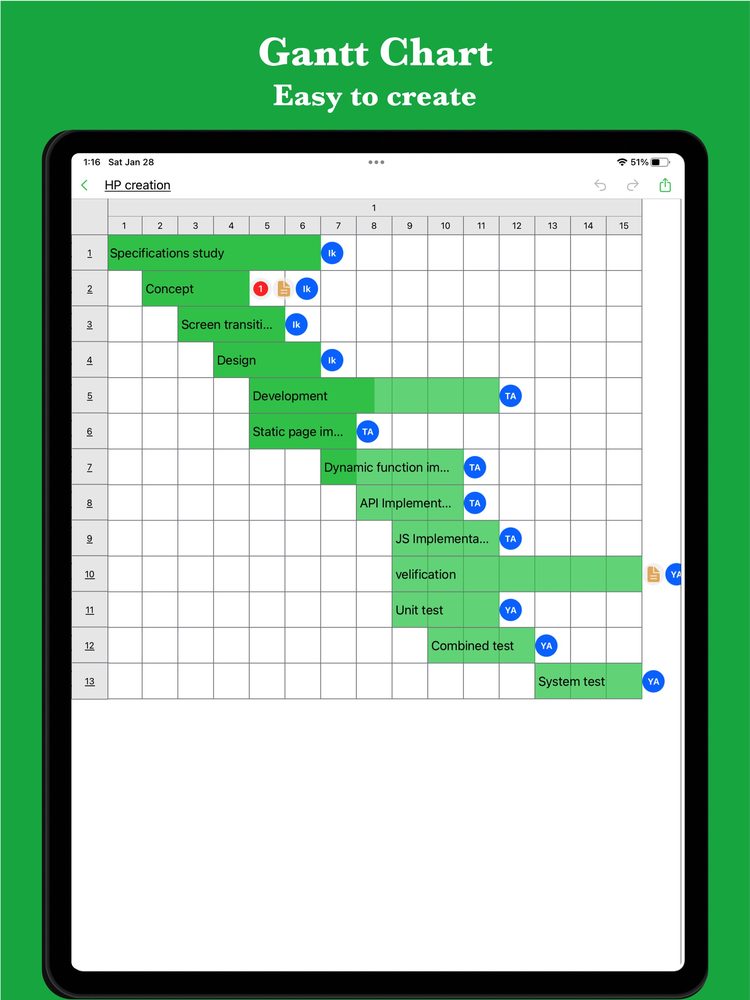
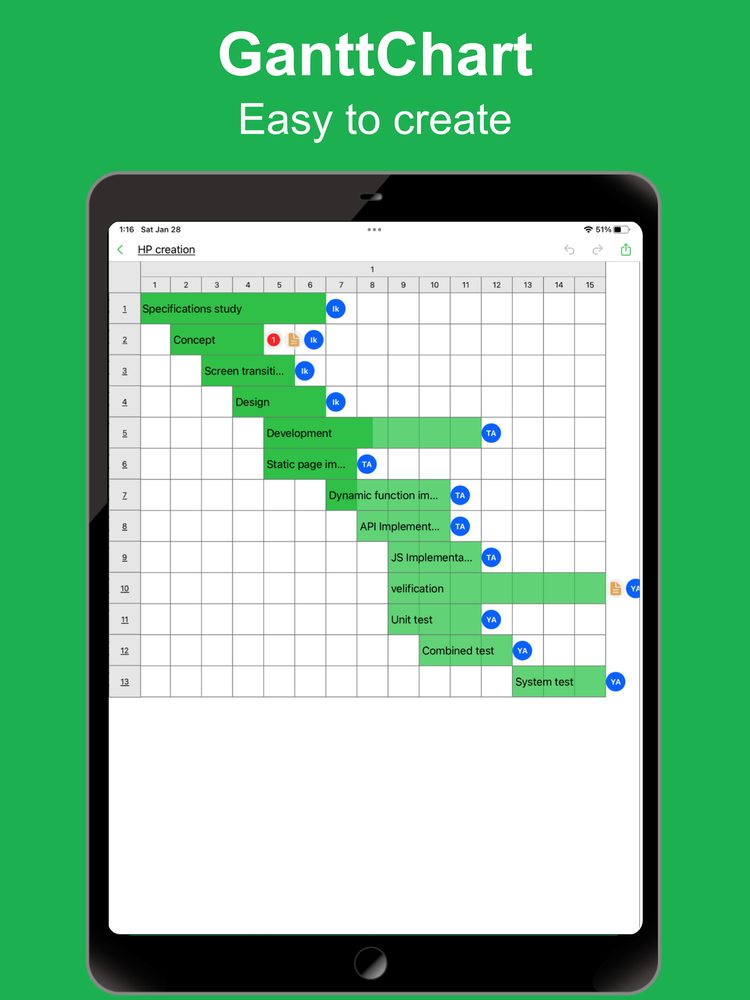
Open a sample in iGanttChart and change the task names, dates, and owners. If you use GanttchartAI to generate a draft from a description, review the proposed tasks and dates before treating them as your actual plan.
Create your own Gantt chart
Choose a Gantt chart app for your plan. Explore manual editing and AI-assisted planning on the app pages.