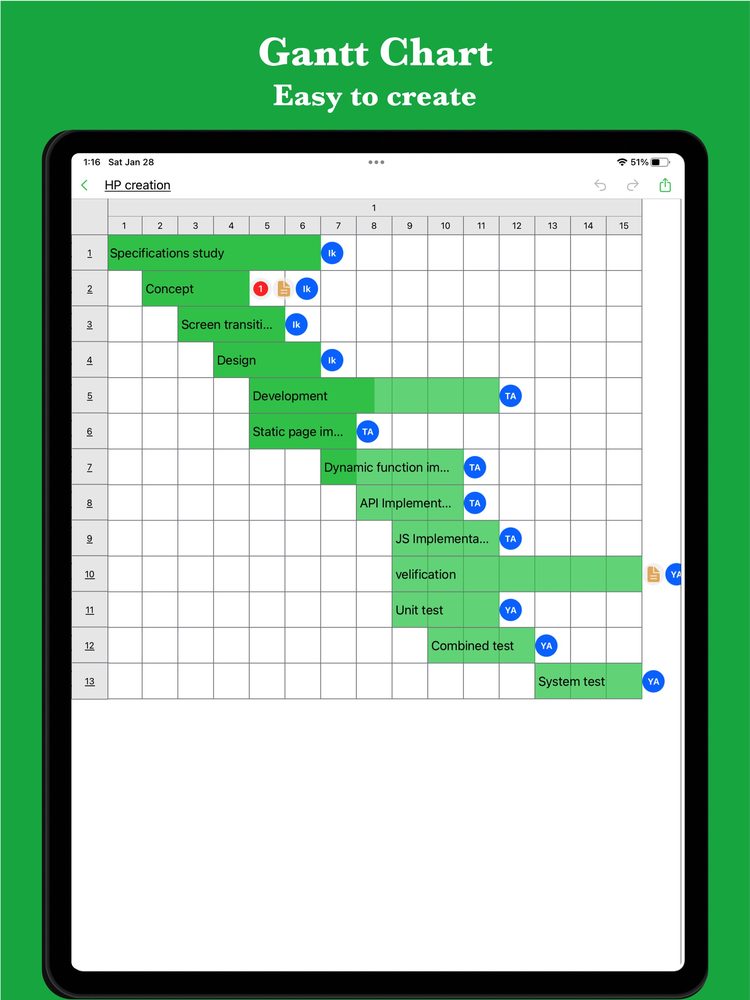
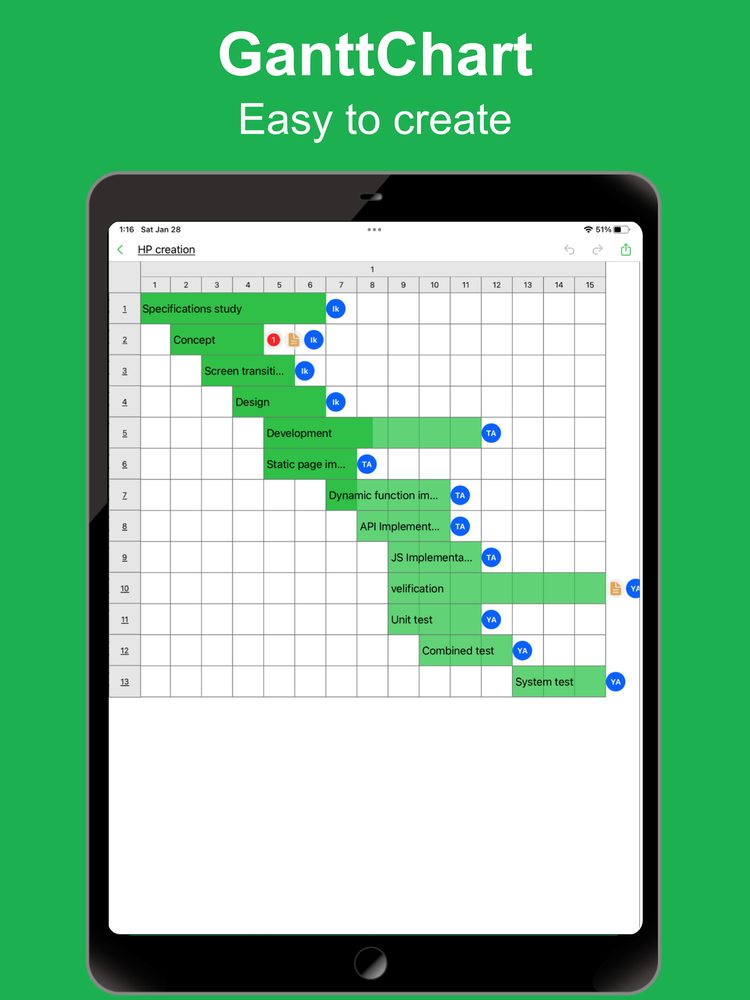
What does a Gantt chart help you see?
A task list tells you what to do. A Gantt chart adds when to do it. Compare the bars to spot overlapping work, waiting periods, and handoffs that may affect the schedule.
If the web app asks you to sign in, download the sample file and import it into iGanttChart.
When is it useful?
Projects with a deadline
Use it to work back from a release, event, or submission date and discuss whether the available time is realistic.
Work involving several people
Show who handles each task and review overlapping assignments. A long bar is elapsed time, not a measure of how busy a person is each day.
Personal plans
Study, moving, and travel preparations can also benefit from a small timeline. Keep the number of tasks manageable.
Gantt chart or flowchart?
Use a Gantt chart to discuss dates and durations. Use a flowchart to describe the order of actions and conditional branches. For a release project, keep the schedule in a Gantt chart and describe approval or retry rules in a flowchart.
Start with a draft, then update it
A schedule is a working plan, not a guarantee. Start with a small draft, agree on assumptions with the people involved, and update the dates when you learn more. Preserve the original plan separately if you need to compare it with later changes.
Create your own Gantt chart
Choose a Gantt chart app for your plan. Explore manual editing and AI-assisted planning on the app pages.