What can a flowchart show?
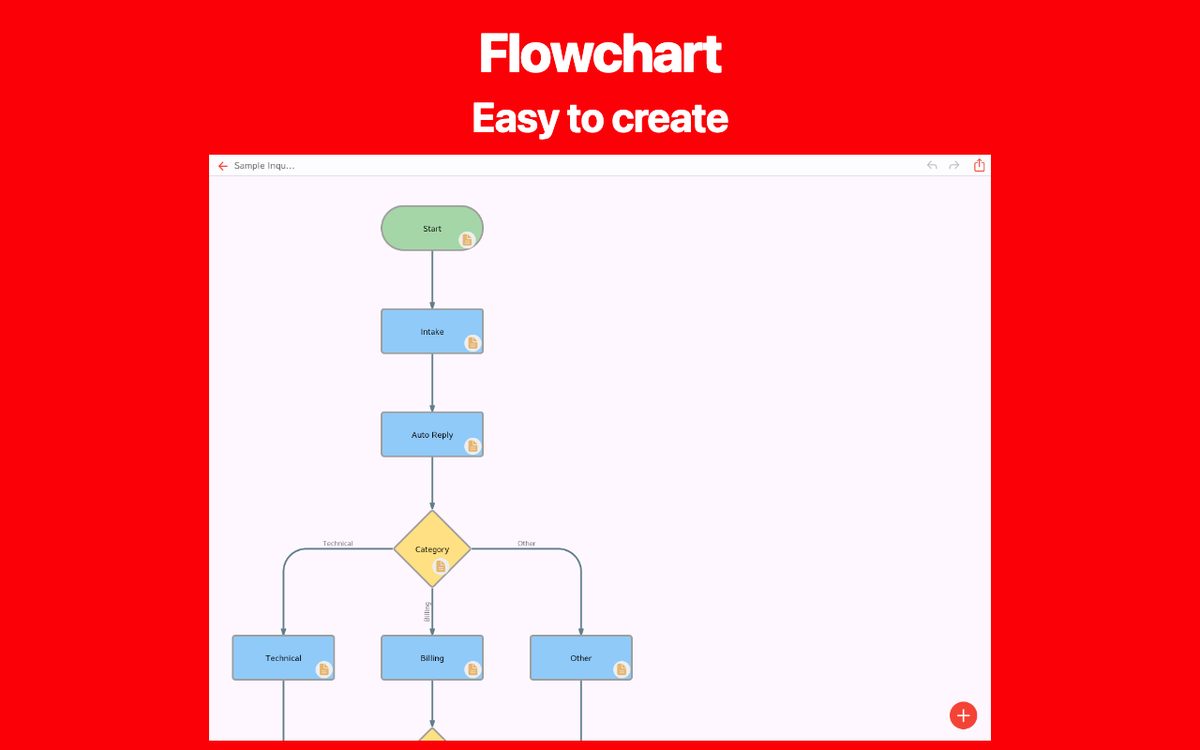
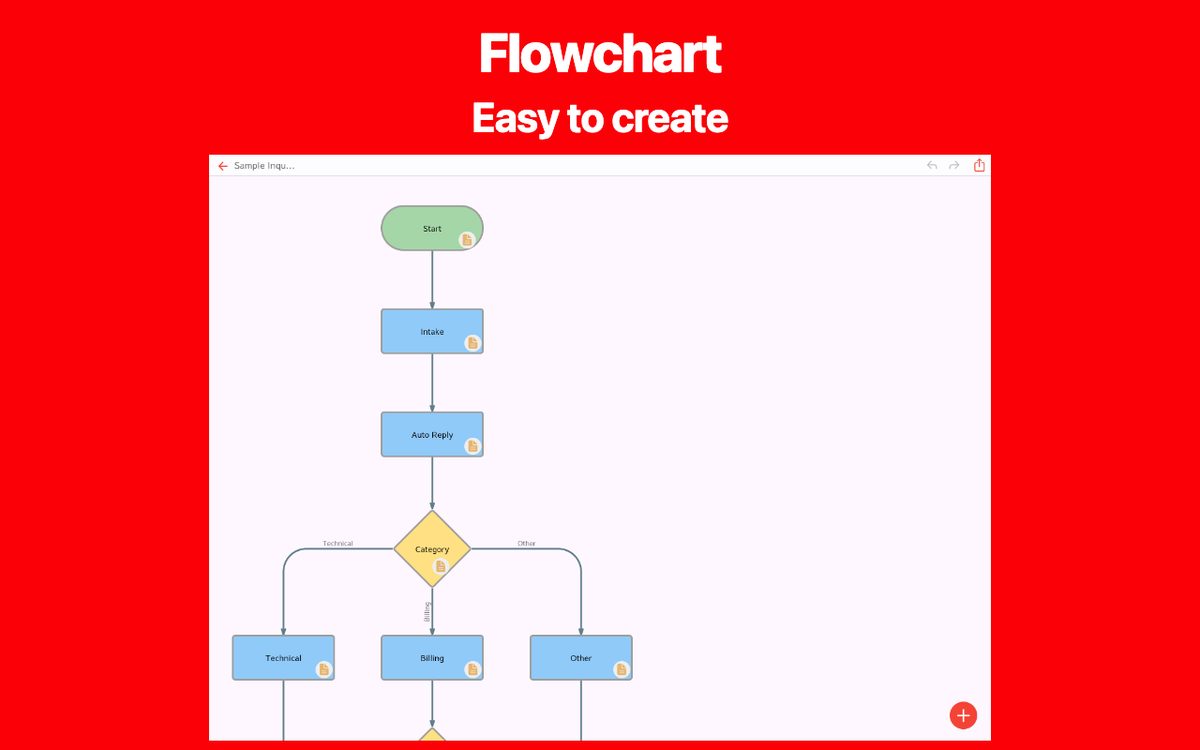
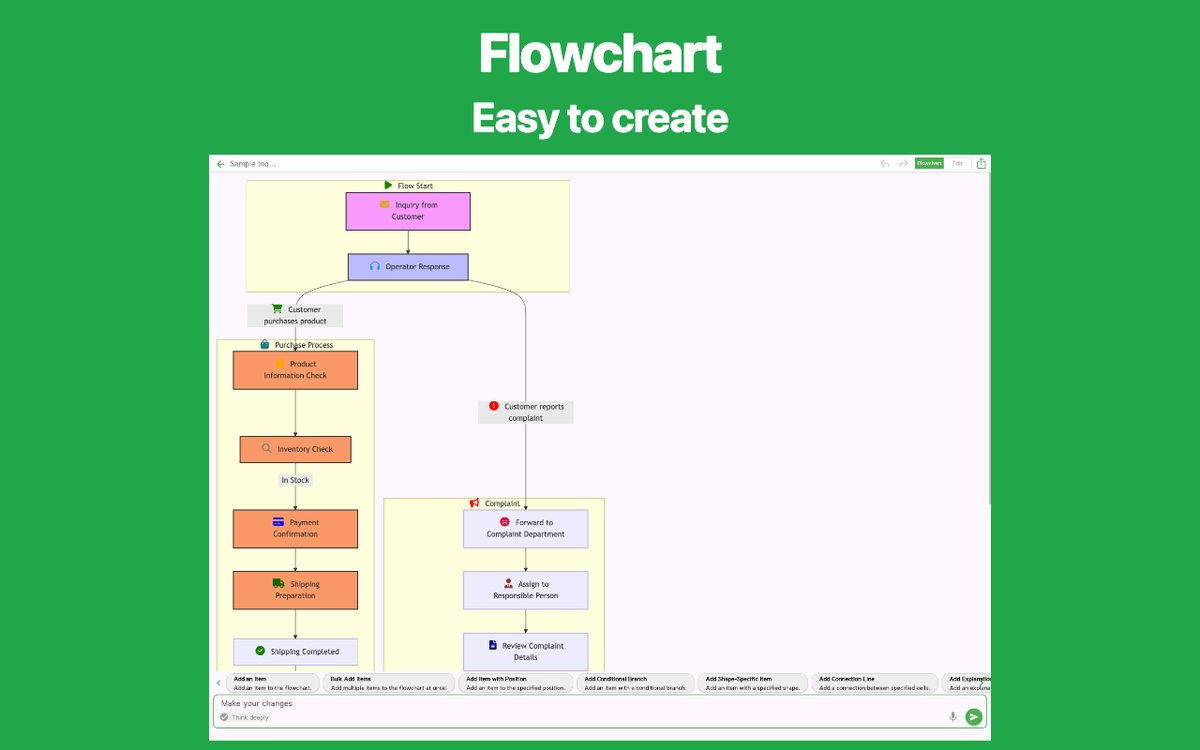
Use a flowchart when the order of work matters: responding to an inquiry, approving a purchase, checking an input, or deciding what to study next. It helps the reader follow a path rather than read a long checklist.
Sequence
One action follows another. Example: receive an order, pack it, then ship it.
Branch
A condition selects the next action. Example: an item is in stock or out of stock.
Loop
A path returns to an earlier step until a condition is met. Include a way to leave the loop.
Why draw the process?
Drawing a process exposes missing steps and unclear handoffs. Review the diagram with the people doing the work: a neat diagram is only useful if it reflects the real process.
A flowchart is useful for detailed decisions. A checklist is often enough for tasks that always happen in the same order. If ownership matters, add the responsible role to each step or use lanes in a tool that supports them.
A useful first diagram
Choose one start point, one outcome, and a small number of steps. A purchase request is a good exercise: request, review, approve or return, then order. Once the main path is clear, add exceptions such as missing information.
Create your own flowchart
Choose a flowchart app that fits your needs. Explore the features and available platforms on each app page.