Seven changes worth making
1. Keep one main reading direction
Use top-to-bottom or left-to-right for the main route. Keep return lines to the side so the normal route is easy to trace.
2. Give each shape one job
Split “Check, approve, and send” into distinct steps when they have different owners or can lead to different outcomes.
3. Write decisions as answerable questions
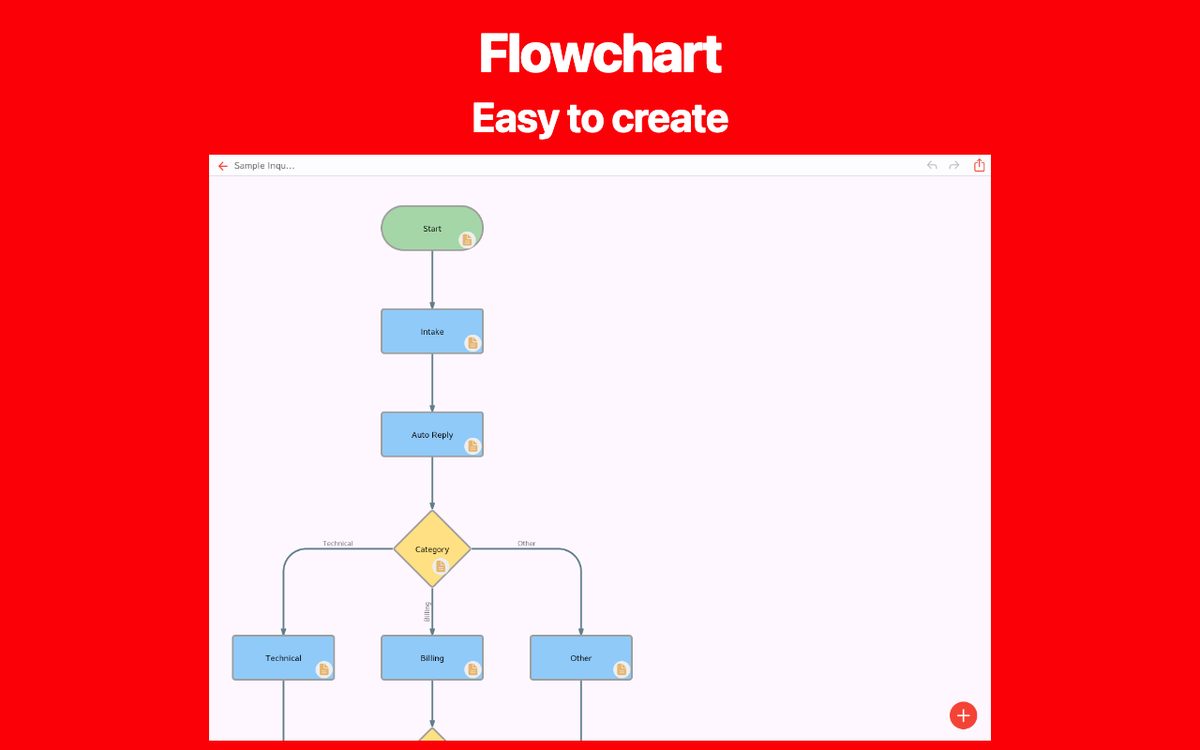
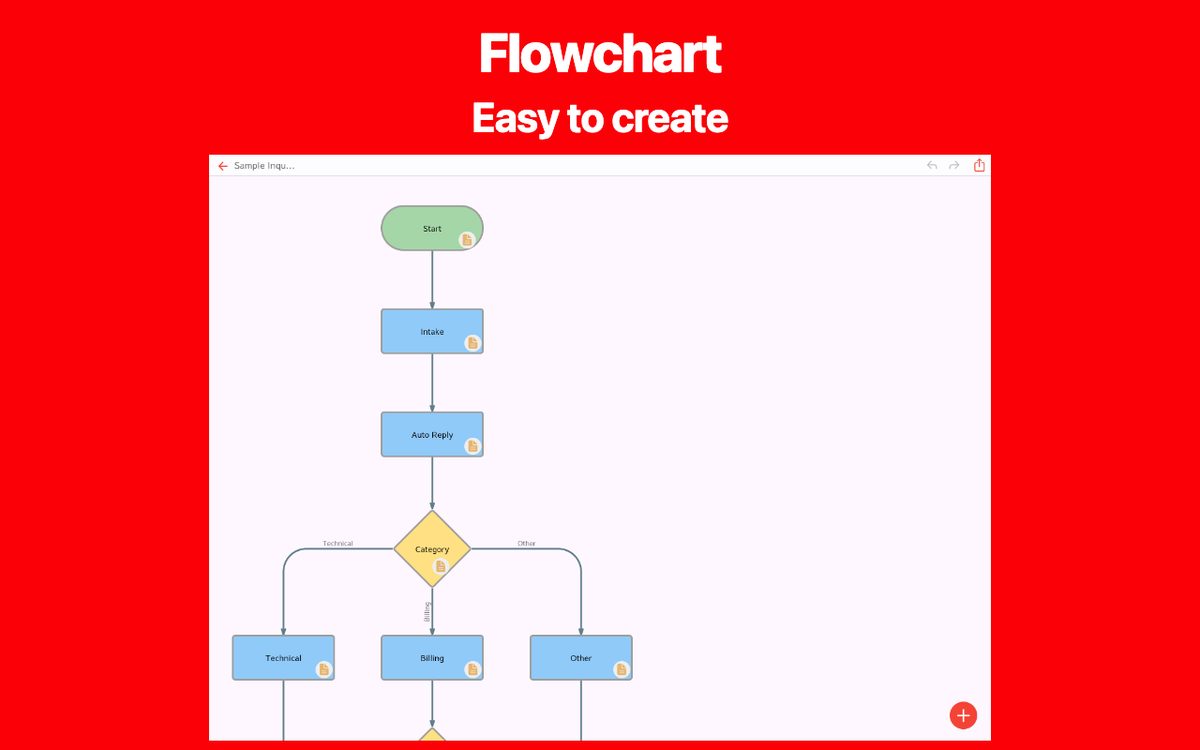
Replace “Check” with “Are all required fields complete?” Use outgoing labels that cover the possible answers without overlap.
4. Keep labels short and concrete
Use an action such as “Send confirmation email” instead of “Handle communication”. Put detailed instructions in a note or linked document.
5. Reduce crossings and long detours
Move related steps closer together. If lines still cross repeatedly, split a detailed sub-process into its own diagram and name the connection.
6. Use color as a supporting cue
Keep similar steps visually consistent. Label the result with words as well as color so the diagram still works when printed without color.
7. Review exceptions and ownership
Trace rejection, missing input, and retry paths. Confirm who acts next, and whether the process can reach an explicit end.
Before and after: make a branch actionable
Before: “Check” → “OK” / “Other”
After: “Required fields complete?” → “Yes: review request” / “No: return for correction”
The revised question states the criterion. Both paths tell the reader what to do next, including how an incomplete request returns for correction.
A checklist before you share
Can a new reader follow it?
Ask someone else to trace a normal case and an exception without your explanation.
Is it readable at the final size?
Check the diagram on the phone, screen, or printed page your reader will use.
Does it reflect the current process?
Record the review date and owner in your working document so it can be updated when the process changes.
Create your own flowchart
Choose a flowchart app that fits your needs. Explore the features and available platforms on each app page.