1. Decide the purpose, start, and finish
Write down who will use the diagram and what they need to do. For a purchasing guide, start when a request is submitted and finish when an order is placed. Leave delivery and payment for a separate diagram if they are outside the purpose.
2. List the actions and decisions
List the actions as short verb phrases: submit request, check details, approve, place order. Separate decisions from actions: “Are the details complete?” is a decision; “Check details” is an action. Ask who handles missing information.
3. Choose shapes and arrange the main path
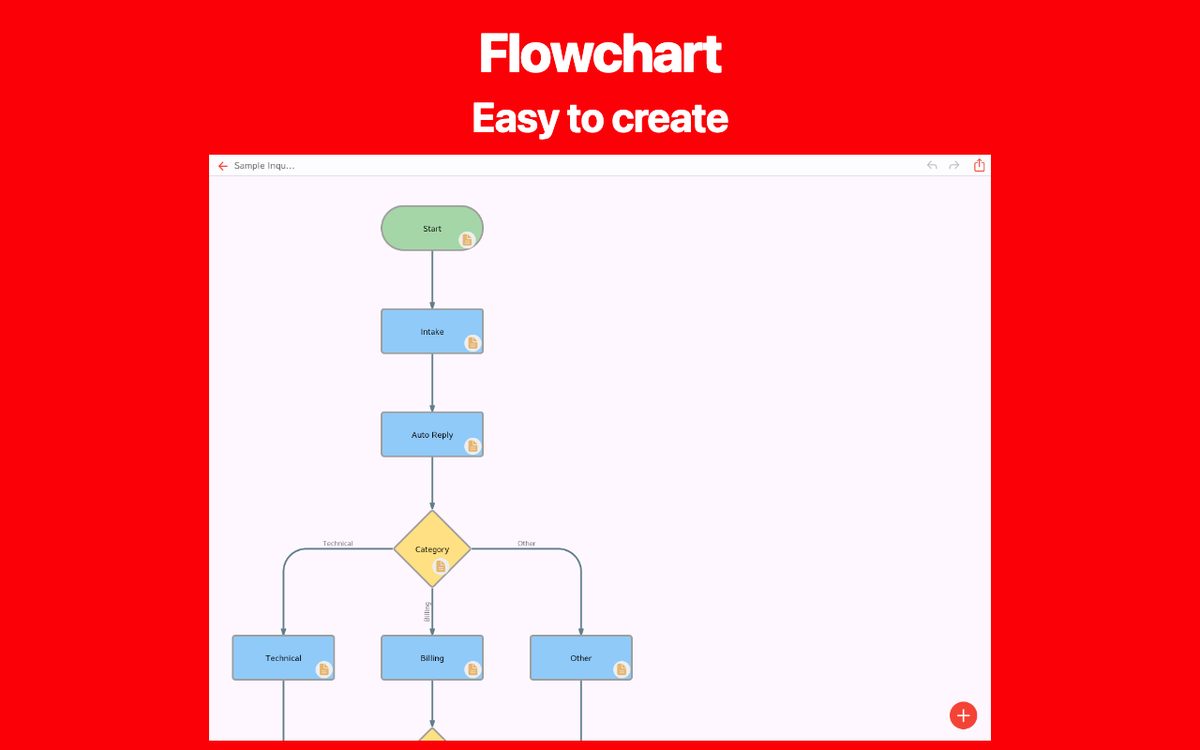
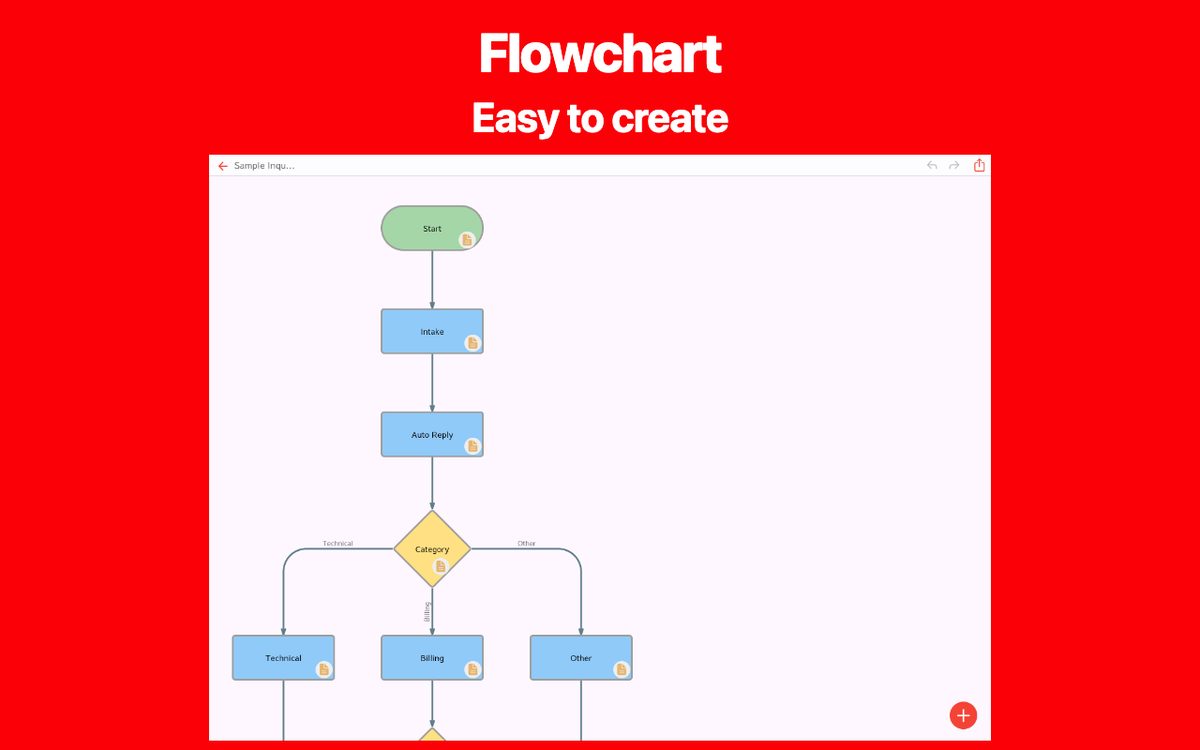
Use a start/end shape for the boundaries, rectangles for actions, and a diamond for a decision. Arrange the main path from top to bottom or left to right. Keep the size of similar steps consistent and leave room for branches.
4. Connect the branches and return paths
Connect the steps in order. Label the decision paths, for example “Complete” and “Incomplete”. A returned request should go back to the step that fixes the issue, then pass through the check again. Do not leave a branch without an outcome.
5. Trace a normal case and an exception
Follow a complete request from start to finish, then try one with missing details. Check whether every arrow has a clear destination and whether a return path can eventually reach the finish. Ask someone unfamiliar with the process to explain the diagram back to you.
Try it on your phone or in the browser
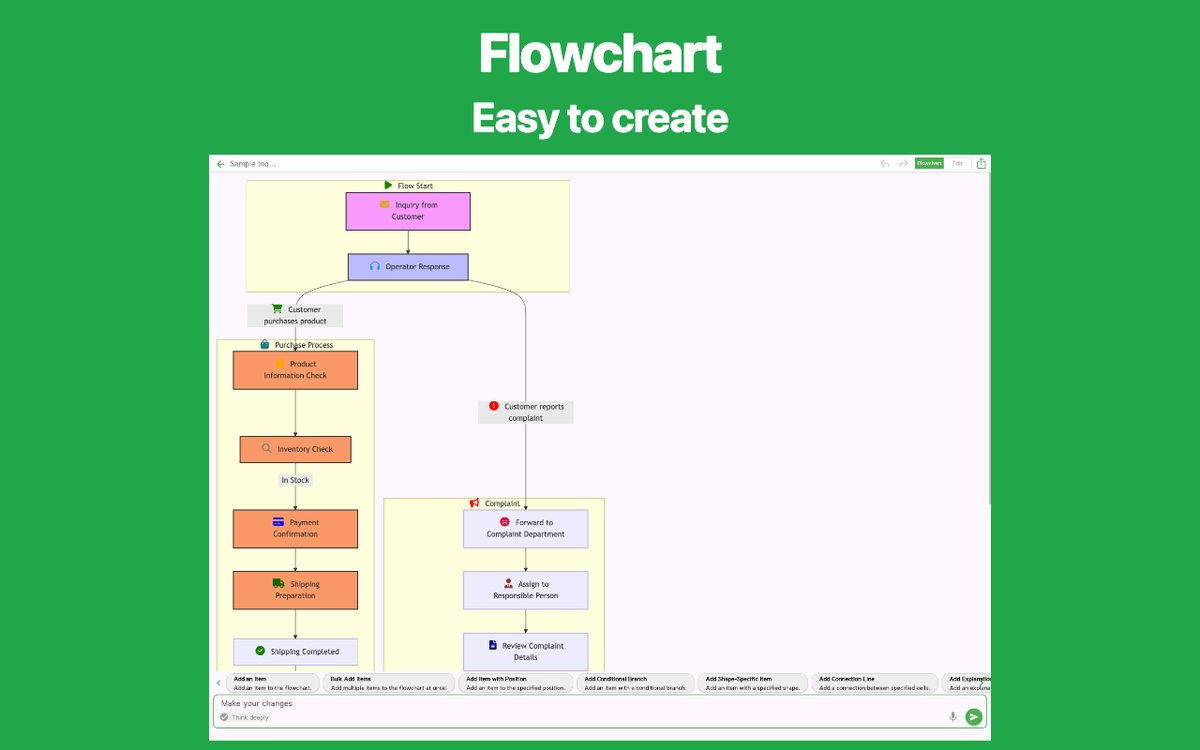
Open the approval sample below in the web app. Change the step names to your own work, adjust the decision labels, and remove steps you do not need. The app detail page also has links for iOS and Android.
Before sharing the result, reopen the saved or exported file and confirm that text and arrows remain readable at the size your reader will use.
Create your own flowchart
Choose a flowchart app that fits your needs. Explore the features and available platforms on each app page.