The release pipeline: from code freeze to public release
Releasing software reliably requires a structured sequence of safety checks. A clear Gantt chart prevents last-minute feature additions from jeopardizing stability.
1. Code freeze and release candidate build
Lock down new features and produce an immutable release candidate for comprehensive verification.
2. Comprehensive QA and bug fix cycles
Execute regression tests, verify critical user journeys, and resolve blocker bugs before creating final store submission binaries.
3. Store submission and review buffer
Submit builds to Apple App Store and Google Play. Always schedule a multi-day buffer for review delays or potential metadata rejections.
4. Phased rollout and post-launch monitoring
Release progressively to a percentage of users while monitoring crash rates, server load, and early customer feedback.
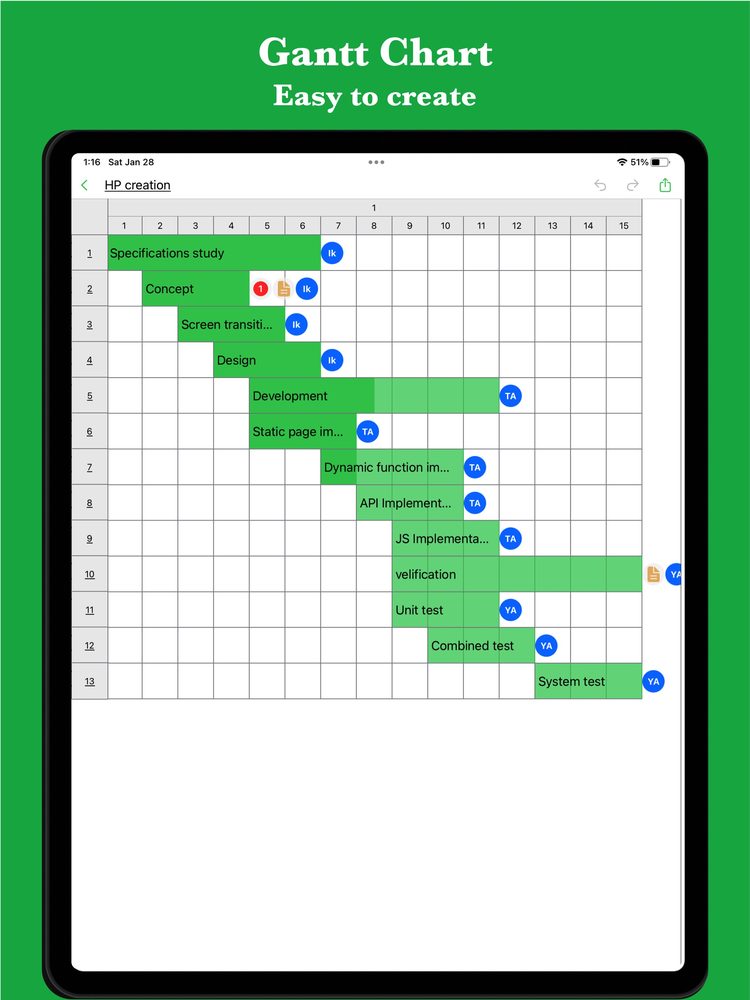
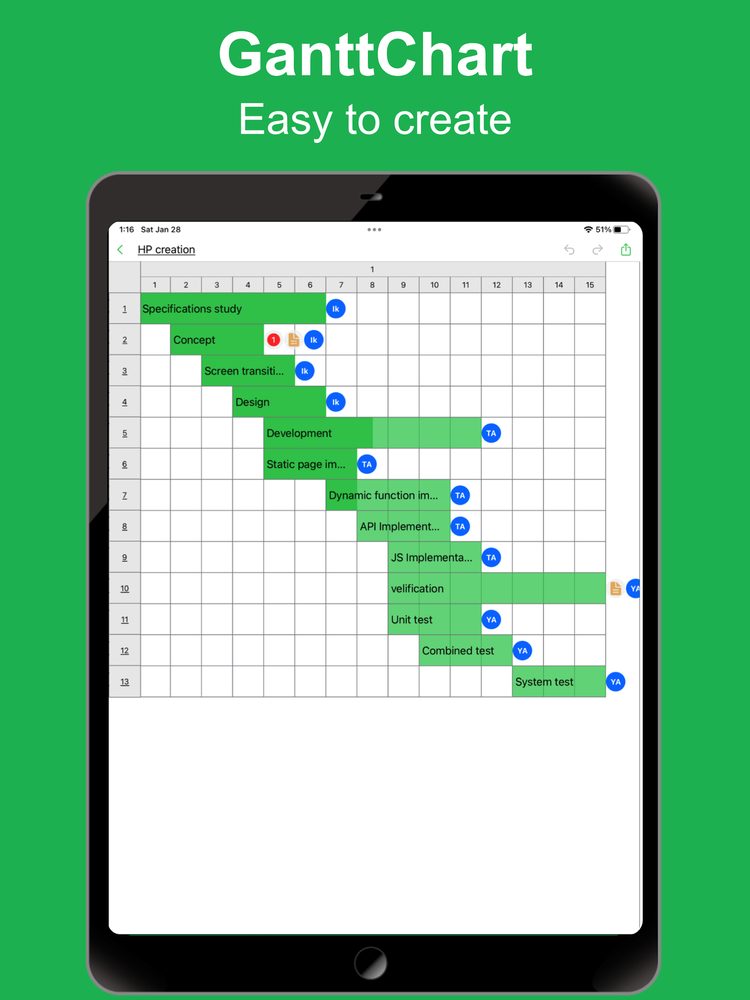
Interactive app release schedule template
Review this proven app release timeline. Open it in iGanttChart to customize team assignments and align with your sprint cadence.
If the web app asks you to sign in, download the sample file and import it into iGanttChart.
Aligning engineering, marketing, and operations
An app launch is more than code deployment. Marketing announcements, support documentation, and server capacity must align with the release bar.
Marketing asset alignment
Store screenshots, release notes, press releases, and social media campaigns must be prepared before app review approval.
Backend readiness and scale checks
Ensure API servers, database migrations, and push notification infrastructure are tested for release-day traffic spikes.
Rollback and hotfix contingency plan
Define clear escalation paths and hotfix procedures in case critical bugs slip through to production.
Plan your app release with dedicated tools
Keep your development team aligned with iGanttChart, or describe your release scope to GanttchartAI to auto-generate a release schedule complete with store buffers and QA windows.
Create your own Gantt chart
Choose a Gantt chart app for your plan. Explore manual editing and AI-assisted planning on the app pages.