


Simple TypeScript was released on iOS.
Features

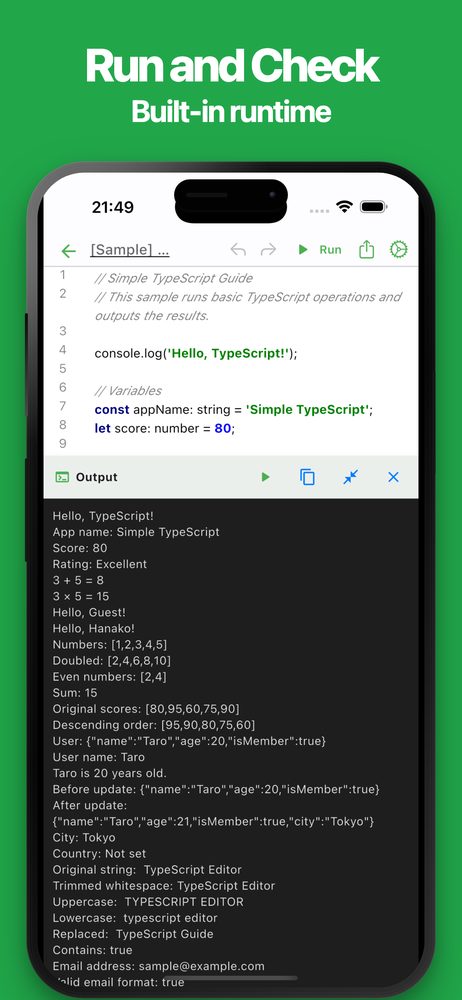
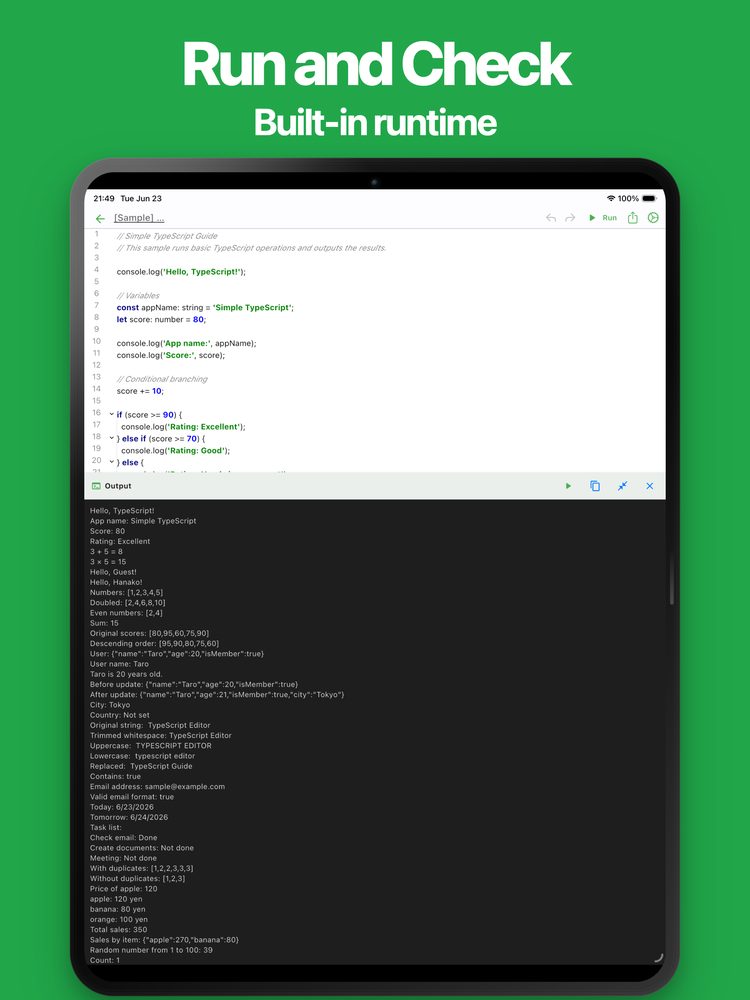
Run and Check
Built-in runtime

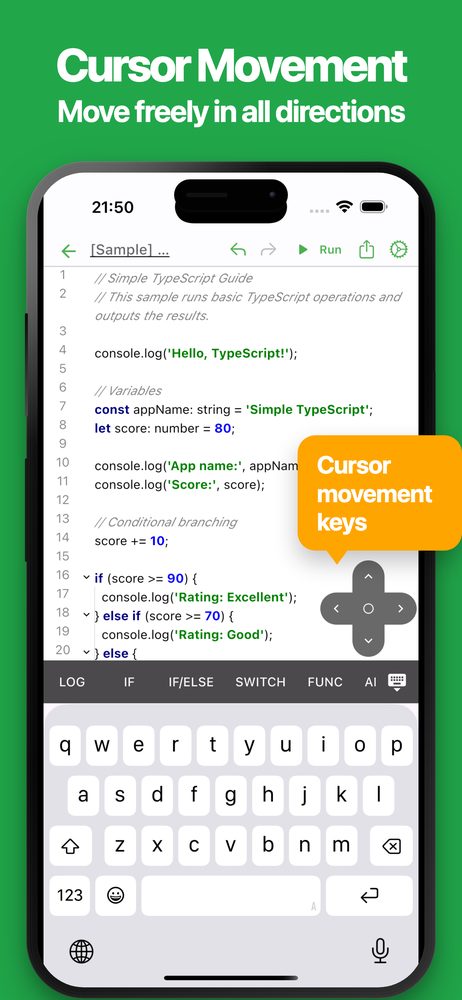
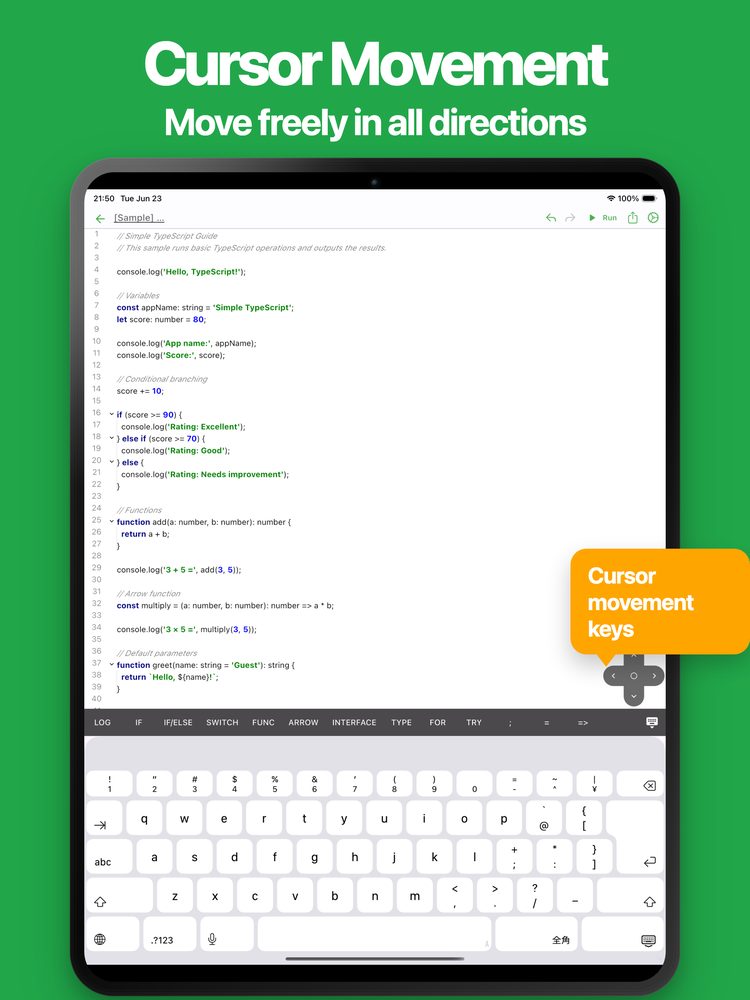
Cursor Movement
Move freely in all directions
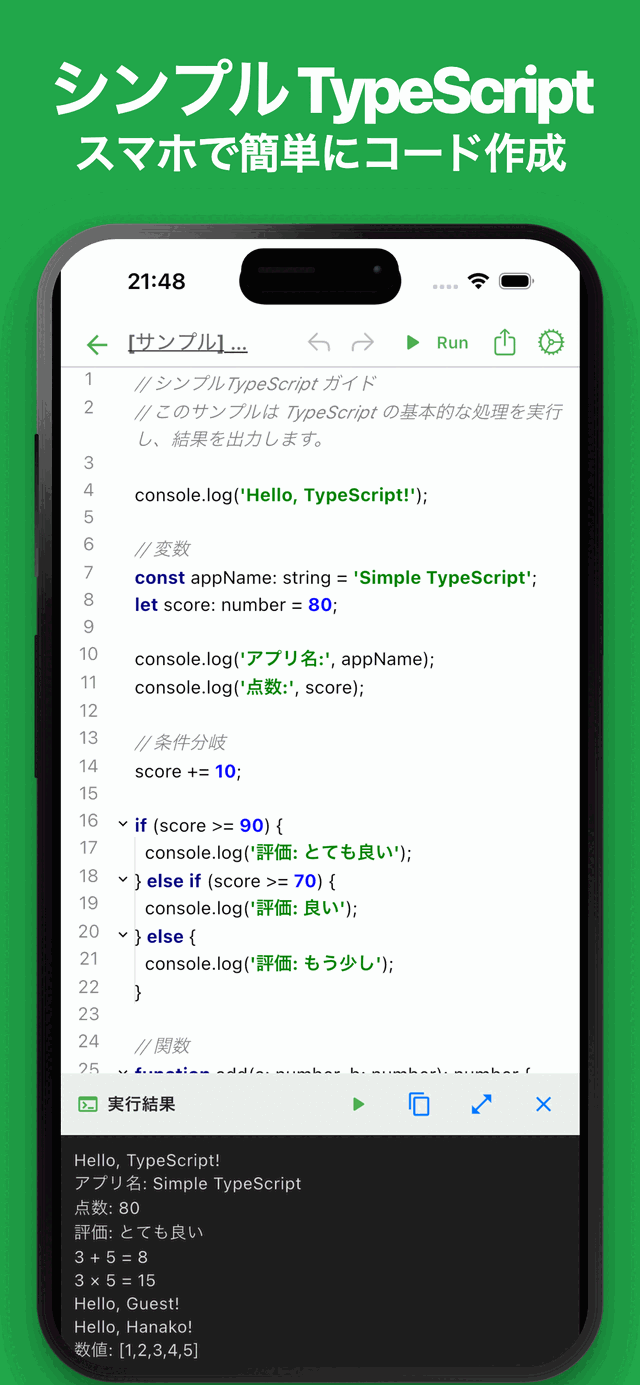

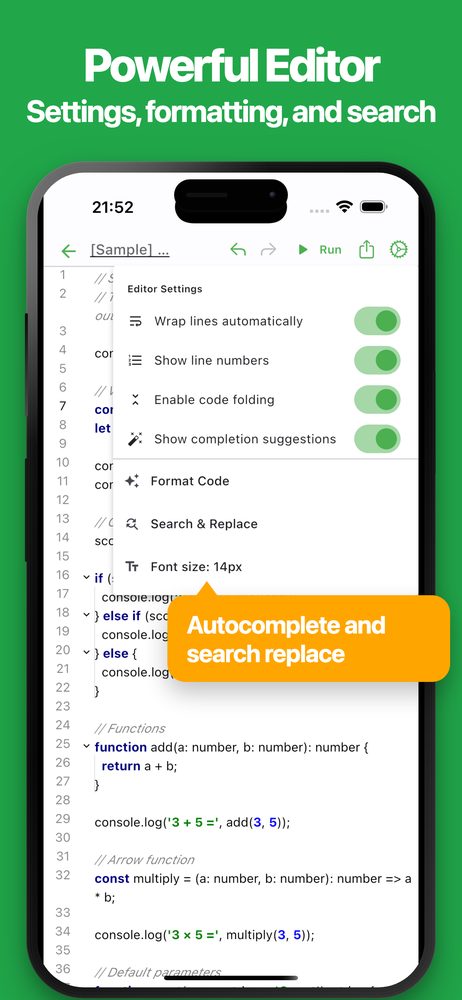
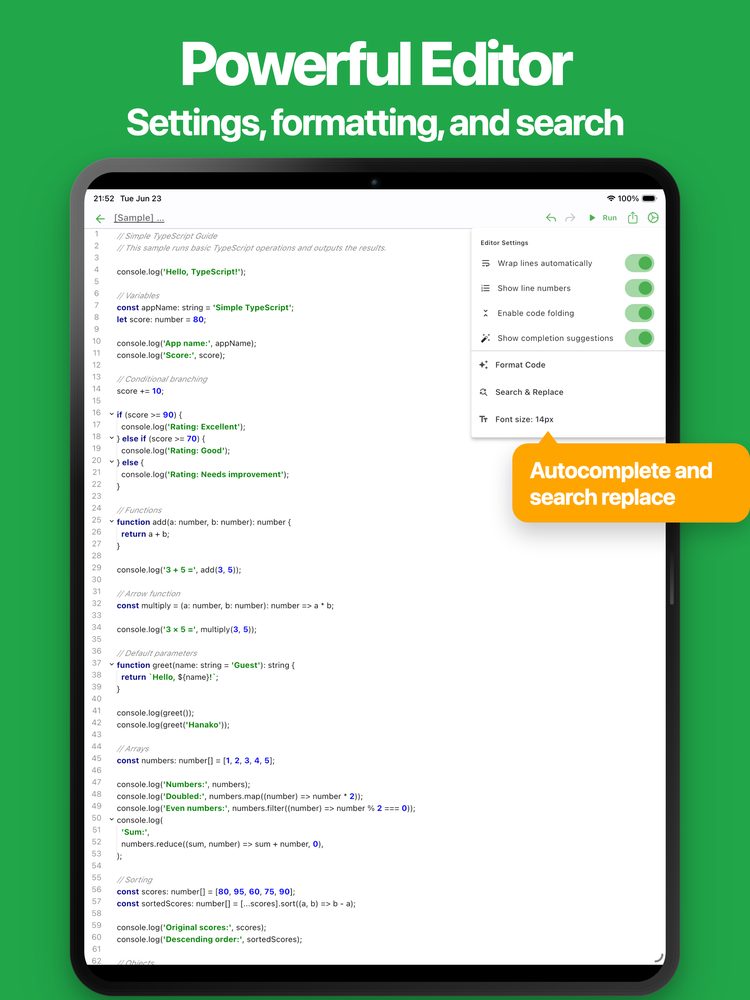
Powerful Editor
Settings, formatting, and search

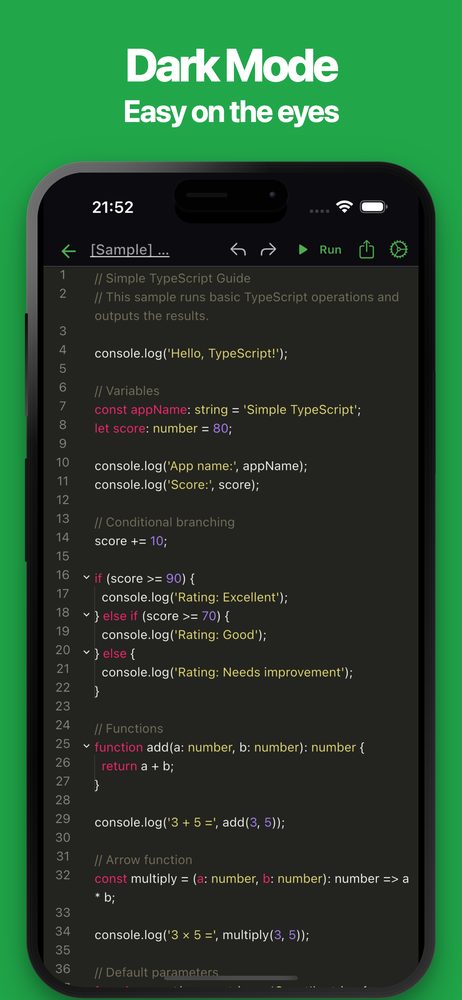
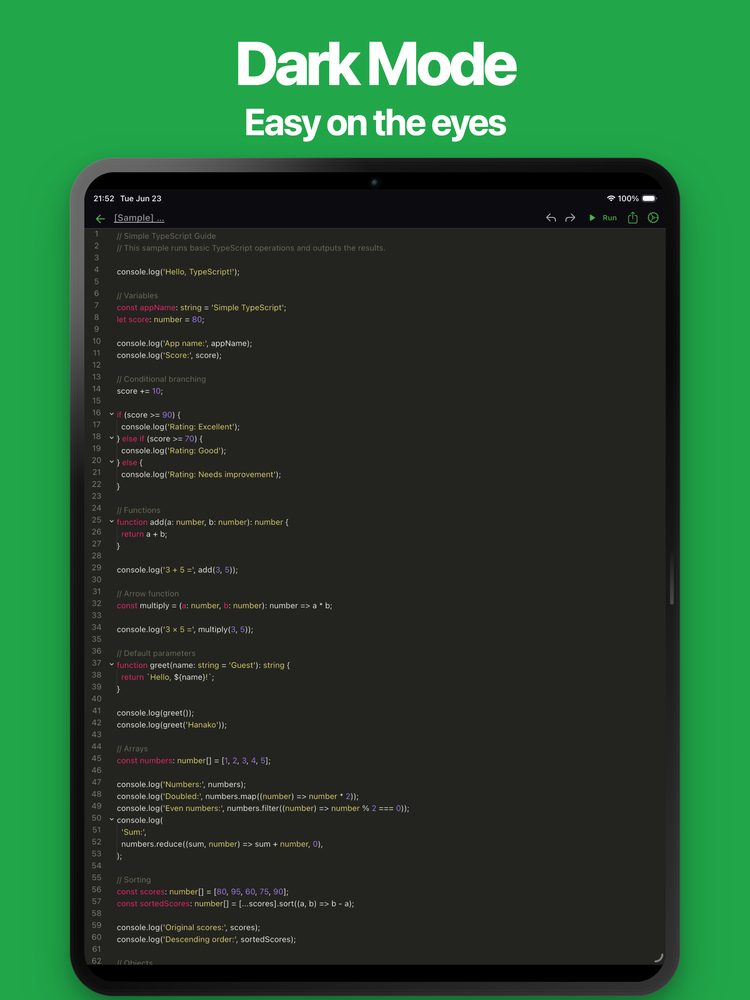
Dark Mode
Easy on the eyes
Screenshots
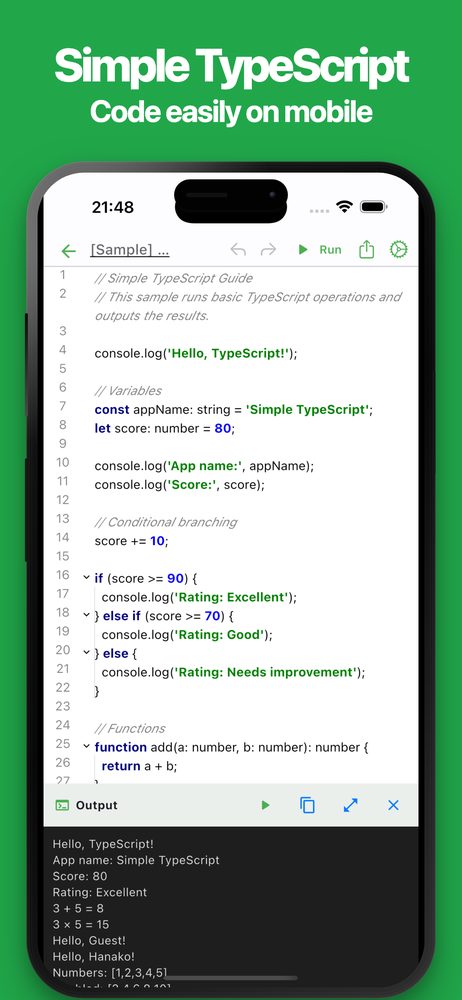
About this app
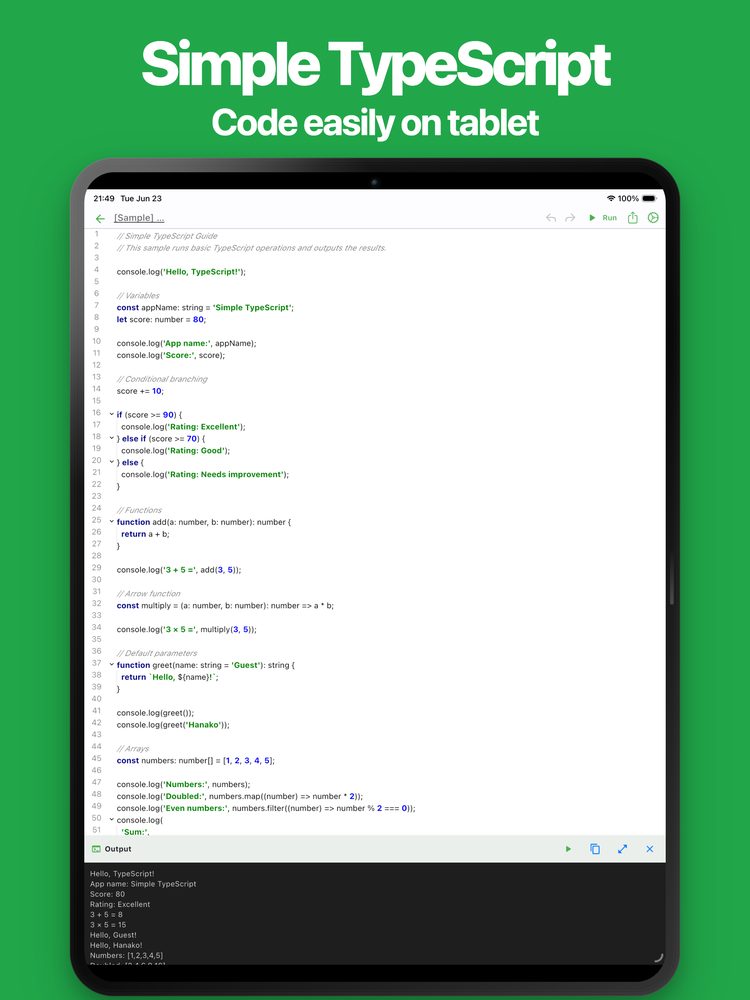
“Want to try TypeScript code while you’re on the go?” This app is a simple TypeScript editor and runtime designed for smartphones.
It provides a powerful code editor with syntax highlighting, allowing you to write and run TypeScript code instantly. It is suitable for everything from learning TypeScript to practical coding and testing.
Common use cases include:
* Learning TypeScript * Programming practice * Learning web development * Learning type-safe coding * Studying algorithms * Testing code snippets * Verifying sample code * Taking TypeScript notes * Creating scripts * Testing functions and types * Writing code for technical blogs * Training and workshops * Building prototypes * Managing code snippets * Experimenting with new ideas * Creating a simple testing environment during development
TypeScript can be used in many different ways, and this app helps you quickly write, test, and manage your code.
If you are looking for a TypeScript editor and runtime, give it a try.
Features
- Intuitive Interface
Simple tools should be easy to use. The editor is designed to be fast, responsive, and comfortable for everyday coding.
- Run Code Instantly
Execute TypeScript code with a single tap. View output and error messages immediately.
- Code Auto Completion
Built-in code completion helps you write code more efficiently.
- Code Formatting
Automatically format your code to improve readability and maintain a clean coding style.
- Find and Replace
Search and replace text within your code quickly and easily.
- Code Folding
Collapse and expand code blocks to make large files easier to navigate.
- Easy Cursor Navigation
Move the cursor using directional controls for more precise editing.
- Automatic Saving
Your code is automatically saved while editing, so you never have to worry about losing changes.
- Ready to Use
No account registration is required. Start coding immediately after installation.
- Export and Share
Export and share your code with others. Useful for backups and editing on different devices.
- Dark Theme Support
Supports dark mode for comfortable coding day and night.
Latest News
Simple TypeScript was released on Android.
User Reviews
Comments from App Store and Google Play users
Related Apps
Find an app that fits what you want to do next.

More Apps

Simple Slide: Slide Maker
Create and Present with Ease

# Simple Sales Tracker
Track and manage sales easily

Simple Python
Python Code Editor / Runtime

Simple Invoice
Create and manage invoices easily on your smartphone or tablet.

# Simple Photo Collage
Combine Photos into Collages

Marp Slide: Markdown Maker
Create and Present on Mobile

Gift Cierge: Your Gift Partner
Need a Gift? We’ll Help!

Simple Payslip
Create Pay Stubs & Payslips

Simple FAQ
FAQ Maker & Manager

PoseCraft: Simple Pose Maker
Create Various Poses with Ease
Frequently Asked Questions
For help with using the apps, purchases, and common questions, please visit our FAQ.
Read the FAQOpens in a new tab
Feedback and Requests
If you have feedback or requests about this app, please contact us using the form below.
Open the feedback form