Common symbols at a glance
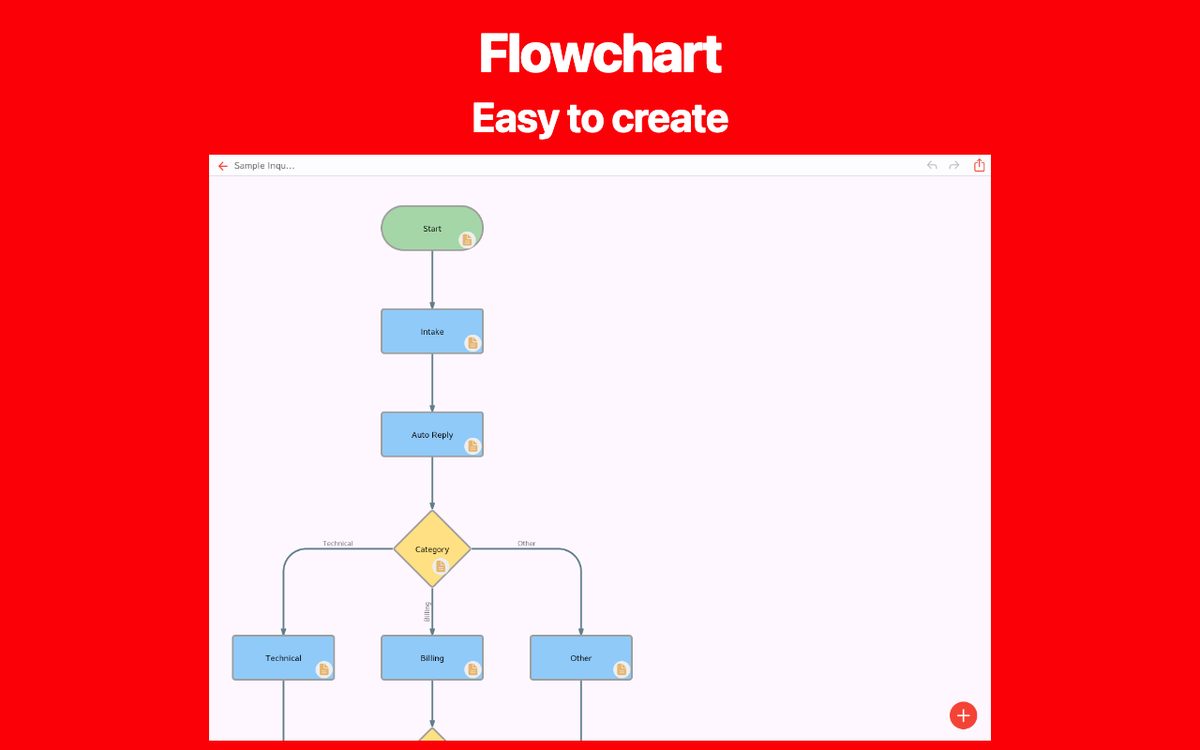
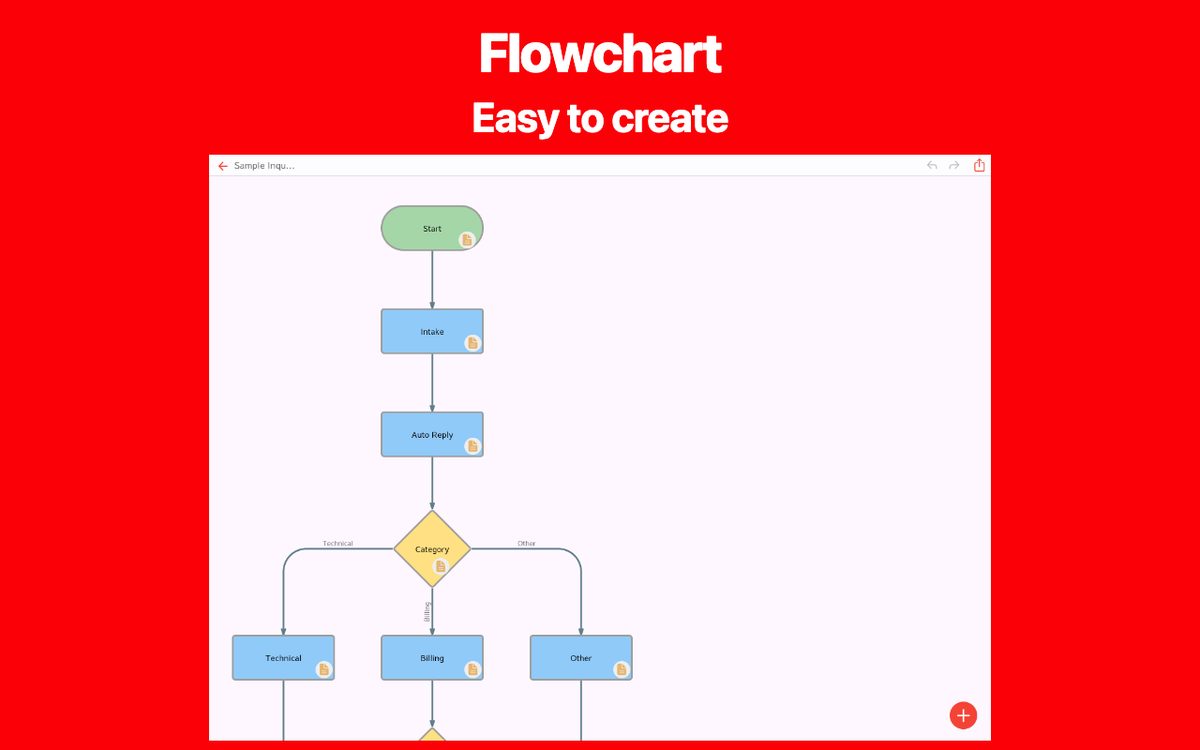
Start / End
Marks where this flow begins or finishes.
Example use: Request received / Order placed
Process
An action performed in the process.
Example use: Check request details
Decision
A condition that selects a path; label each outgoing branch.
Example use: Details complete?
Input / Output
Information entering or leaving the process.
Example use: Enter an order number
Document
A document used or produced by a step.
Example use: Issue a receipt
Database
Stored data used by the process.
Example use: Inventory records
Subprocess
A group of steps described in a separate flow.
Example use: Run an approval procedure
Connector
Connects distant parts of a diagram using matching labels.
Example use: Continue at A
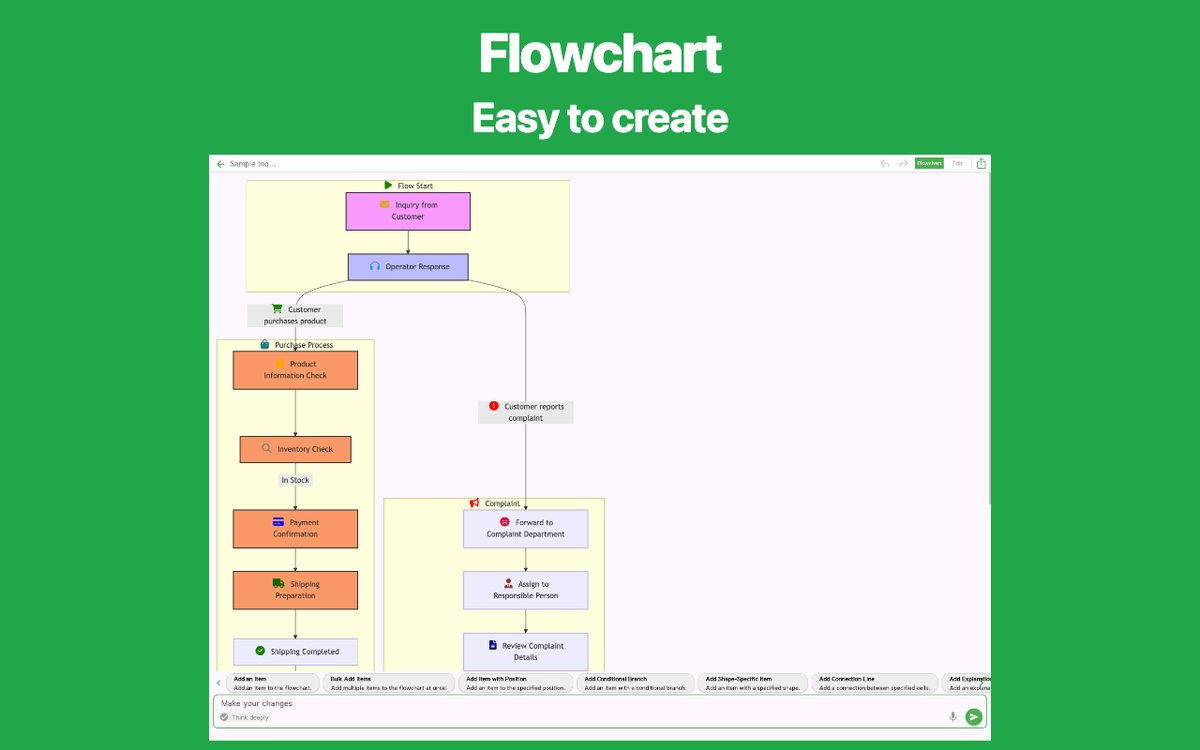
Arrows and decision labels
An arrow shows the next step. Put conditions next to the paths leaving a decision so the reader can select a route. A question such as “Approved?” with “Yes” and “No” paths is clearer than an unlabeled split.
Which shapes do you need first?
For a simple work procedure, start/end, process, decision, and arrows are often enough. Add input/output or document shapes when that distinction helps the reader. Include a legend if a shape has a meaning specific to your team.
References for symbol conventions: Microsoft Support — Create a basic flowchart in Visio
Create your own flowchart
Choose a flowchart app that fits your needs. Explore the features and available platforms on each app page.