
Simple Flowchart
Create Flowcharts Easily on Mobile.
Create content through conversation with AI
Release date: (Android)


Screenshots
About this app
| Supported platforms | iOS / Android / Web / Chrome |
|---|---|
| Best suited for | Business procedures, approval flows, and customer support processes. |
| Account registration | No account is needed to start editing. |
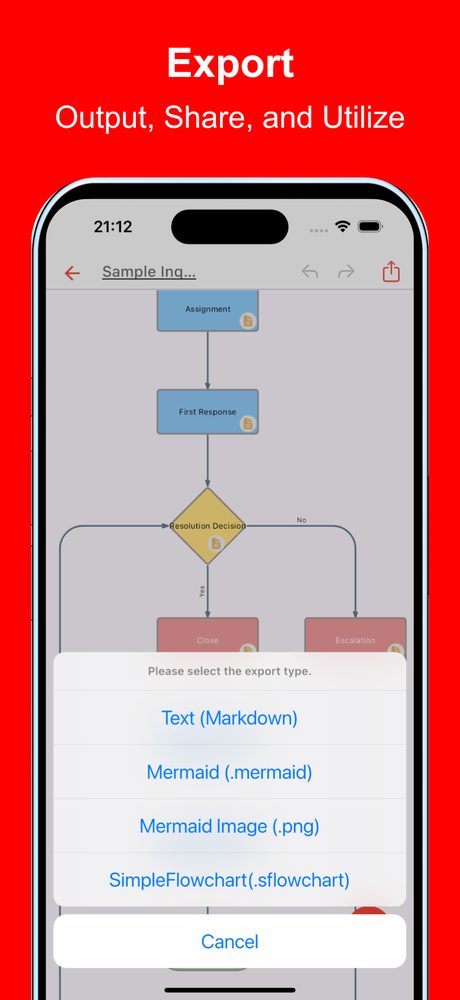
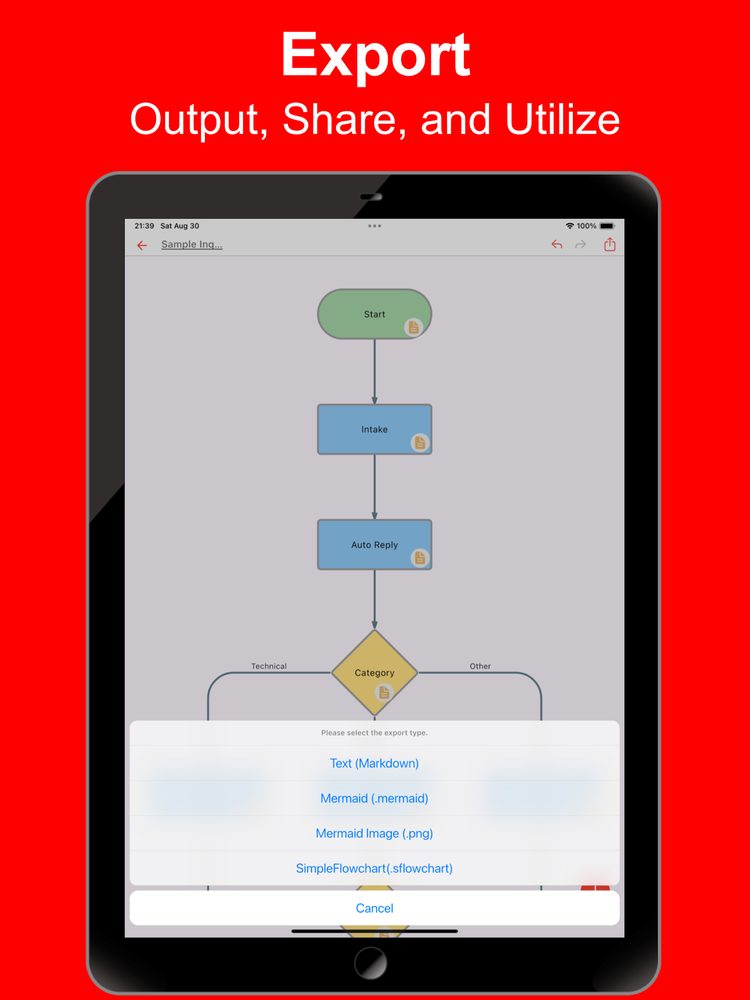
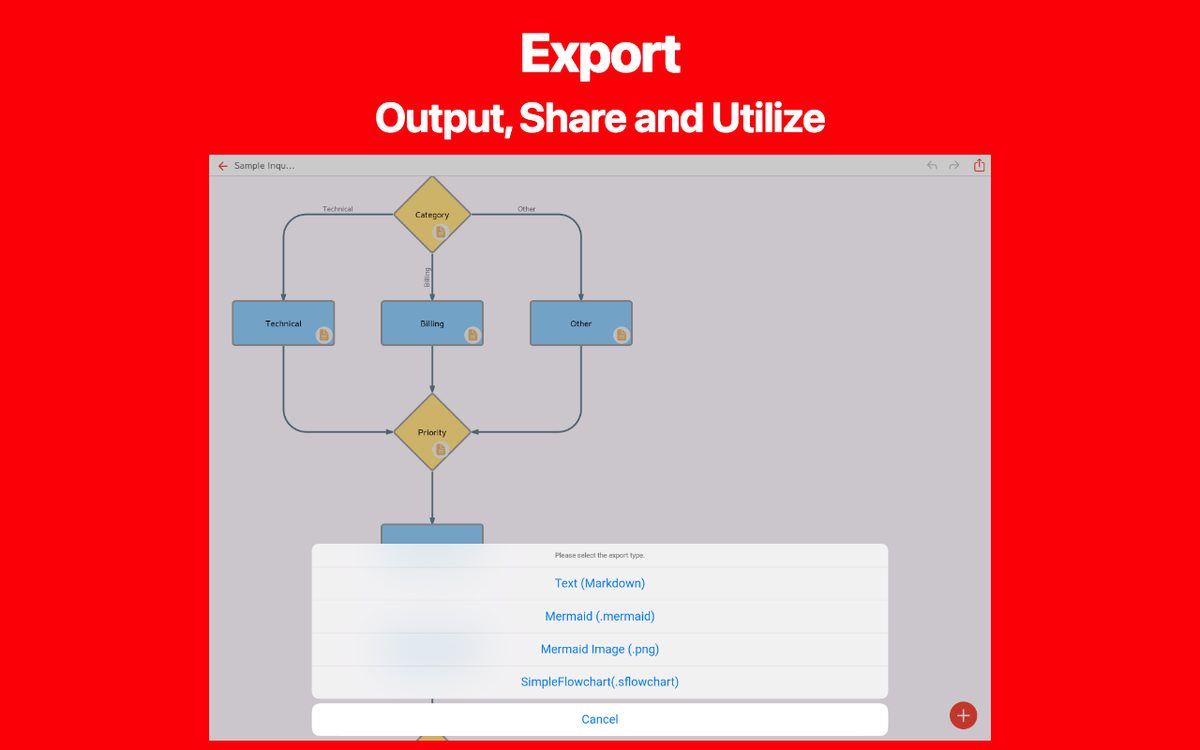
| Export formats | PNG, PDF, Markdown (.md), Mermaid, and .sflowchart files. |
Choosing this app
Can I share a flowchart as a PDF?
Yes. Use the export menu to save a PDF or PNG. Keep a .sflowchart file as well if you want to import and edit the diagram again.
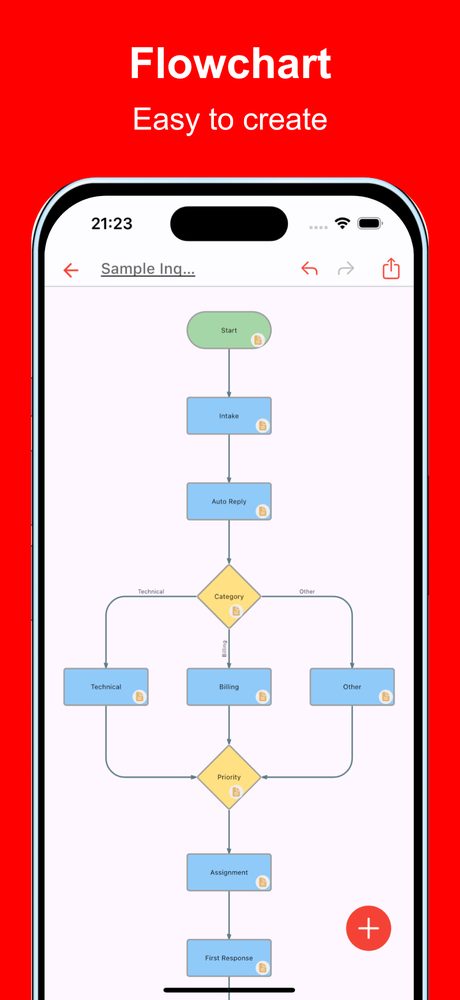
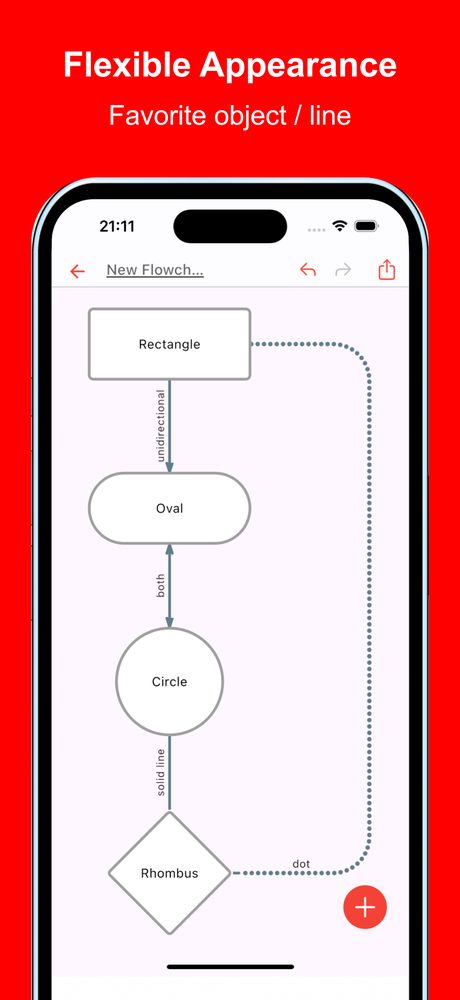
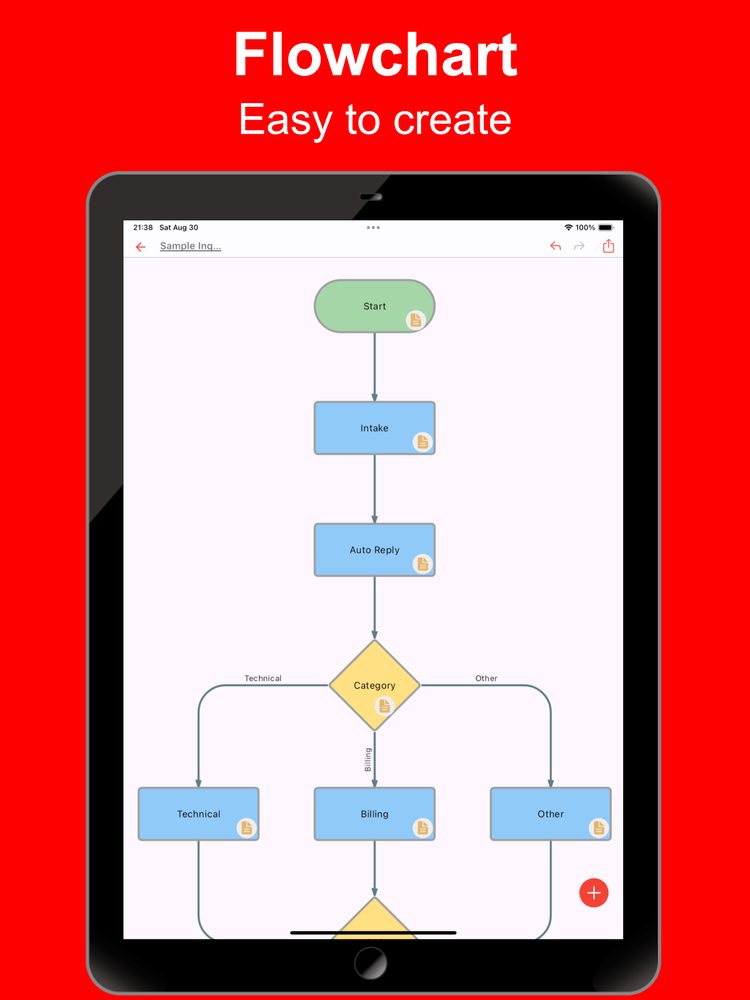
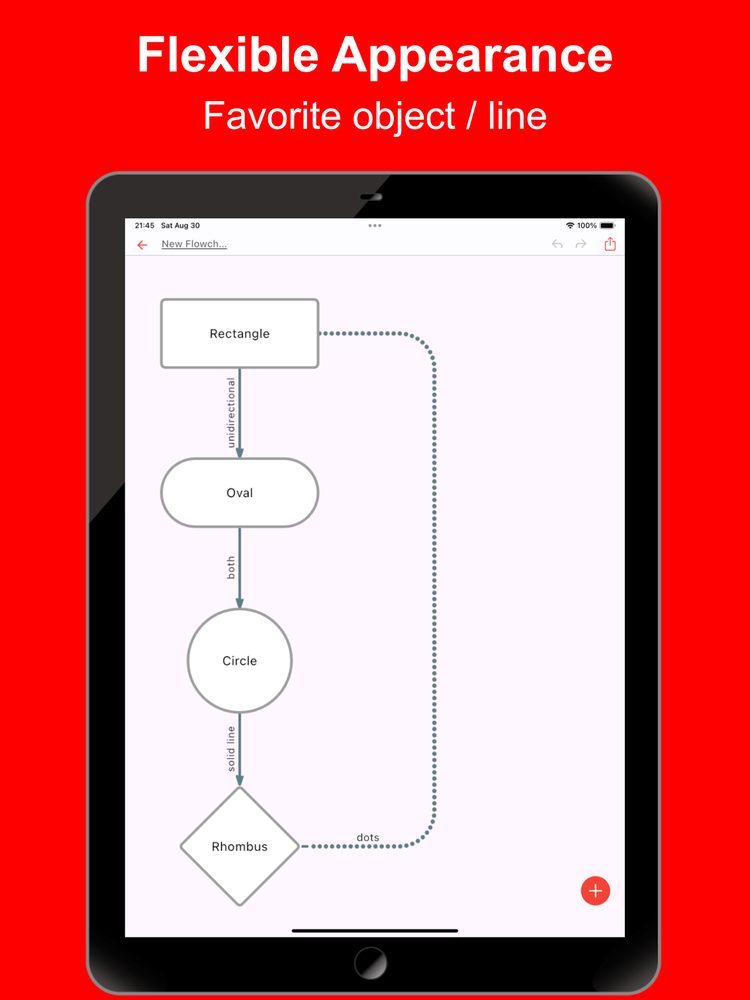
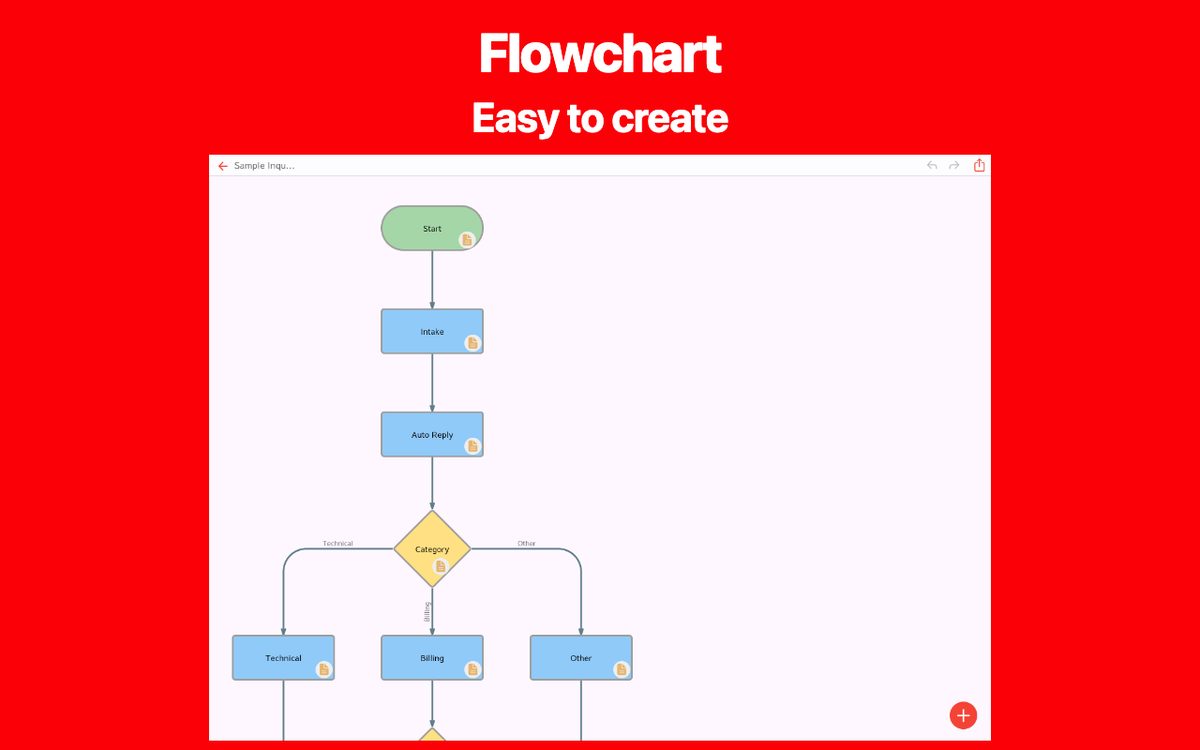
This is an app that allows you to easily create flowcharts on your smartphone or tablet. It supports not only a variety of shapes and lines but also essential business expressions such as inserting links and adding detailed notes.
Visualizing with flowcharts is very important for organizing ideas. By creating them, multiple stakeholders can better understand the content, making them useful in a wide range of situations. With this app, you can quickly create flowcharts even on your mobile device.
It is used in various situations such as:
- Optimizing and visualizing business processes
- Managing and sharing project progress
- Designing sales processes and workflows
- Structuring customer support and service operations
- Planning and managing projects from conception to execution
- Managing new product or service launch processes
- Visualizing budget planning and funding processes
- Organizing internal approval flows and decision-making processes
- Creating training programs and operational manuals
- Planning and executing marketing strategies
Please try it out whenever you need to create a flowchart.
[Features]
- Intuitive operability
Ease of use is the most important factor. It runs smoothly, and you can intuitively edit your maps.
- Rich expression
You can assign your preferred color to each item for expressive representation.
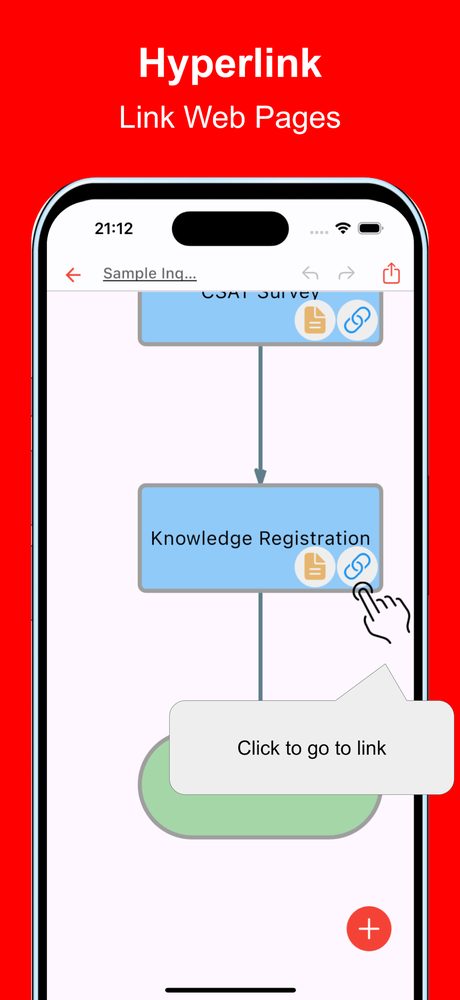
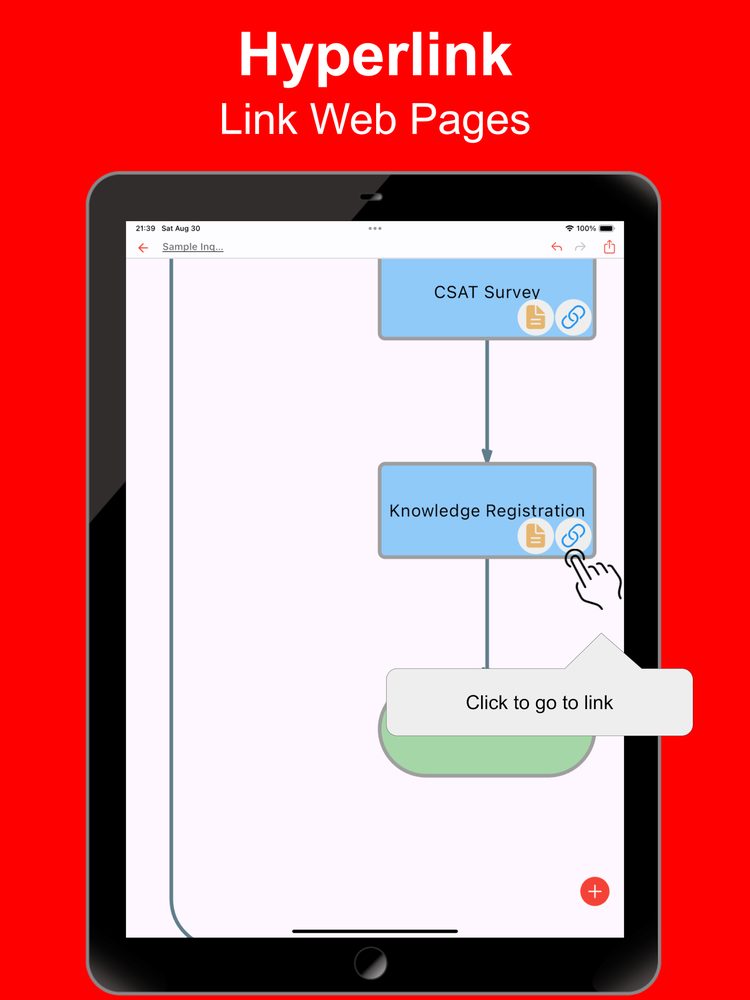
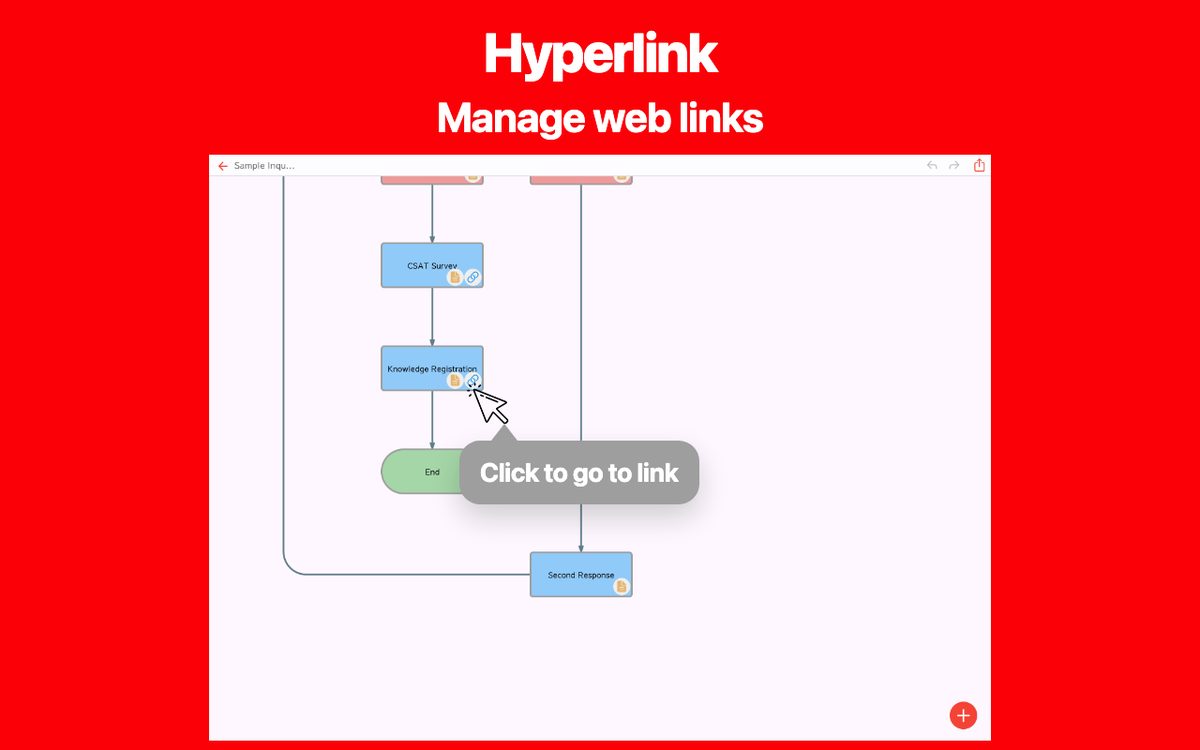
- Link
Since you can insert links, it is also useful when you want to manage reference sites.
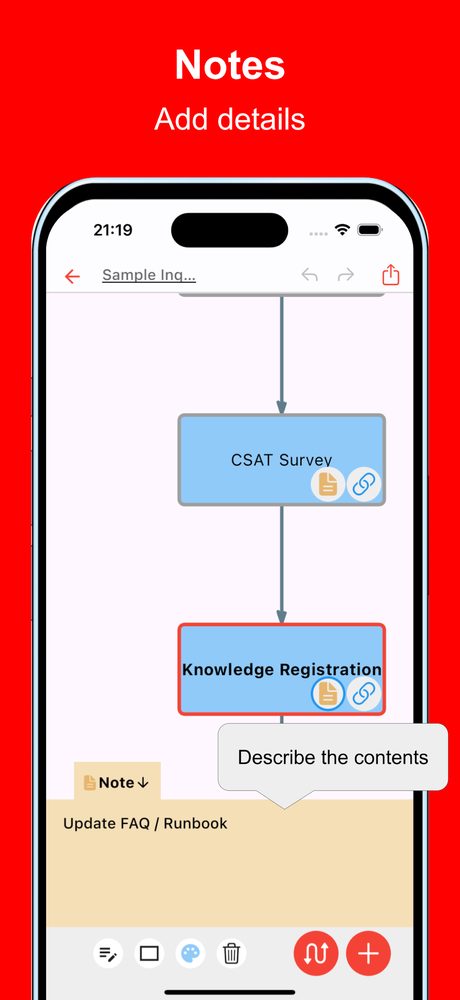
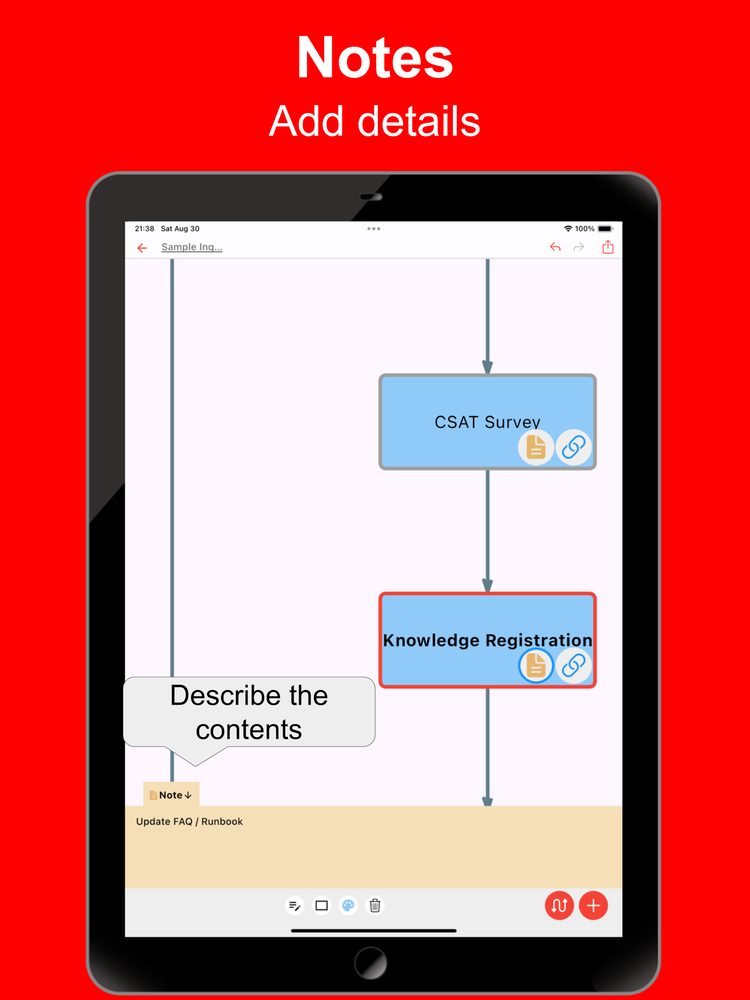
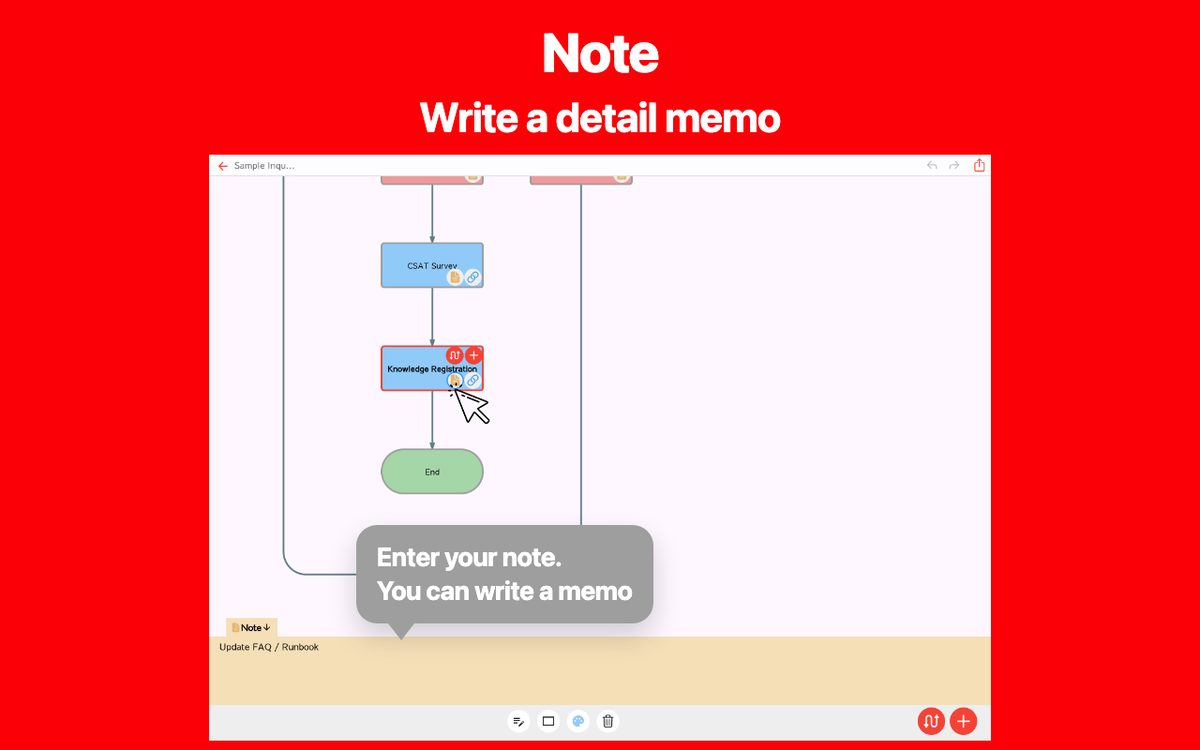
- Note
Include descriptive text for each item to manage the details.
- Ready to use
You can use it immediately without registering an account.
- Multi-device support
It supports Google Drive integration, allowing seamless editing across multiple devices.
- Export and Share
You can export and share your Flowchart, and even edit them on a PC.
- Import
Exported files can be imported and edited.
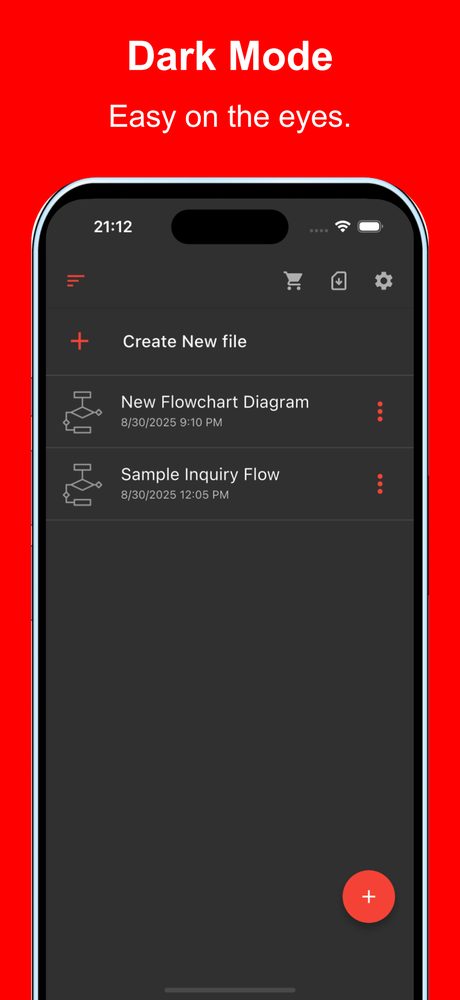
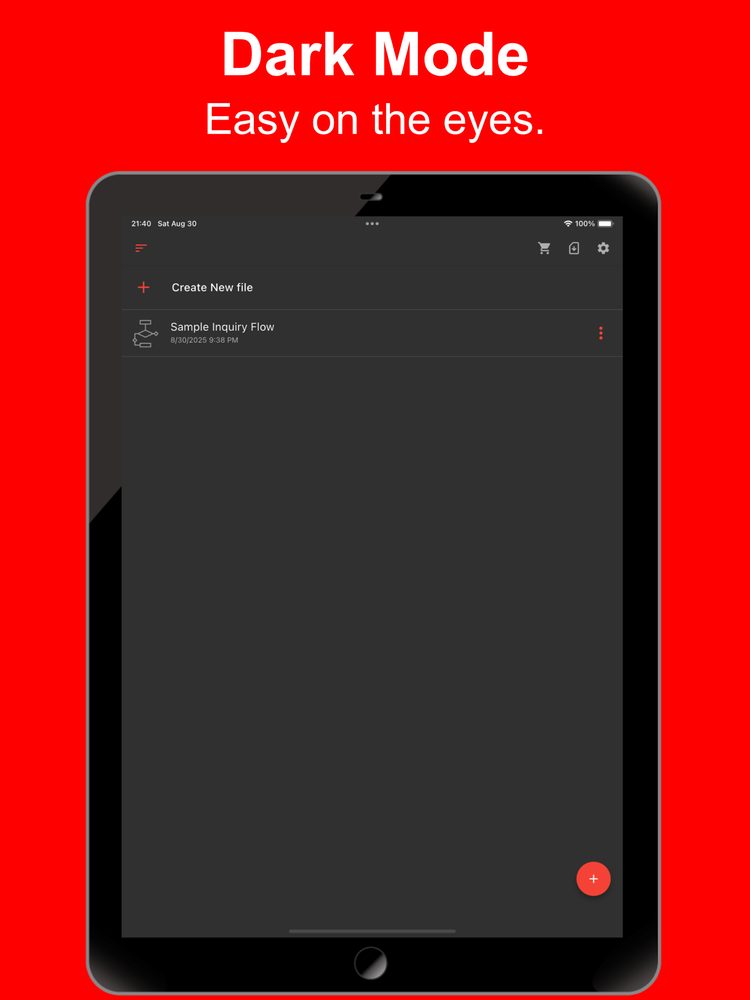
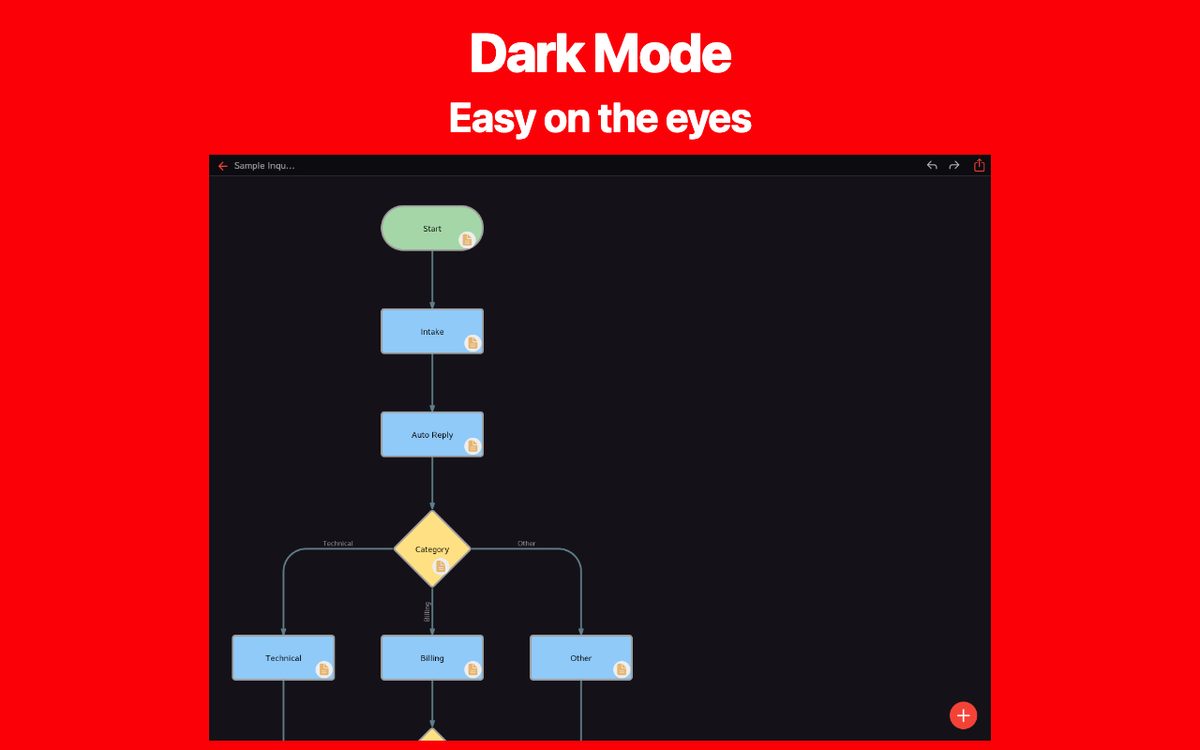
- Dark theme support
Since it supports a dark theme, it is also ideal for use at night.
Sample files
Choose a sample, preview the diagram, and open it in the web app to try editing.
Learn how to create a flowchart
Customer support
Route an inquiry to technical support, billing, or a general help desk.
Notes and links
Try a workflow with detailed notes and useful links attached to its steps.
Resolution and escalation
Follow a decision branch and a return path when an issue needs another response.
Purchase approval
Compare approval and revision paths before a purchase is placed.
Online order fulfillment
Trace an order from stock checks through payment, packing, and shipping.
Connection troubleshooting
Use two decision points to narrow down a connection problem.
Sign-in validation
Separate missing input, invalid credentials, and a successful sign-in.
Task prioritization
Classify tasks into three action paths based on urgency and importance.
Software release
Map review, build, and verification steps before publishing a release.
Study and review
Choose between moving forward and reviewing a topic after a practice quiz.
Travel planning
Plan reservations and select an indoor or outdoor itinerary based on the weather.
Event registration
Check capacity and route participants to confirmation or a waiting list.
Inventory and restocking
Use a stock threshold to decide when to order supplies and update inventory.
Hiring workflow
Visualize application screening, interviews, and the final notification.
Data processing
Connect input, validation, storage, and reporting in one data workflow.
Latest News
Simple Flowchart was released on Chrome.
Simple Flowchart was released on iOS.
Simple Flowchart was released on Android.
User Reviews
Comments from App Store and Google Play users
Related Apps
Find an app that fits what you want to do next.

More Apps

iTournament: Simple Tournament
Create Tournament Brackets

Simple MatchTable
Easily Create Match Table with smartphone!

Simple Table AI: Note with AI
Note as Table / Sheet simply

Every Diagram AI
Easily Create Diagrams with AI!

ER Diagram AI
AI makes ER diagrams easy

HTML Editor
Simple and easy-to-use app for editing HTML.

Relationship Map AI
Easily Create Diagrams Using the Latest AI!

Simple Relationship Map
Create Relationship Map Easily on Mobile

BulletsMind - Simple Outliner
A simple and easy-to-use outline processor like MindMap.

Simple Flowchart AI
Create flowcharts easily with the latest AI
Frequently Asked Questions
For help with using the apps, purchases, and common questions, please visit our FAQ.
Read the FAQOpens in a new tab
Feedback and Requests
If you have feedback or requests about this app, please contact us using the form below.
Open the feedback form