


스크린샷
앱 소개
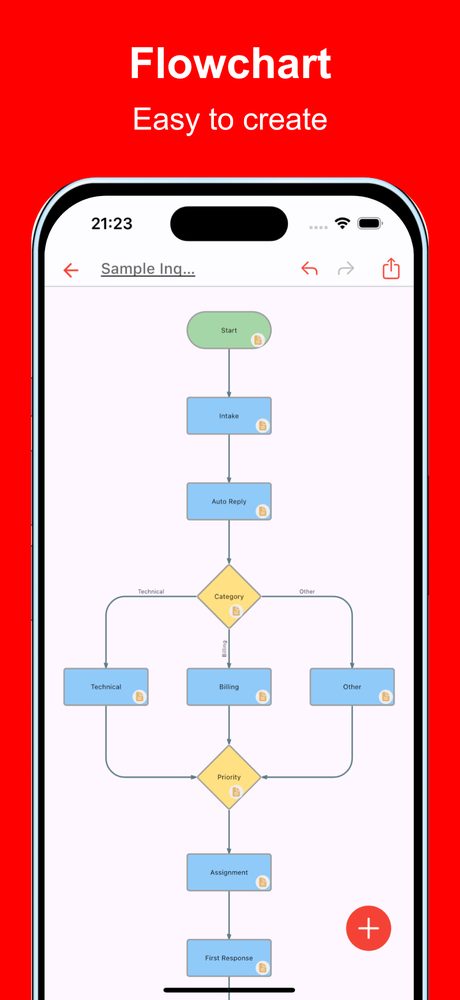
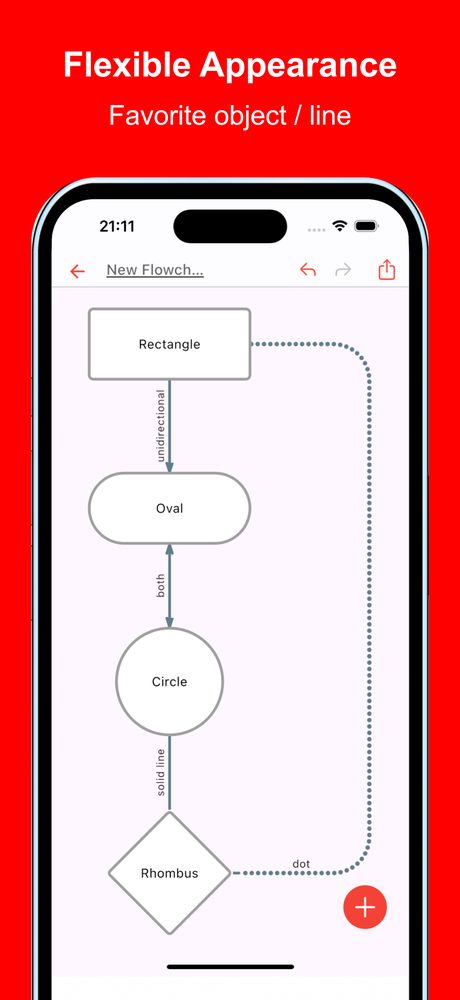
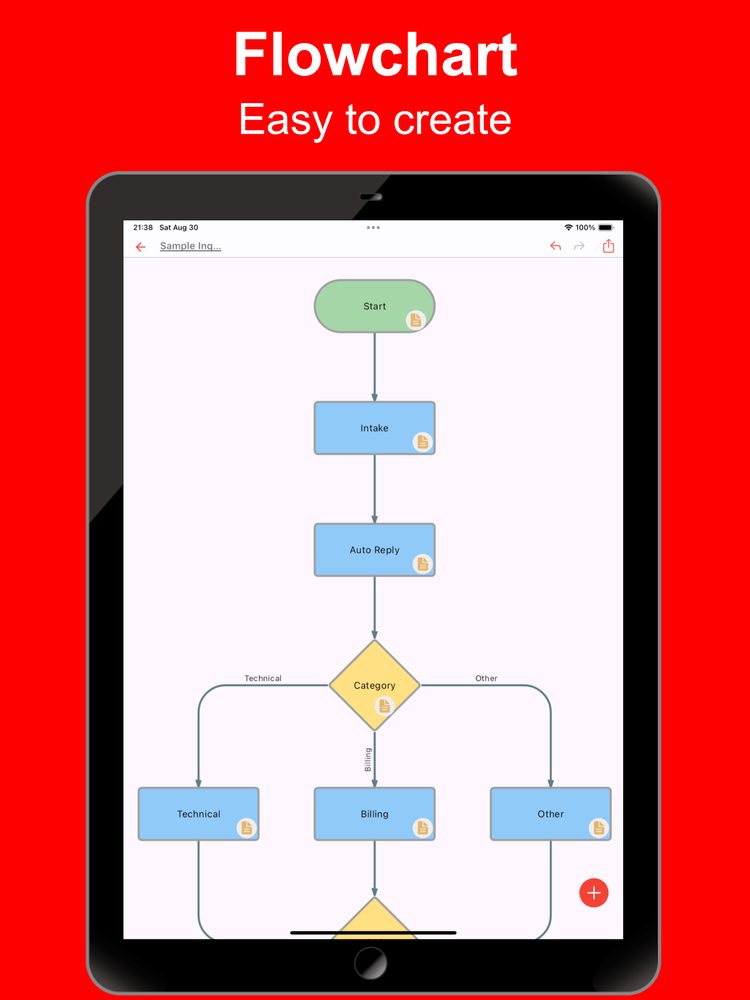
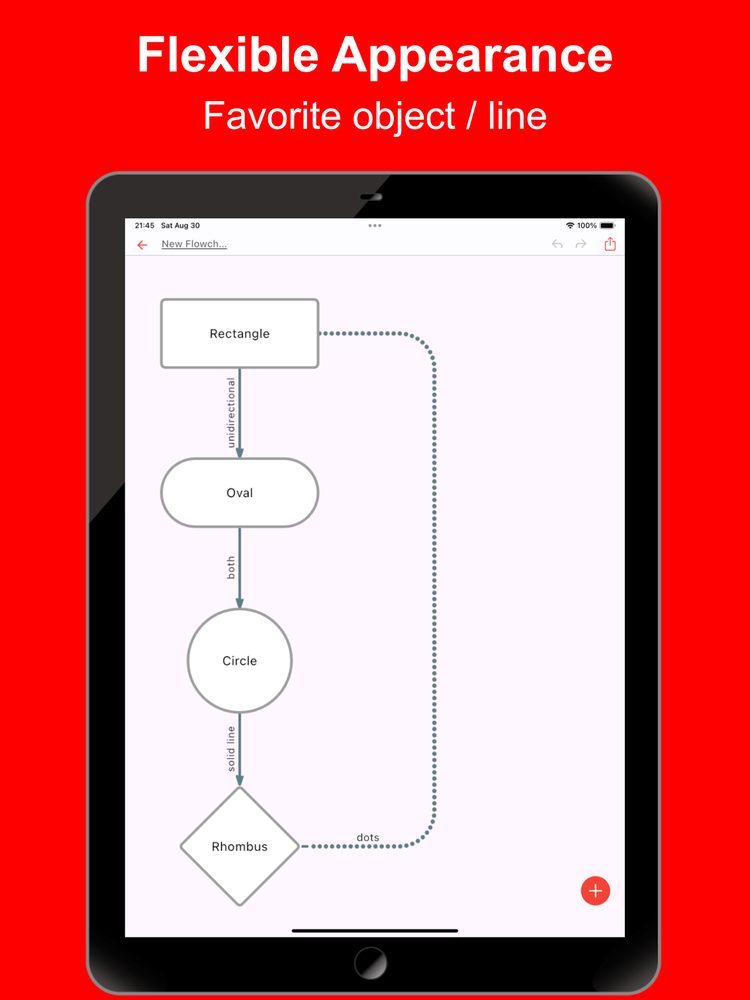
스마트폰이나 태블릿에서 순서도를 쉽게 만들 수 있는 앱입니다. 다양한 모양과 선뿐만 아니라 링크 삽입, 상세 메모 추가 등 필수적인 비즈니스 표현도 지원합니다.
순서도를 사용한 시각화는 아이디어를 정리하는 데 매우 중요합니다. 순서도를 만들면 여러 이해관계자가 내용을 더 잘 이해할 수 있어 다양한 상황에서 유용하게 사용할 수 있습니다. 이 앱을 사용하면 모바일 장치에서도 순서도를 빠르게 만들 수 있습니다.
다음과 같은 다양한 상황에서 사용됩니다.
- 비즈니스 프로세스 최적화 및 시각화
- 프로젝트 진행 상황 관리 및 공유
- 영업 프로세스 및 워크플로 설계
- 고객 지원 및 서비스 운영 구조화
- 개념부터 실행까지 프로젝트 계획 및 관리
- 신제품 또는 서비스 출시 프로세스 관리
- 예산 계획 및 자금 조달 프로세스 시각화
- 내부 승인 흐름 및 의사 결정 프로세스 구성
- 교육 프로그램 및 운영 매뉴얼 제작
- 마케팅 전략 계획 및 실행
순서도를 만들어야 할 때마다 사용해 보세요.
[특징]
- 직관적인 조작성
사용 편의성이 가장 중요한 요소입니다. 원활하게 실행되며 직관적으로 맵을 편집할 수 있습니다.
- 풍부한 표현
표현력 있는 표현을 위해 각 항목에 원하는 색상을 할당할 수 있습니다.
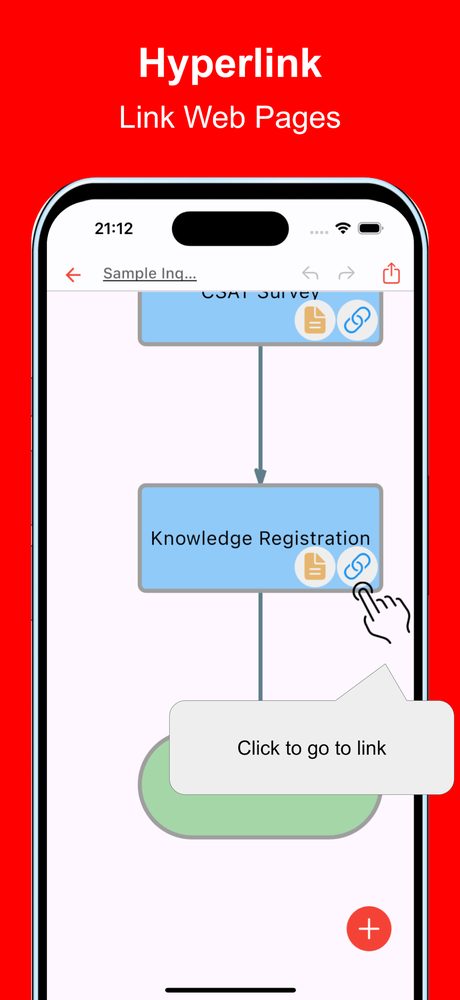
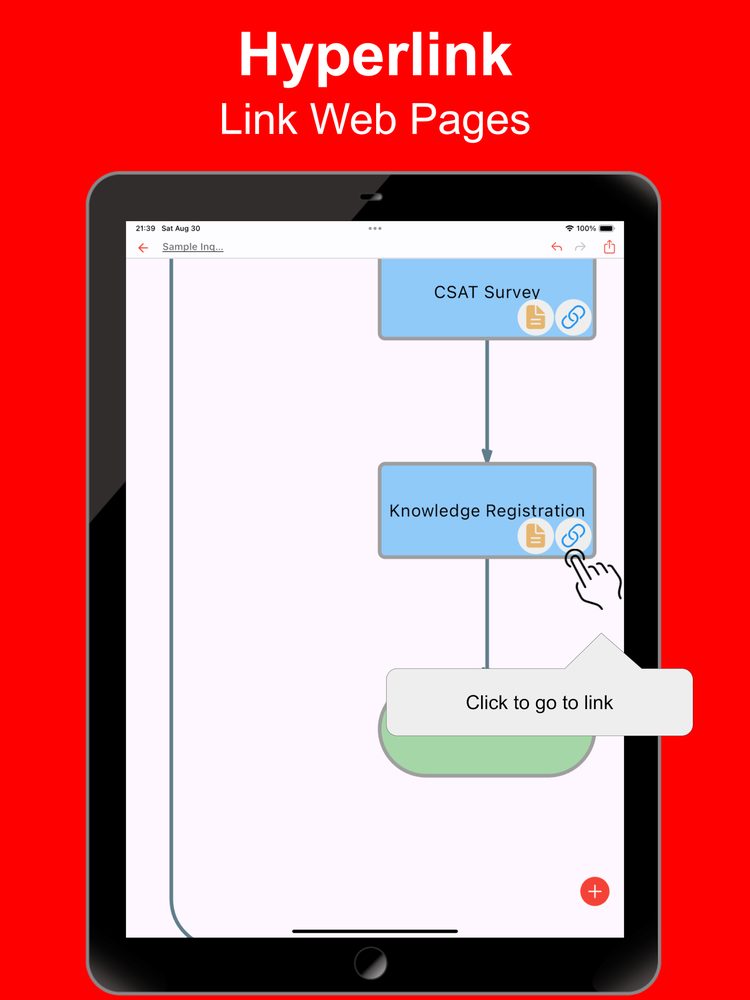
- 링크
링크를 삽입할 수 있으므로 참조 사이트를 관리하려는 경우에도 유용합니다.
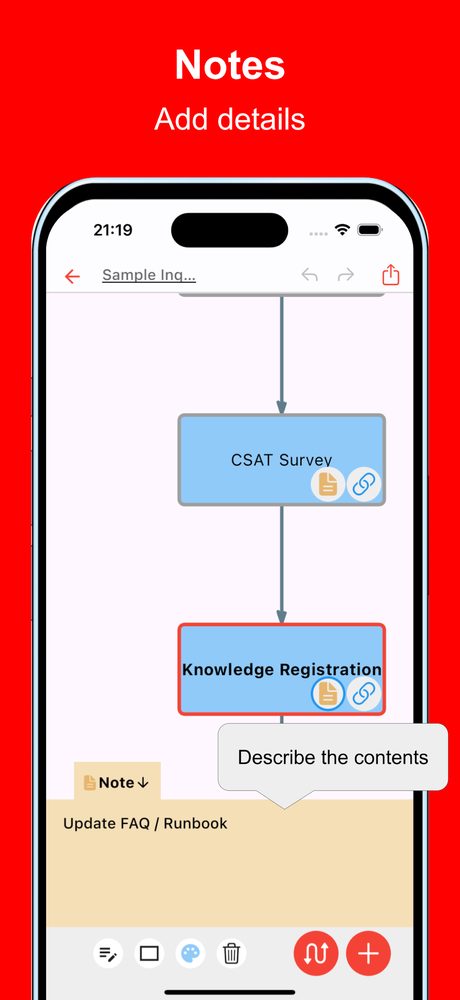
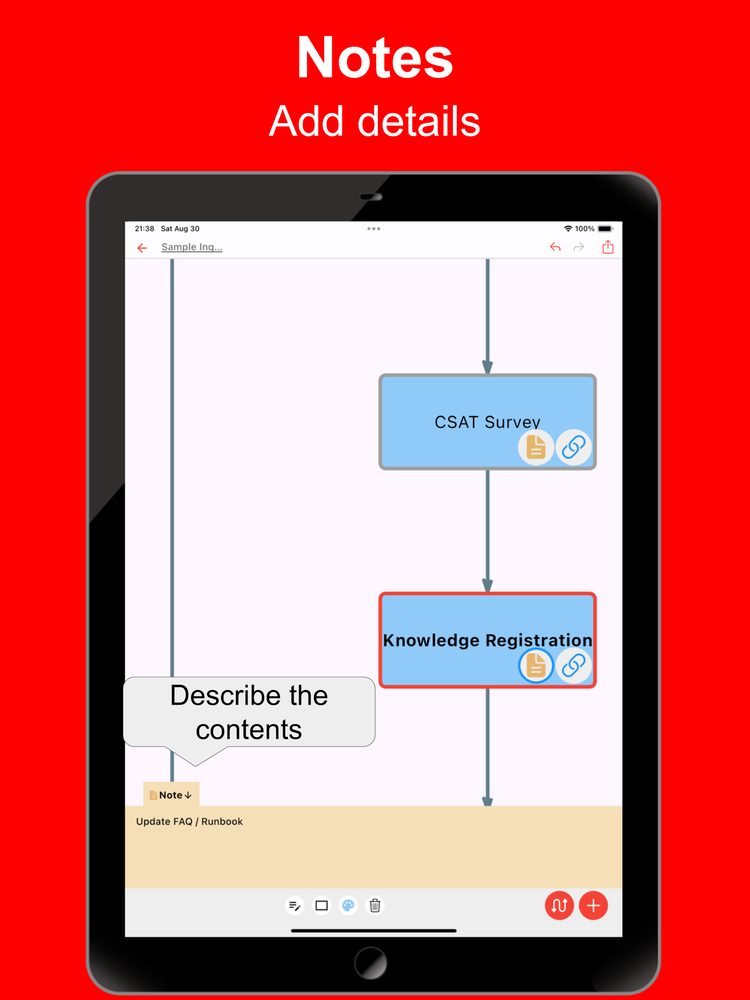
- 메모
세부 정보를 관리하기 위해 각 항목에 대한 설명 텍스트를 포함합니다.
- 바로 사용 가능
계정을 등록하지 않고도 즉시 사용할 수 있습니다.
- 다중 장치 지원
Google 드라이브 통합을 지원하여 여러 장치에서 원활하게 편집할 수 있습니다.
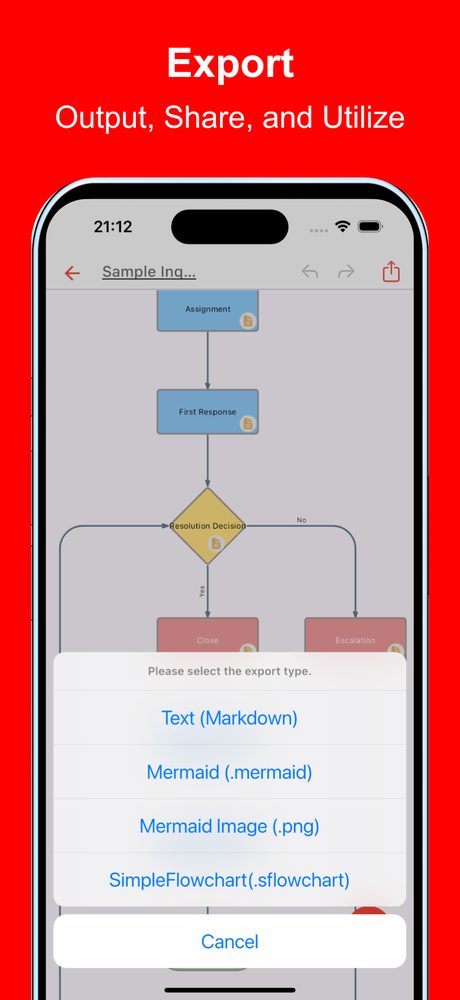
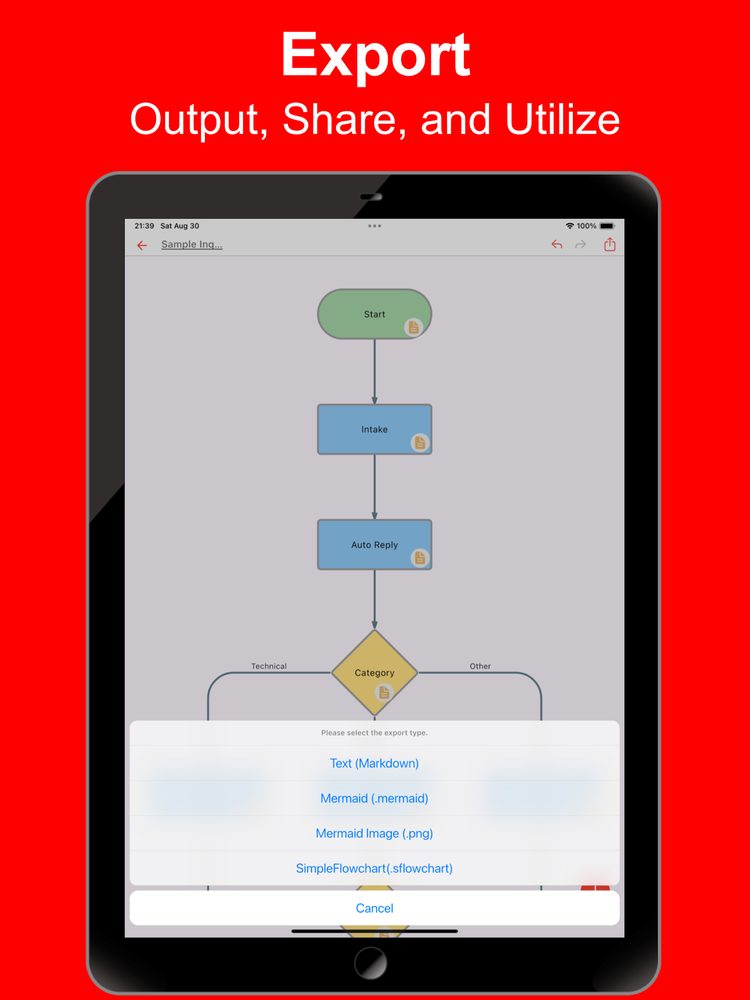
- 내보내기 및 공유
순서도를 내보내고 공유할 수 있으며 PC에서 편집할 수도 있습니다.
- 가져오기
내보낸 파일을 가져와서 편집할 수 있습니다.
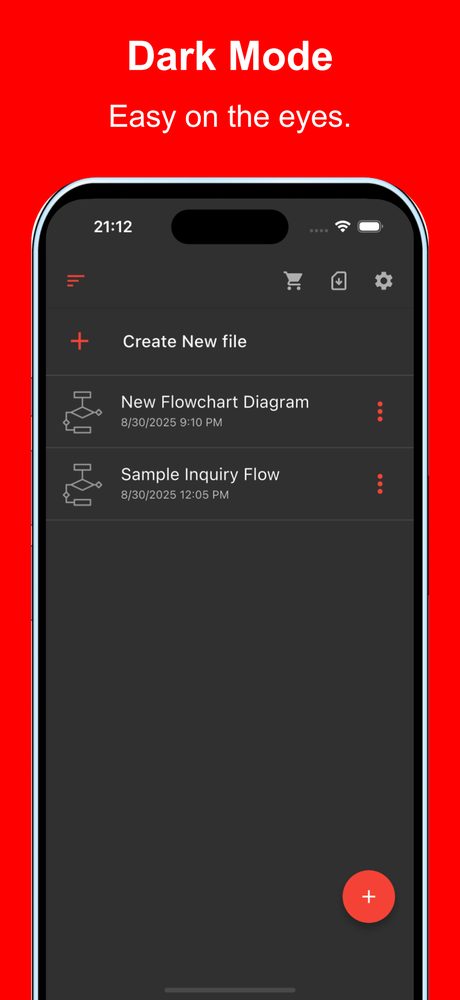
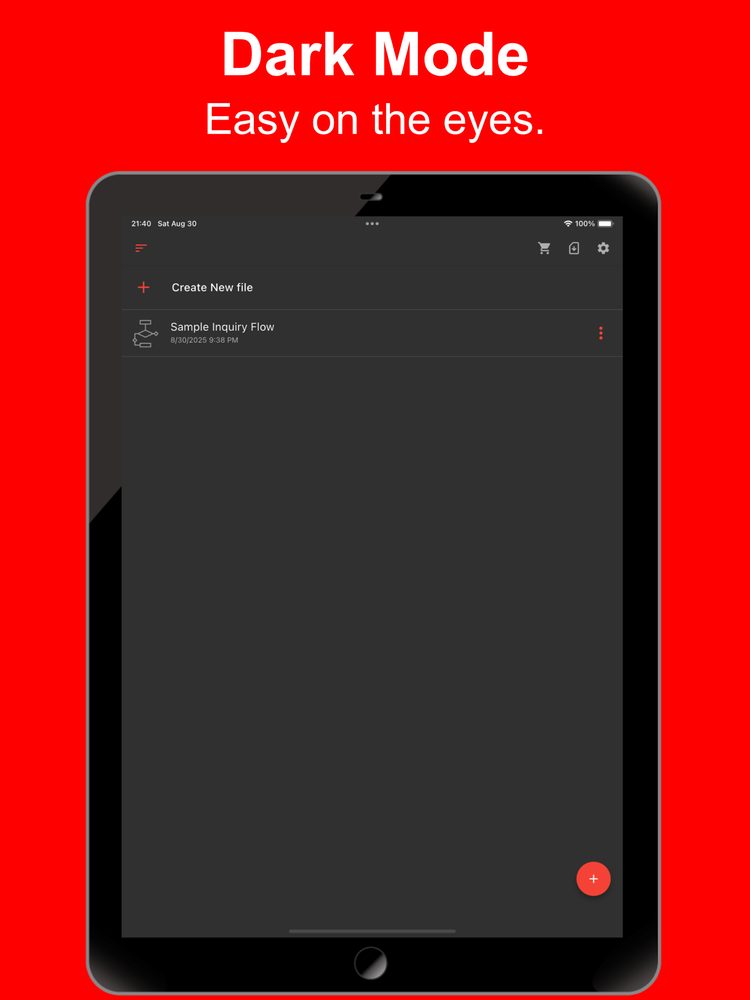
- 다크 테마 지원
다크 테마를 지원하므로 야간에도 사용하기에 이상적입니다.
Sample files
Choose a sample, preview the diagram, and open it in the web app to try editing.
Customer support
Route an inquiry to technical support, billing, or a general help desk.
Notes and links
Try a workflow with detailed notes and useful links attached to its steps.
Resolution and escalation
Follow a decision branch and a return path when an issue needs another response.
Purchase approval
Compare approval and revision paths before a purchase is placed.
Online order fulfillment
Trace an order from stock checks through payment, packing, and shipping.
Connection troubleshooting
Use two decision points to narrow down a connection problem.
Sign-in validation
Separate missing input, invalid credentials, and a successful sign-in.
Task prioritization
Classify tasks into three action paths based on urgency and importance.
Software release
Map review, build, and verification steps before publishing a release.
Study and review
Choose between moving forward and reviewing a topic after a practice quiz.
Travel planning
Plan reservations and select an indoor or outdoor itinerary based on the weather.
Event registration
Check capacity and route participants to confirmation or a waiting list.
Inventory and restocking
Use a stock threshold to decide when to order supplies and update inventory.
Hiring workflow
Visualize application screening, interviews, and the final notification.
Data processing
Connect input, validation, storage, and reporting in one data workflow.
최신 소식
간단한 순서도 앱이 Chrome에 출시되었습니다.
간단한 순서도 앱이 iOS에 출시되었습니다.
간단한 순서도 앱이 Android에 출시되었습니다.
사용자 리뷰
App Store 및 Google Play 사용자의 의견
관련 앱
다음에 하고 싶은 일에 맞는 앱을 찾아보세요.

더 많은 앱

iTournament: 간단한 토너먼트
토너먼트 대진표 만들기

간단한 경기표
스마트폰으로 경기표 쉽게 생성!

간단한 표 AI - AI로 메모하기
표, 주소, 교대, 작업

모든 다이어그램 AI
AI로 손쉽게 다이어그램 만들기!

ER 다이어그램 AI
AI로 쉽게 만드는 ER 다이어그램

간단한 HTML 편집기
모바일에서도 HTML을 쉽게 작성

관계 지도 AI
AI로 다이어그램을 쉽게 생성!

간단한 관계도
모바일에서 쉽게 관계도 만들기

BulletsMind - 간단한 개요 작성기
MindMap 같은 간단한 아웃라인 노트 작성 도구.

간단한 플로차트 AI
최신 AI로 누구나 손쉽게 플로차트를 만들어요