Simple Google Forms with AI ಅನ್ನು Android ನಲ್ಲಿ ಬಿಡುಗಡೆ ಮಾಡಲಾಗಿದೆ.

Simple Google Forms with AI
Create Surveys & Forms Easily
ಬಿಡುಗಡೆ ದಿನಾಂಕ: (Android)

ಸ್ಕ್ರೀನ್ಶಾಟ್ಗಳು
ಈ ಆ್ಯಪ್ ಬಗ್ಗೆ
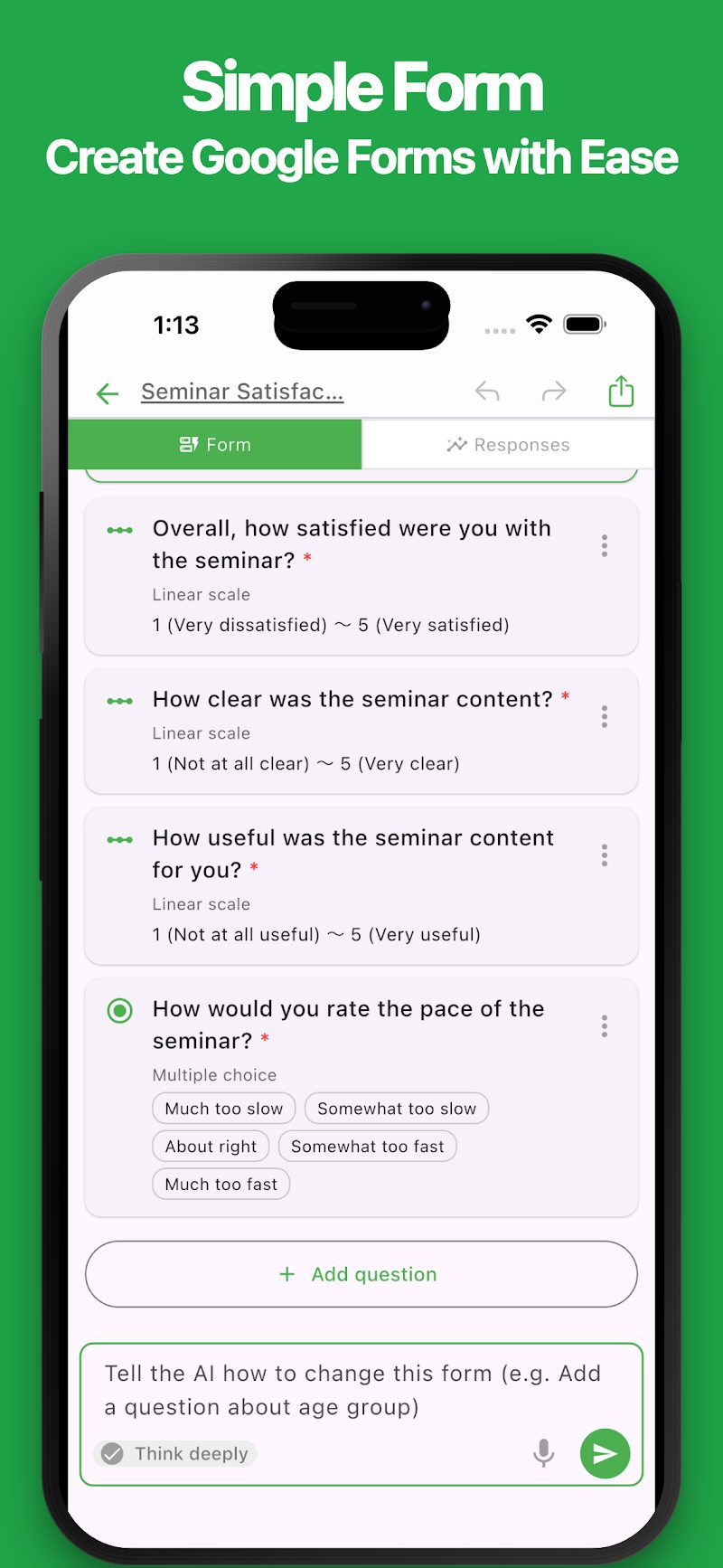
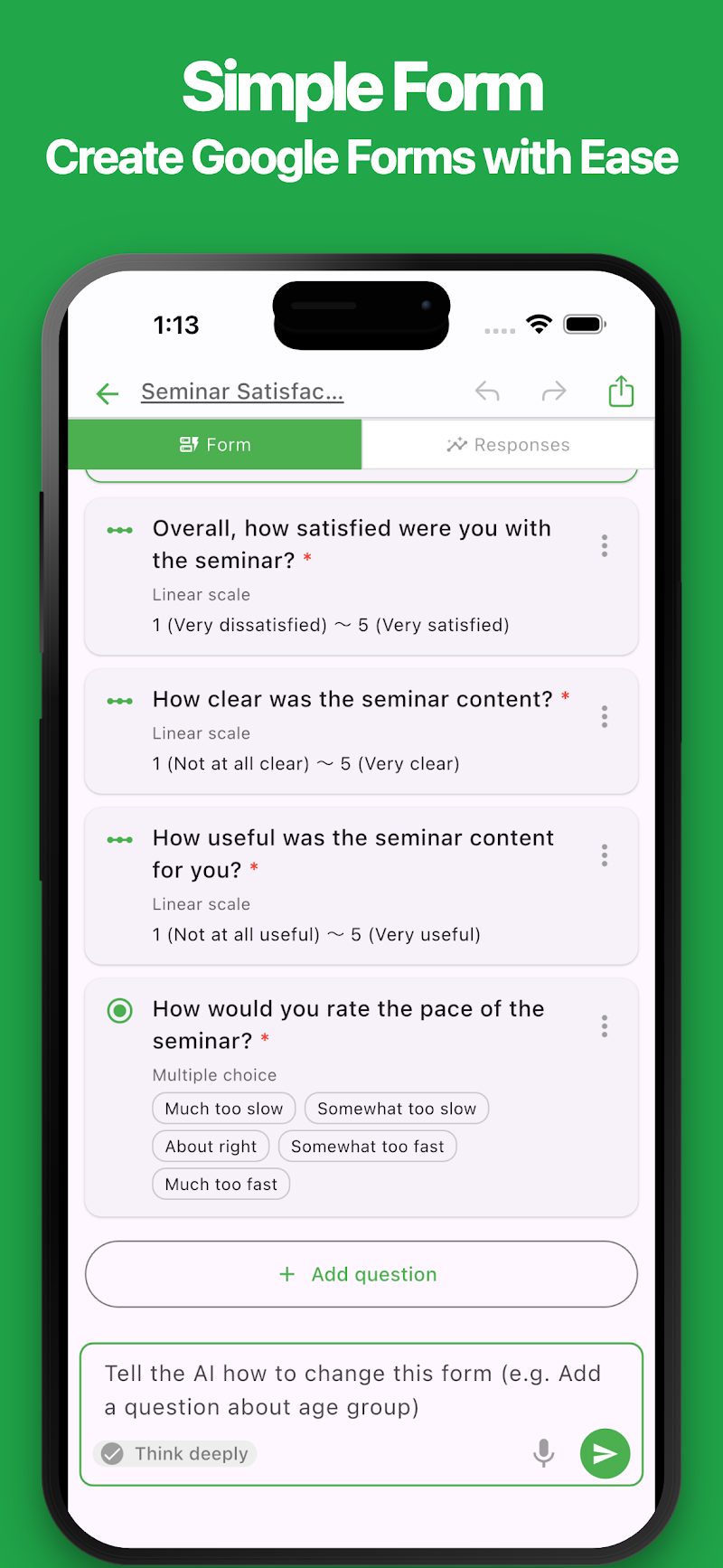
Create and edit Google Forms easily, right from your phone.
With a simple and intuitive interface, you can create surveys, registration forms, and many other types of forms.
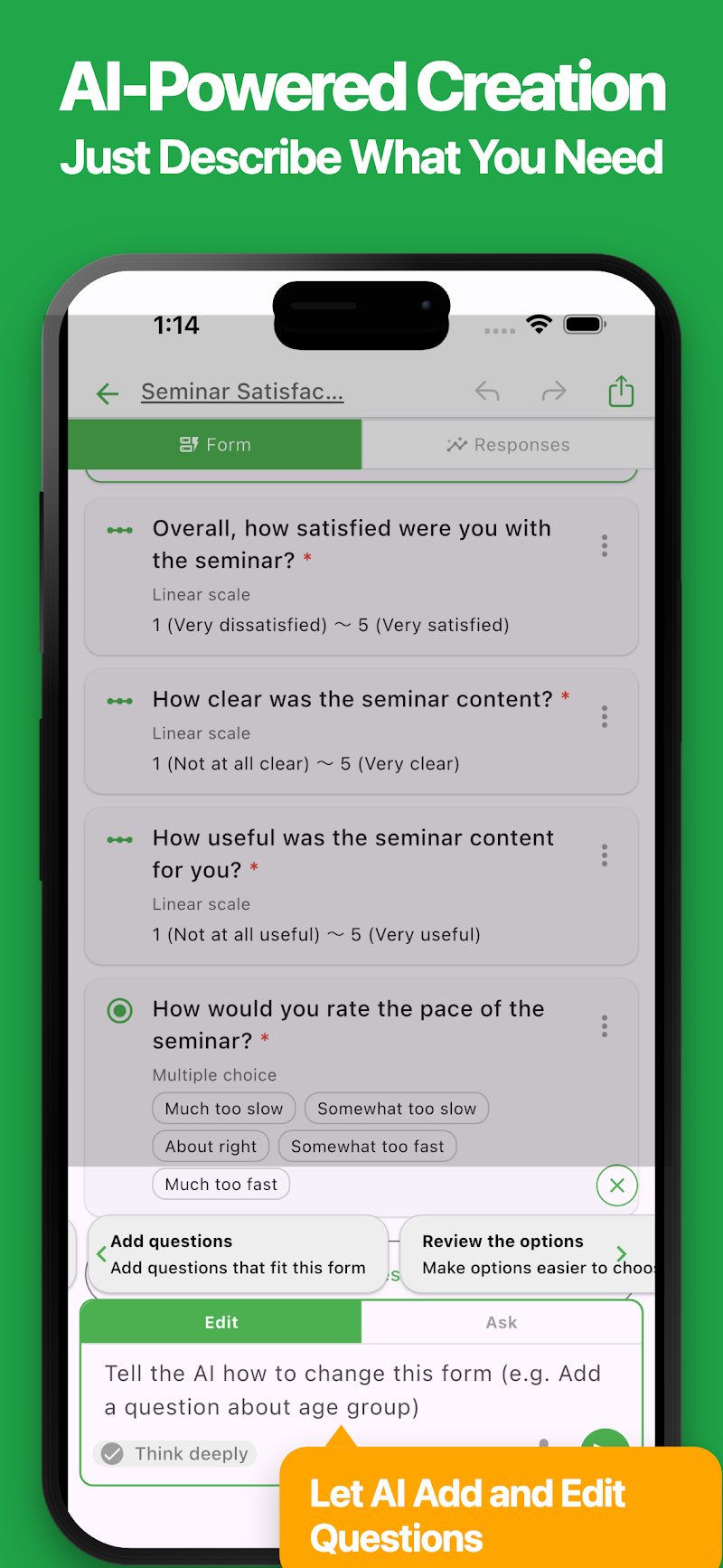
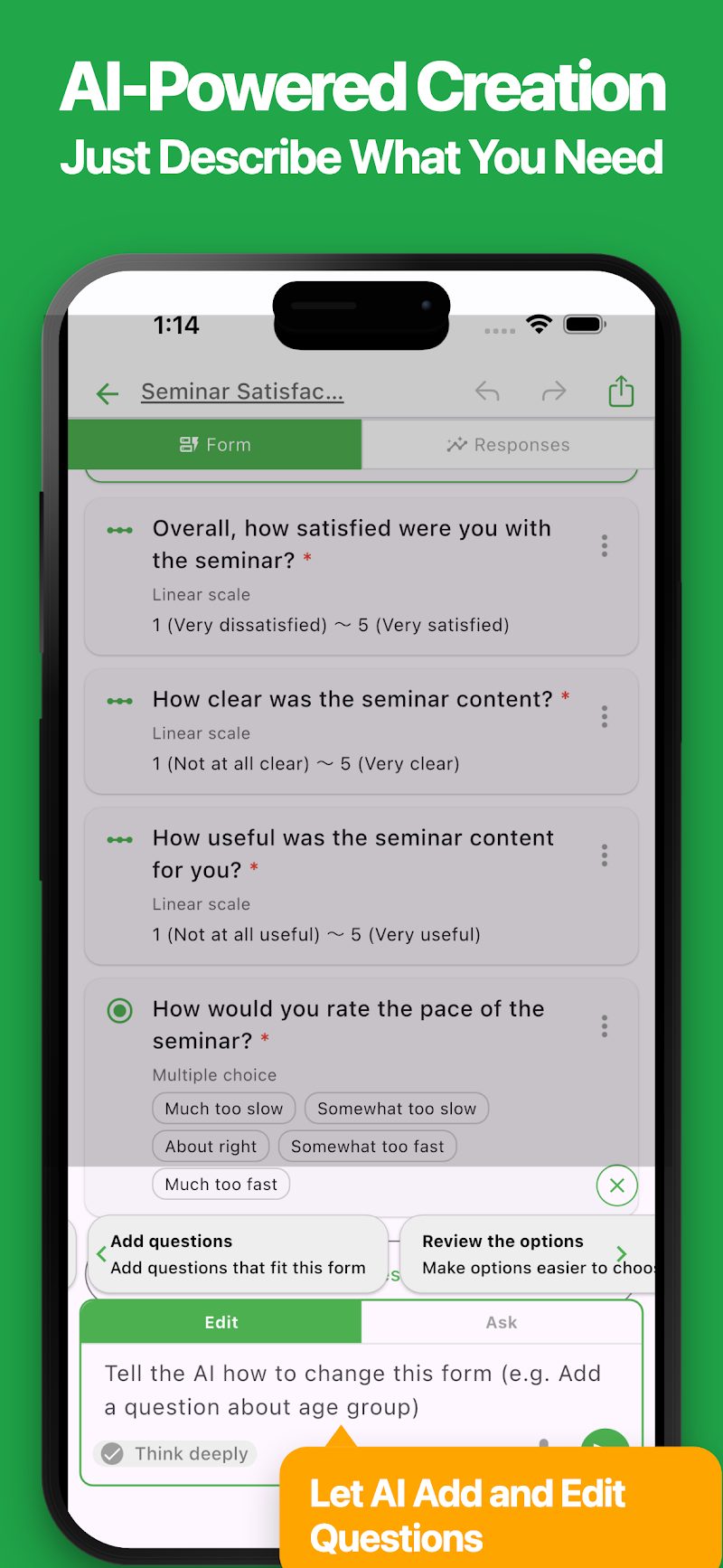
AI makes form creation even easier. Just describe what you need, and AI will automatically generate questions for you. You can also ask AI to edit your existing forms.
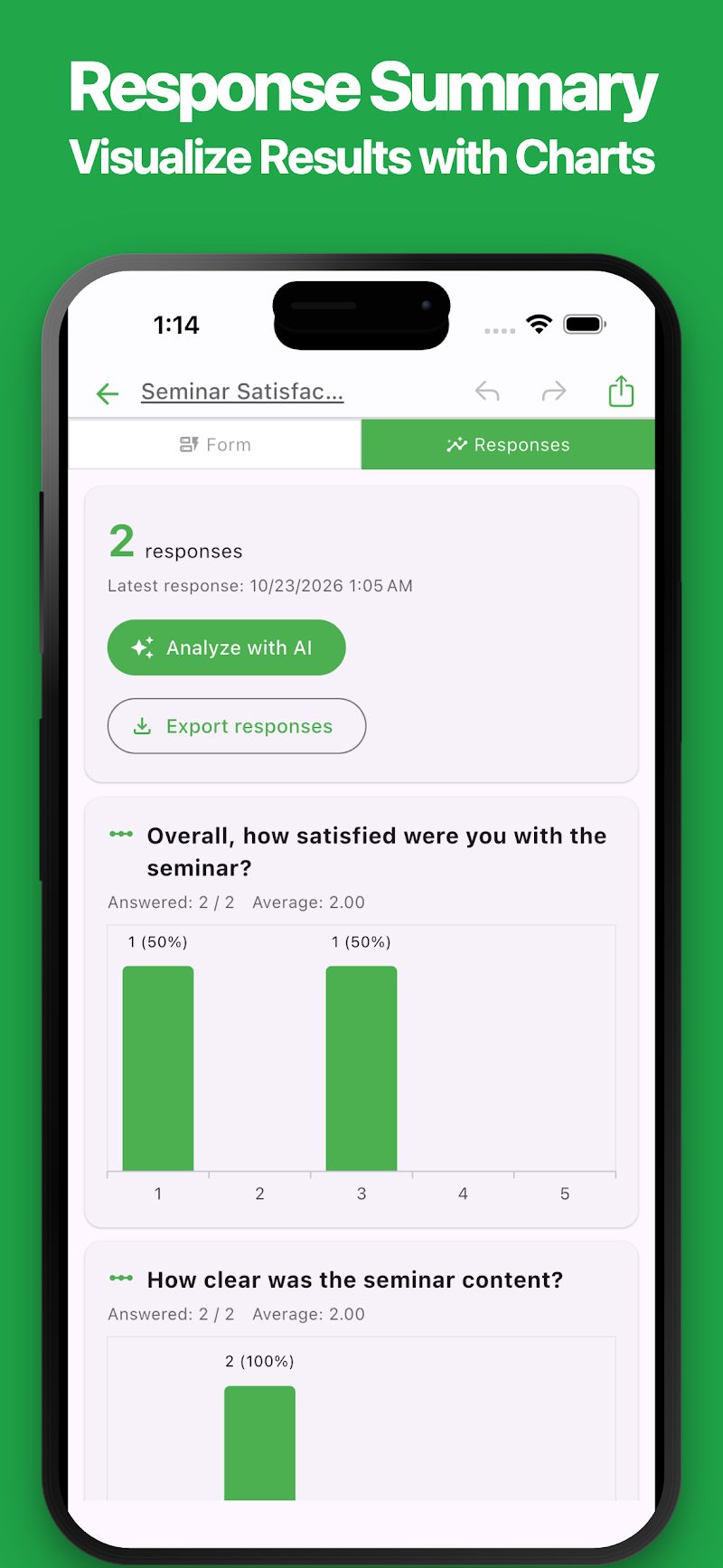
Collected responses are automatically summarized in easy-to-read charts. AI can also analyze responses to uncover trends and suggest ideas for improvement.
Perfect for a variety of uses:
- Creating surveys
- Customer satisfaction surveys
- Event registrations
- Attendance tracking
- Contact and inquiry forms
- Booking and registration forms
- Classroom activities and student reflections
- Employee surveys
- Collecting opinions and feedback
From quick surveys to more detailed research, this app can be used for a wide range of purposes.
If you're looking for an easier way to create and manage Google Forms, give it a try.
Features
・Simple and Intuitive
Create Google Forms easily with a clean, user-friendly interface. Add, edit, and rearrange questions with intuitive controls.
・AI Form Generation
Simply describe the form you want to create, and AI will automatically generate questions and answer options. You can also paste notes or text to create a form based on the content.
・AI Form Editing
Tell AI what you want to change, such as "Add a question" or "Change the answer options." Save time by letting AI handle edits instead of making every change manually.
・Various Question Types
Supports short answers, paragraphs, multiple choice, checkboxes, dropdowns, linear scales, dates, times, and more. You can also mark questions as required and organize your form into sections.
・Response Summaries
Automatically summarize collected responses and display the results in easy-to-read charts. View response counts, percentages, and average ratings at a glance.
・AI Response Analysis
AI analyzes collected responses to identify overall trends and summarize open-ended answers. Discover patterns and get suggestions for improvement. You can also ask follow-up questions about the analysis results.
・Form Preview
Preview your form from the respondent's perspective. Check questions and test the response experience before publishing.
・Easy Sharing
Copy and share links to your forms with ease. You can also control whether your forms are published and accepting responses.
・Google Forms Integration
Forms you create are saved to Google Drive. You can also view and edit them directly in Google Forms using your browser. Changes made in the app are reflected in Google Forms.
・Export Responses
Export collected responses in Excel or CSV format. You can also save response summaries in Markdown format, making it easy to use your data for different purposes.
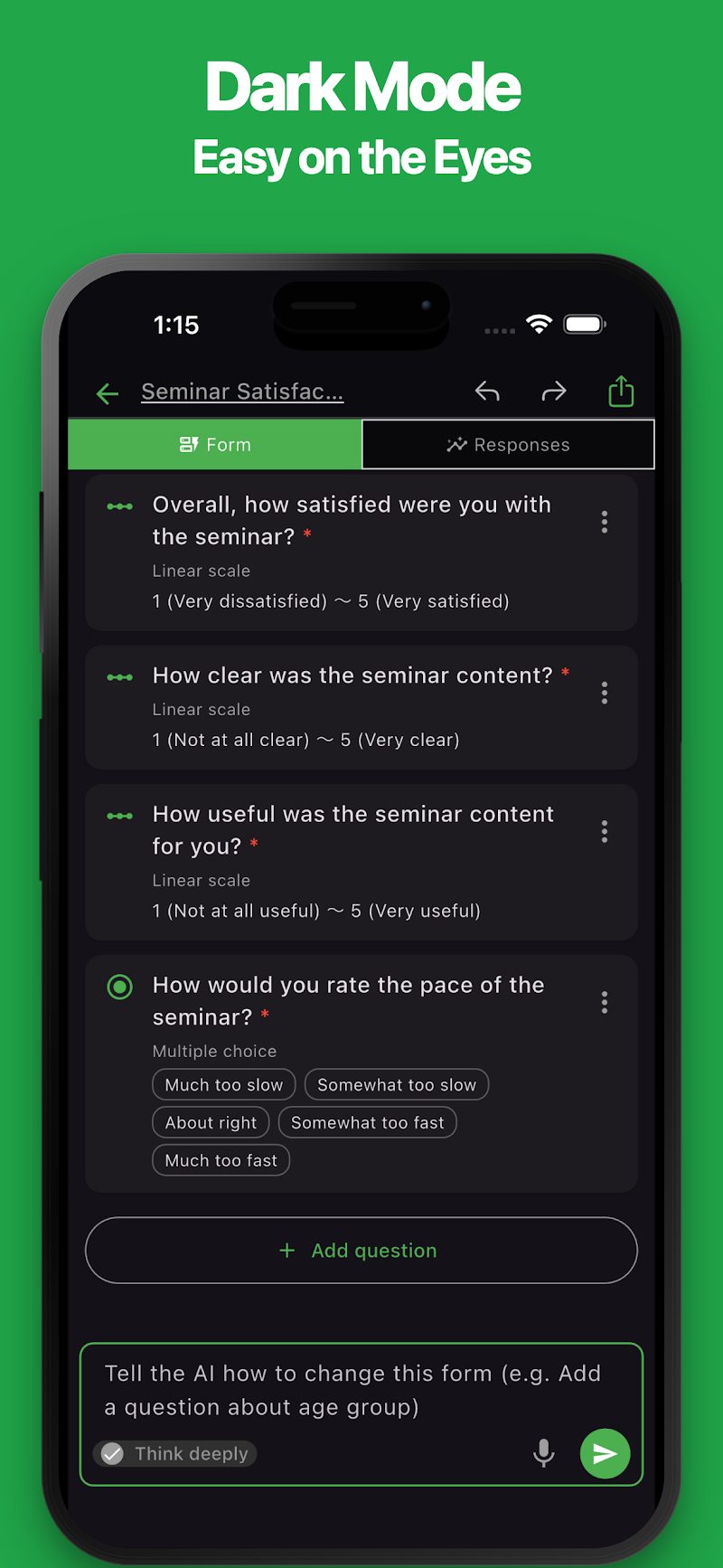
・Dark Mode
Supports dark mode for a comfortable experience, even at night.
ಇತ್ತೀಚಿನ ಸುದ್ದಿಗಳು
ಸಂಬಂಧಿತ ಆ್ಯಪ್ಗಳು
ನೀವು ಮುಂದೆ ಮಾಡಲು ಬಯಸುವುದಕ್ಕೆ ಹೊಂದುವ ಆ್ಯಪ್ ಅನ್ನು ಹುಡುಕಿ.


ಇನ್ನಷ್ಟು ಆ್ಯಪ್ಗಳು

Simple Newspaper Maker
Templates, Easy Design & Print

ಸ್ಟ್ಯಾಂಪ್ ಕಾರ್ಡ್ / ನಿಷ್ಠಾವಂತ ಗ್ರಾಹಕರ ಕಾರ್ಡ್
ಅಂಗಡಿಗಳಿಗಾಗಿ ಕಾರ್ಡ್ಗಳನ್ನು ವಿನ್ಯಾಸಗೊಳಿಸಿ ಮತ್ತು ಮುದ್ರಿಸಿ

iEvery - ದೈನಂದಿನ ರೂಢಿ ಟಿಪ್ಪಣಿ
ಮೂಡ್, ಆರೋಗ್ಯ, ಔಷಧಿ, ಕುಡಿತ, ಓದು, ವ್ಯಾಯಾಮ ಸೇರಿದಂತೆ ದೈನಂದಿನ ಅಭ್ಯಾಸಗಳ ದಾಖಲೆ

Simple Photo Album
ರಚನೆ, ಸ್ಲೈಡ್ಶೋ ಮತ್ತು PDF, ಮುದ್ರಣ

# Simple Trip Planner
ಪ್ರವಾಸಗಳನ್ನು ಯೋಜಿಸಿ ಮತ್ತು ಪ್ರವಾಸದ ವಿವರಪಟ್ಟಿ ರಚಿಸಿ

HTML ಸ್ಲೈಡ್ AI
AI ಮೂಲಕ HTML ಸ್ಲೈಡ್ ರಚಿಸಿ

ReqSpec AI: Specs
AI ಮೂಲಕ ಅಗತ್ಯಗಳು

Simple Rust
Rust ಸಂಪಾದಕ / ರನ್ಟೈಮ್

Simple Document: ಸುಲಭ ಸಂಪಾದಕ
ದಾಖಲೆಗಳನ್ನು ಸುಲಭವಾಗಿ ರಚಿಸಿ ಮತ್ತು ಸಂಪಾದಿಸಿ

# Simple POS
ಕಾರ್ಯಕ್ರಮಗಳಿಗೆ ಬಿಲ್ ಪಾವತಿ ಮತ್ತು ಮಾರಾಟ
ಪದೇ ಪದೇ ಕೇಳಲಾಗುವ ಪ್ರಶ್ನೆಗಳು
ಆ್ಯಪ್ಗಳ ಬಳಕೆ, ಖರೀದಿಗಳು ಮತ್ತು ಸಾಮಾನ್ಯ ಪ್ರಶ್ನೆಗಳ ಬಗ್ಗೆ ಸಹಾಯಕ್ಕಾಗಿ, ದಯವಿಟ್ಟು ನಮ್ಮ ಪದೇ ಪದೇ ಕೇಳಲಾಗುವ ಪ್ರಶ್ನೆಗಳ ಪುಟಕ್ಕೆ ಭೇಟಿ ನೀಡಿ.
ಪದೇ ಪದೇ ಕೇಳಲಾಗುವ ಪ್ರಶ್ನೆಗಳನ್ನು ಓದಿಹೊಸ ಟ್ಯಾಬ್ನಲ್ಲಿ ತೆರೆಯುತ್ತದೆ
ಪ್ರತಿಕ್ರಿಯೆ ಮತ್ತು ವಿನಂತಿಗಳು
ಈ ಆ್ಯಪ್ ಕುರಿತು ನಿಮ್ಮ ಪ್ರತಿಕ್ರಿಯೆ ಅಥವಾ ವಿನಂತಿಗಳಿದ್ದರೆ, ದಯವಿಟ್ಟು ಕೆಳಗಿನ ಫಾರ್ಮ್ ಬಳಸಿ ನಮ್ಮನ್ನು ಸಂಪರ್ಕಿಸಿ.
ಪ್ರತಿಕ್ರಿಯೆ ಫಾರ್ಮ್ ತೆರೆಯಿರಿ