Simple Google Forms with AI hè stata liberata nantu à Android.

Simple Google Forms with AI
Create Surveys & Forms Easily
Data di liberazione: (Android)

Screenshots
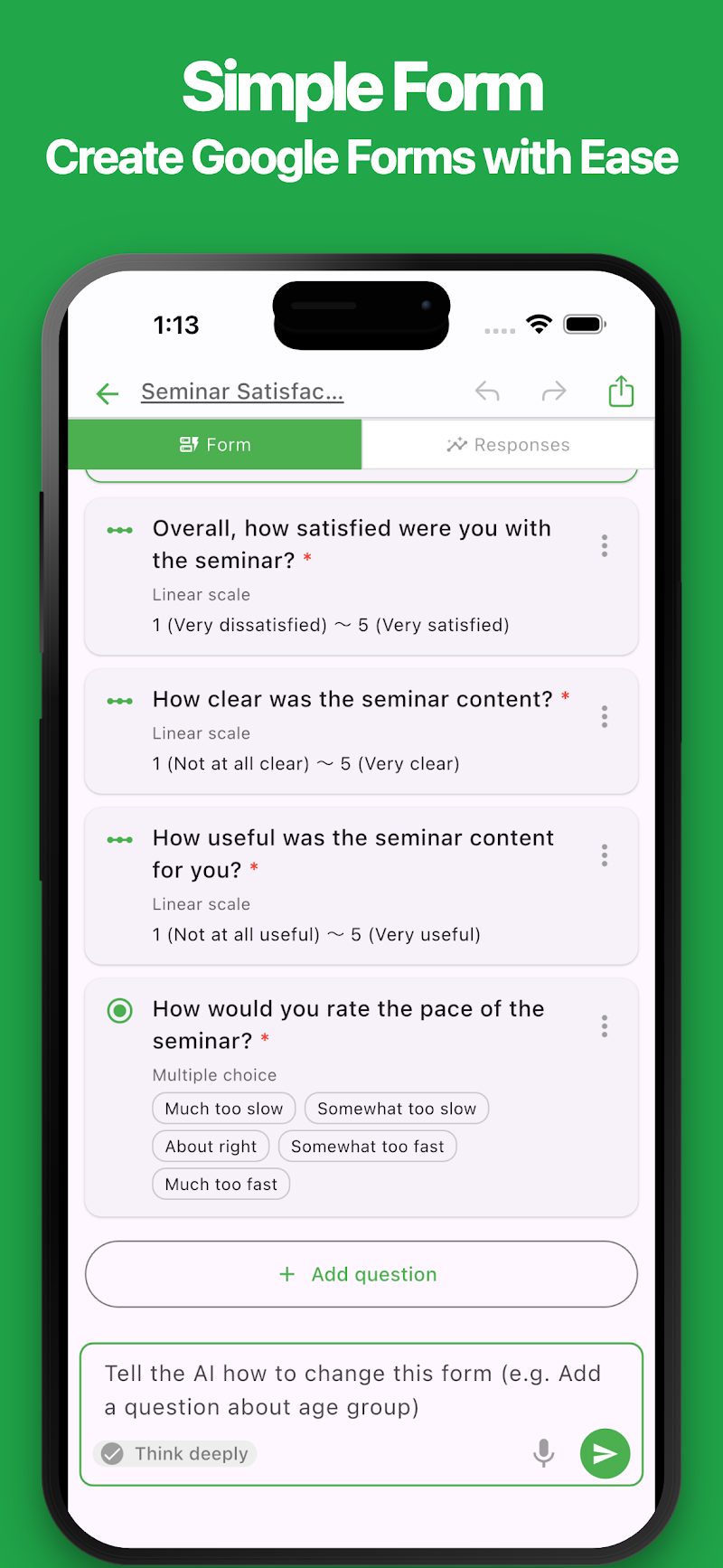
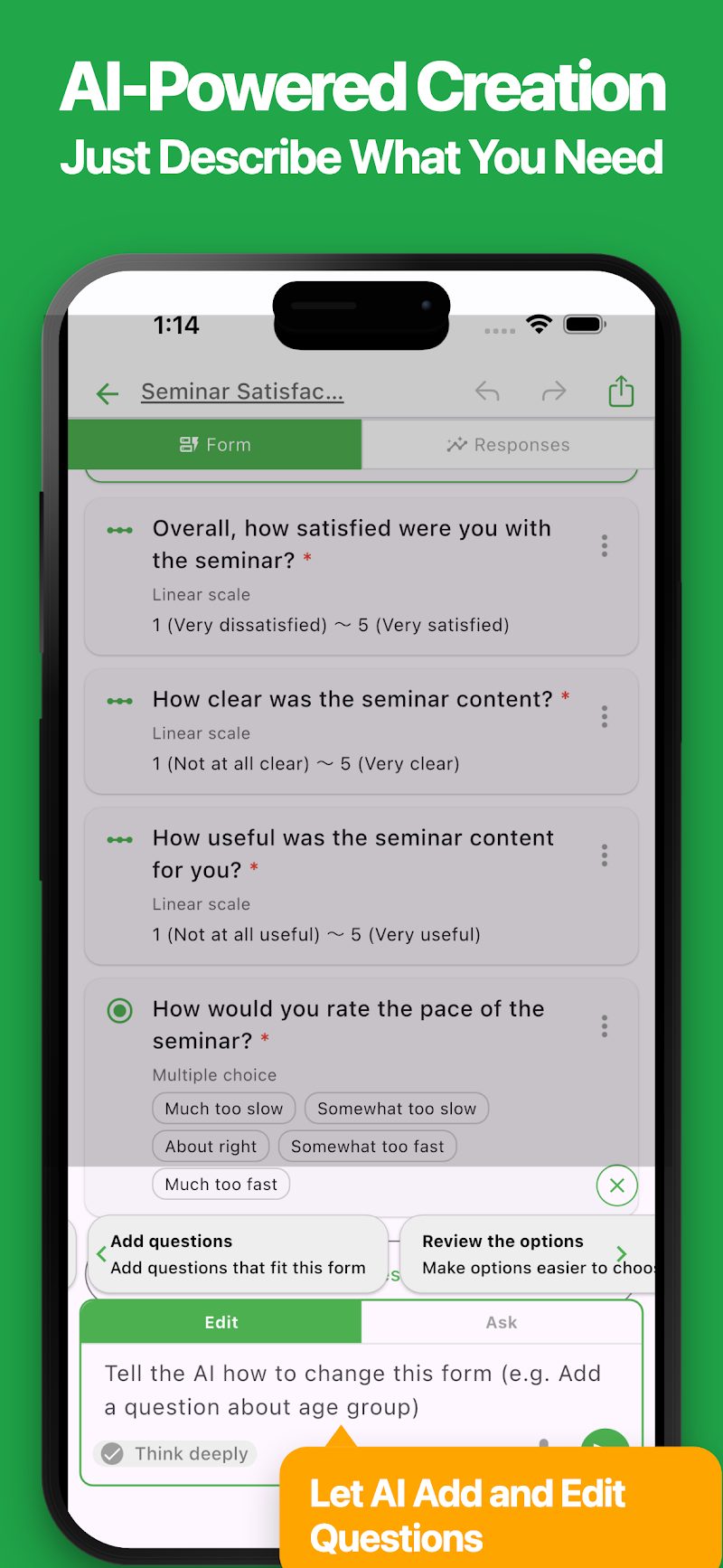
Circa sta app
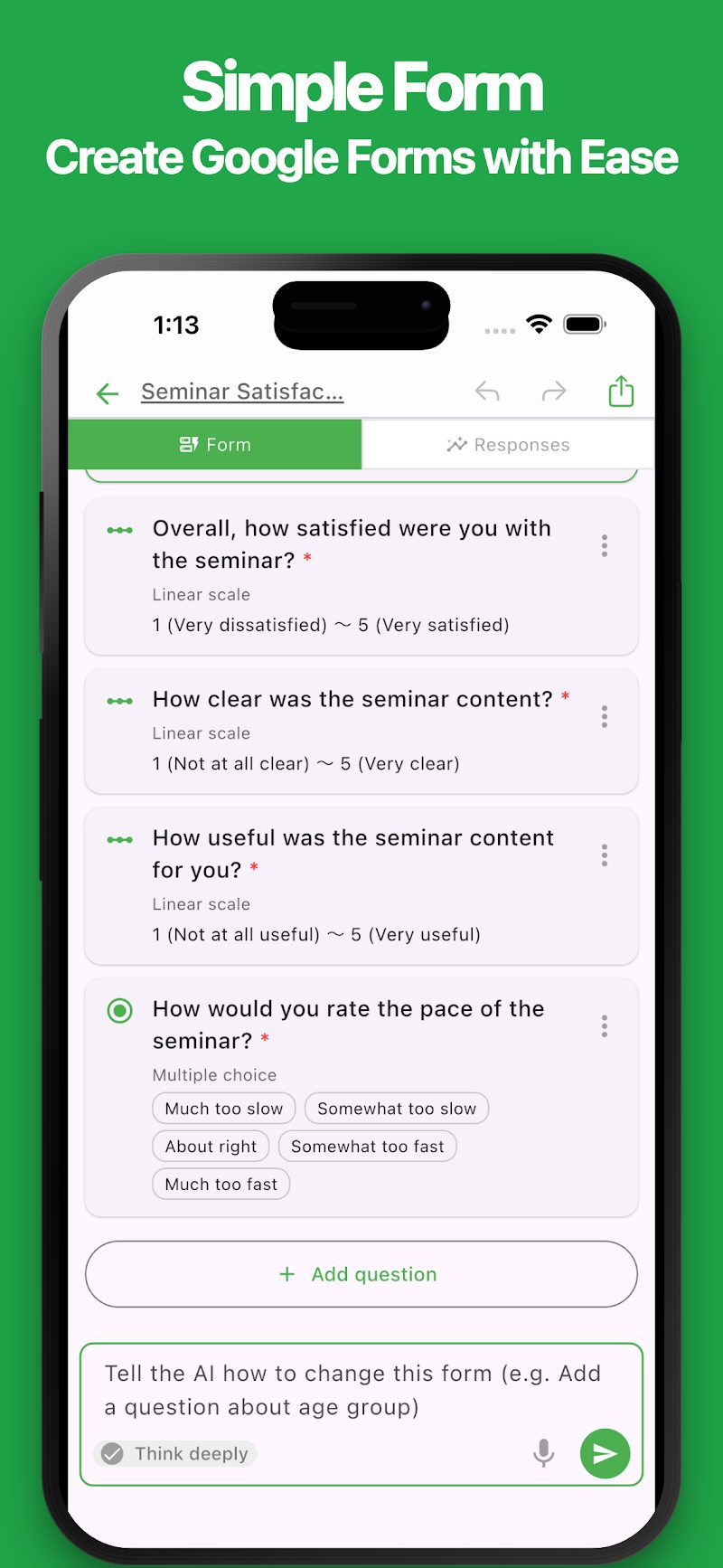
Create and edit Google Forms easily, right from your phone.
With a simple and intuitive interface, you can create surveys, registration forms, and many other types of forms.
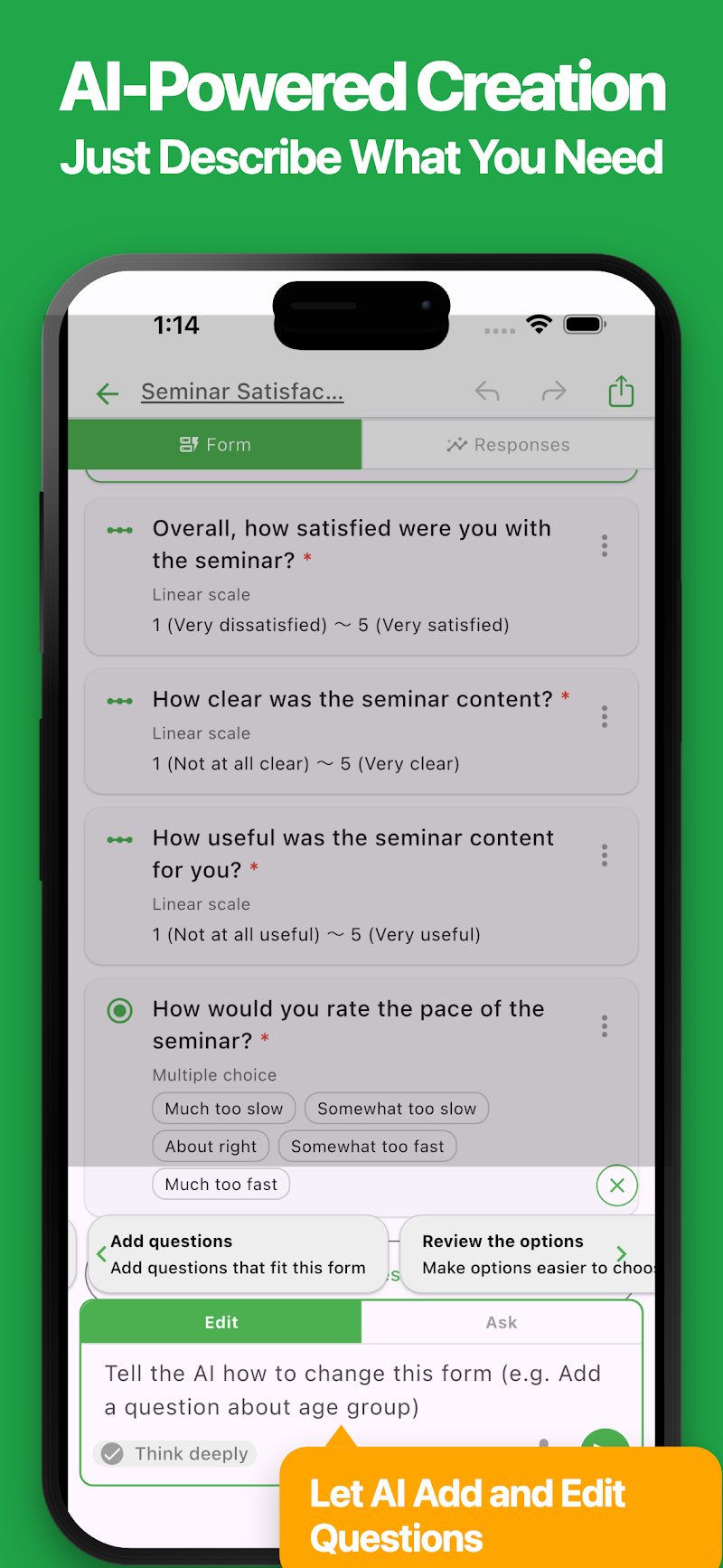
AI makes form creation even easier. Just describe what you need, and AI will automatically generate questions for you. You can also ask AI to edit your existing forms.
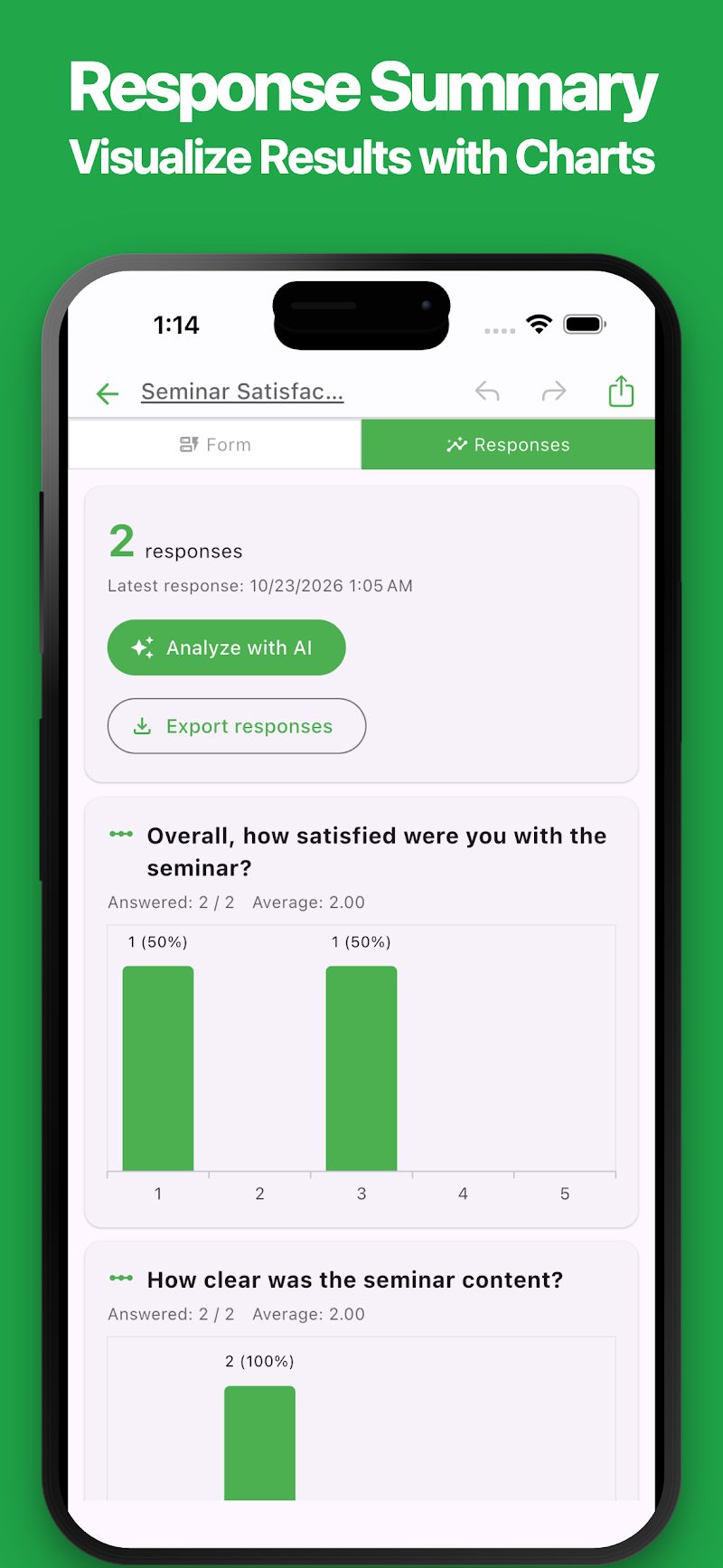
Collected responses are automatically summarized in easy-to-read charts. AI can also analyze responses to uncover trends and suggest ideas for improvement.
Perfect for a variety of uses:
- Creating surveys
- Customer satisfaction surveys
- Event registrations
- Attendance tracking
- Contact and inquiry forms
- Booking and registration forms
- Classroom activities and student reflections
- Employee surveys
- Collecting opinions and feedback
From quick surveys to more detailed research, this app can be used for a wide range of purposes.
If you're looking for an easier way to create and manage Google Forms, give it a try.
Features
・Simple and Intuitive
Create Google Forms easily with a clean, user-friendly interface. Add, edit, and rearrange questions with intuitive controls.
・AI Form Generation
Simply describe the form you want to create, and AI will automatically generate questions and answer options. You can also paste notes or text to create a form based on the content.
・AI Form Editing
Tell AI what you want to change, such as "Add a question" or "Change the answer options." Save time by letting AI handle edits instead of making every change manually.
・Various Question Types
Supports short answers, paragraphs, multiple choice, checkboxes, dropdowns, linear scales, dates, times, and more. You can also mark questions as required and organize your form into sections.
・Response Summaries
Automatically summarize collected responses and display the results in easy-to-read charts. View response counts, percentages, and average ratings at a glance.
・AI Response Analysis
AI analyzes collected responses to identify overall trends and summarize open-ended answers. Discover patterns and get suggestions for improvement. You can also ask follow-up questions about the analysis results.
・Form Preview
Preview your form from the respondent's perspective. Check questions and test the response experience before publishing.
・Easy Sharing
Copy and share links to your forms with ease. You can also control whether your forms are published and accepting responses.
・Google Forms Integration
Forms you create are saved to Google Drive. You can also view and edit them directly in Google Forms using your browser. Changes made in the app are reflected in Google Forms.
・Export Responses
Export collected responses in Excel or CSV format. You can also save response summaries in Markdown format, making it easy to use your data for different purposes.
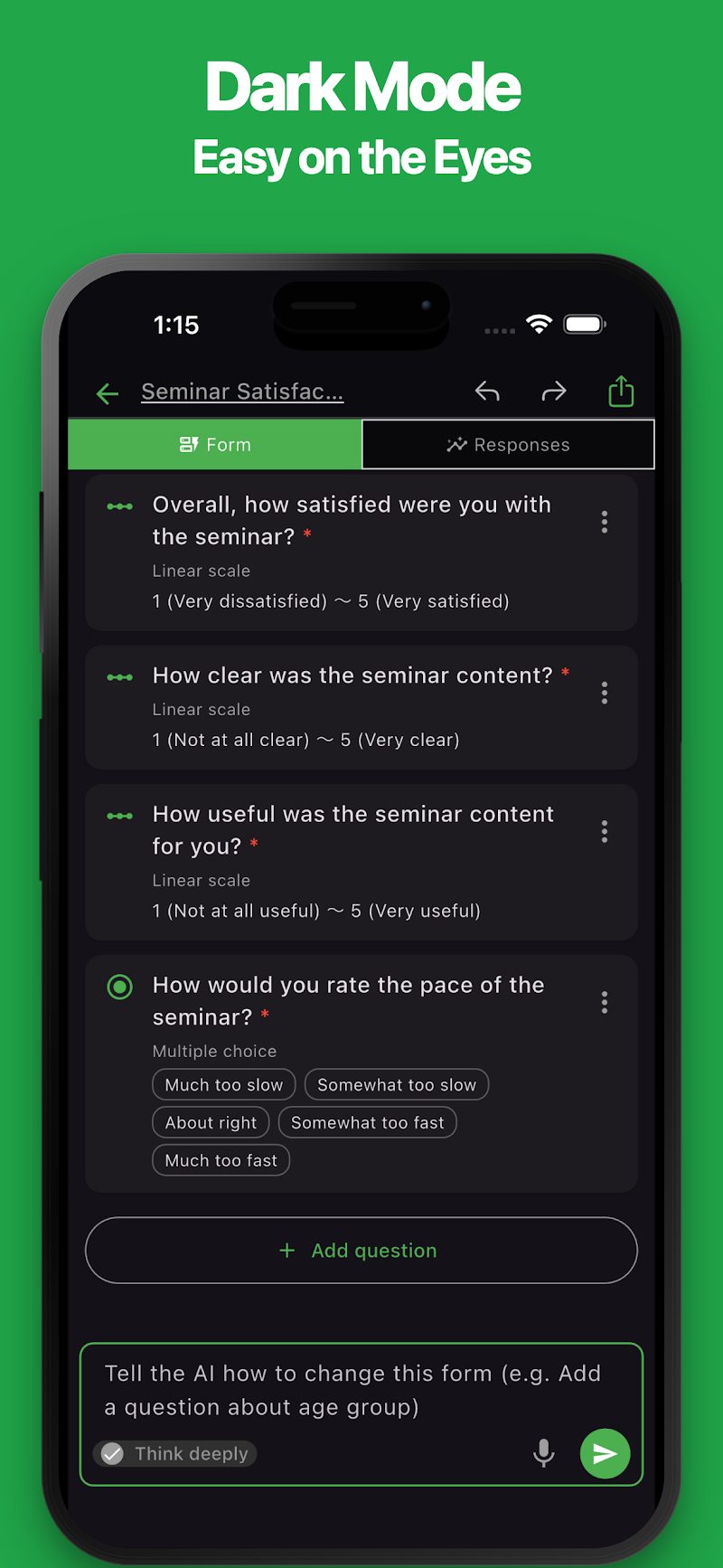
・Dark Mode
Supports dark mode for a comfortable experience, even at night.
Ultime News
Apps Related
Truvate una app chì si adatta à ciò chì vulete fà dopu.


Più Apps

Simple Newspaper Maker
Templates, Easy Design & Print

Carta à timbri / Carta di fideltà
Cuncepite è stampate carte per magazini

iOgni - Note d'abitudine di ogni ghjornu
Segui l'umore, a salute, i medicazione, i bevande, u studiu, l'entrenamentu è l'abitudini di ogni ghjornu

Album di foto simplice
Crea, Presentazione è PDF, Stampa

# Simple Trip Planner
Pianificate viaghji è create itinerarii

HTML Slide AI
Crea diapositive liberamente cù HTML

ReqSpec AI: Gestisce e Specifiche
Crea è gestisce facilmente e esigenze è e specificazioni.

Simple Rust
Editore / Ambiente d'esecuzione Rust

Simple Document: Editore faciule
Create è mudificate ducumenti facilmente

# Simple POS
Incassu è vendite per evenimenti
Domande Frequenti
Per aiutu cù l'usu di l'applicazioni, l'acquistu è e dumande cumuni, visitate e nostre FAQ.
Leghjite a FAQSi apre in una nova tabulazione
Feedback è Richieste
Sè avete feedback o dumande nantu à sta app, per piacè cuntattateci cù u furmulariu sottu.
Aprite u furmulariu di feedback