What is mind mapping? Visualizing thoughts with radiant thinking
Mind mapping is a visual note-taking and thinking technique that places a central concept in the middle and radiates branches outward with related ideas, words, and concepts.
Unlike conventional notes written linearly from top to bottom, mind mapping mirrors the brain's natural associative thinking process—radiant thinking—unlocking creativity, memory retention, and deeper comprehension.
Radiant association
Ideas expand outward naturally from a central topic, sparking creative associations without linear constraints.
Visual clarity
Branches and colors create a visual hierarchy that makes the big picture and relationships clear at a glance.
Comprehension and recall
Condensing concepts into keywords paired with visual structure strengthens memory retention and understanding.
The origins: Tony Buzan and radiant thinking
Mind mapping was formalized in the late 1960s and early 1970s by British author and educational consultant Tony Buzan.
Inspired by the notebooks of great thinkers like Leonardo da Vinci and Albert Einstein, Buzan sought a better way to study and remember vast amounts of information, challenging traditional monochromatic, linear note-taking.
The method gained global recognition after the 1974 BBC television series Use Your Head, establishing itself as a worldwide standard for brainstorming, studying, and project planning.
Evolution of tools: from paper and colored pens to software and the cloud
As mind mapping spread worldwide, the tools used to create them evolved across distinct eras.
Hand-drawn paper and colored pens
The original approach used unlined paper and colored pens. While intuitive and creatively stimulating, paper maps could not easily be rearranged, expanded, or carried digitally.
Desktop software era
In the late 1990s and 2000s, software like MindManager, FreeMind, and XMind digitized mind mapping, bringing drag-and-drop rearrangement, folding branches, and infinite canvas space to computers.
Cloud collaboration era
Web-based collaborative tools later enabled real-time co-editing in browsers, allowing remote teams to brainstorm and organize projects simultaneously on a shared canvas.
The smartphone challenge: limits of the radial canvas
With the rise of smartphones, many mobile mind-mapping apps appeared. However, many users found them surprisingly difficult to use consistently on mobile devices.
The fundamental challenge lies in the mismatch between a narrow, vertical phone screen and a 360-degree radial canvas. Spreading branches in all directions quickly exceeds the screen boundaries, forcing constant zooming and panning.
Radial layouts on mobile: zooming in hides the overall structure, while zooming out makes text unreadable.
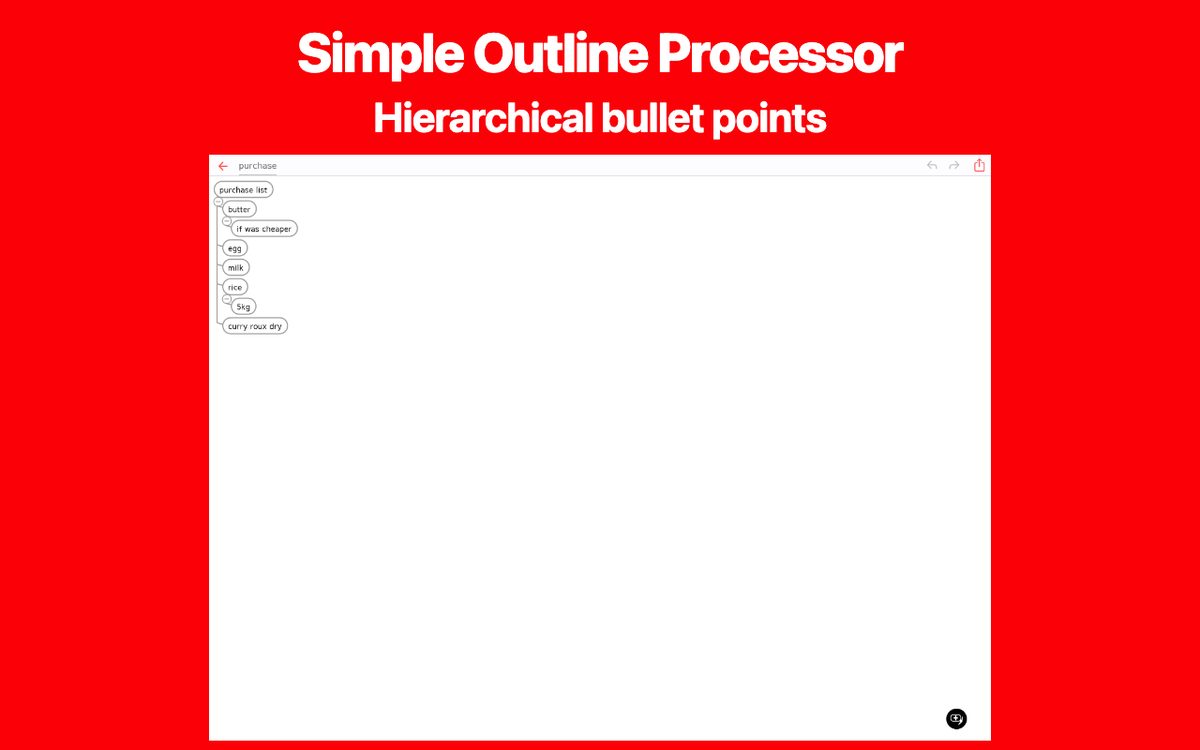
Vertical hierarchy: scrolls smoothly with one thumb while keeping topics readable and organized.
Frequent pinching and scrolling introduces cognitive friction that interrupts your train of thought.
The core essence: tree structure and concise keywords
When organizing ideas, is it truly essential to draw colorful illustrations or spread branches in all 360 degrees?
The true value of mind mapping comes down to two foundational principles: structuring information clearly into hierarchical topics, and capturing thoughts in keywords rather than long sentences.
Clear tree hierarchy
Organizing information into parent-child relationships—such as whole to part, goal to means, or category to detail—keeps complex ideas logically structured.
Keywords over sentences
Summarizing thoughts into concise keywords rather than lengthy prose reduces cognitive load and accelerates new associations.
Topic-by-topic grouping
Grouping concepts into distinct topics lets you focus deeply on one branch at a time without losing sight of the broader context.
Bullets Mind: bringing mind map structuring to vertical outlines
To bring the core essence of mind mapping to mobile devices without the frustration of radial navigation, we created Bullets Mind.
Bullets Mind combines the structuring power of mind mapping with the speed and mobile-friendly usability of an outline processor. It offers a vertical mind map that fits naturally on a smartphone screen.
Alongside native apps on iOS and Android, a web version is available directly in your browser at bullets-mind.tanaike.jp.
Vertical tree layout
Instead of spreading awkwardly across a canvas, branches extend downward in a structured outline, letting you navigate your thoughts with smooth vertical scrolling.
Fast keyword input and reordering
Capture ideas as keywords and quickly indent, outdent, or drag and drop topics to build out your tree structure.
Detailed notes for each topic
Keep your main outline concise with keywords, while attaching in-depth sentences, explanations, and links inside dedicated topic notes.
Instant startup and multi-device sync
Start organizing immediately with no account required, and seamlessly synchronize your outlines across devices via Google Drive.
Organize ideas simply with Bullets Mind
Bullets Mind brings mind map structuring to a clean vertical outline on mobile and the web. Explore its features on the app page.